October 11, 2026
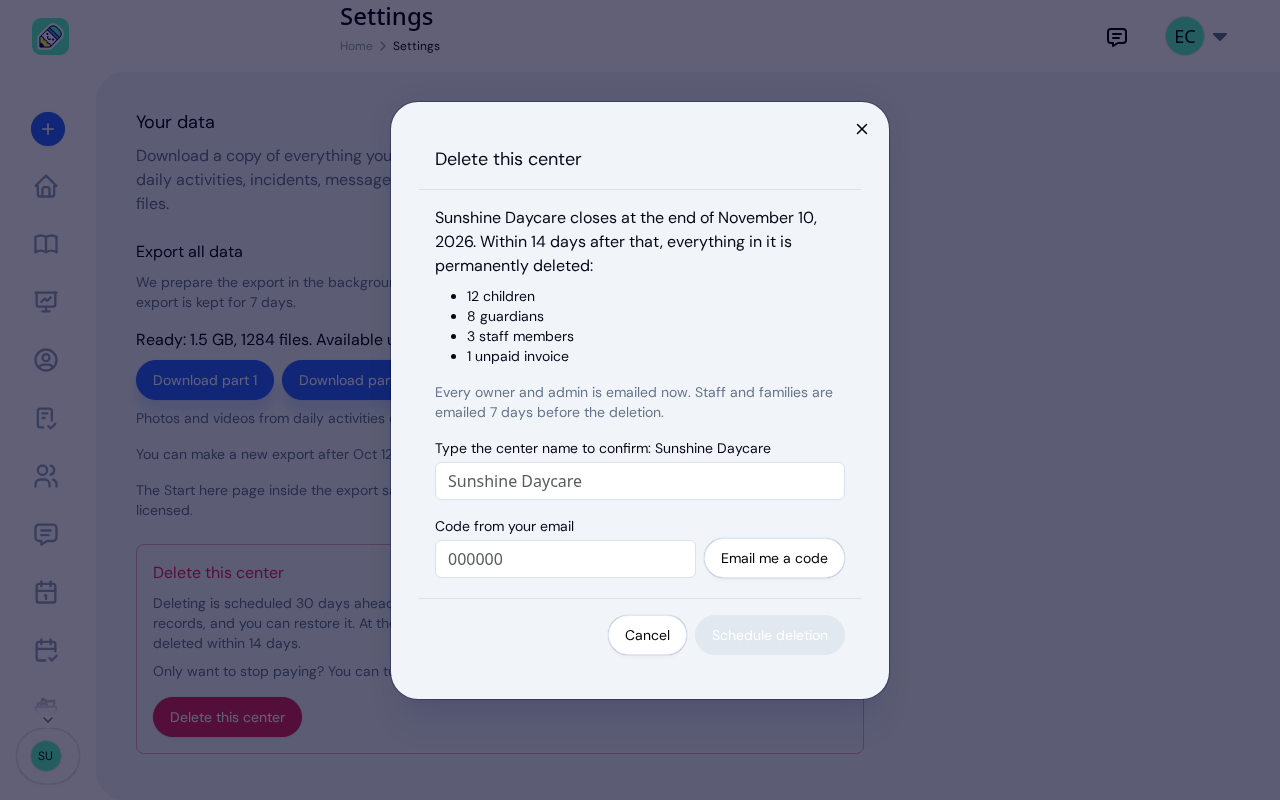
New: Delete Your Center From Settings
Owners can schedule their center's deletion from Settings, keep a full copy of their records, and restore the center any time in the 30 days before it closes.
New features, improvements, and announcements from KidzLog. Read our guides and articles →
Owners can schedule their center's deletion from Settings, keep a full copy of their records, and restore the center any time in the 30 days before it closes.
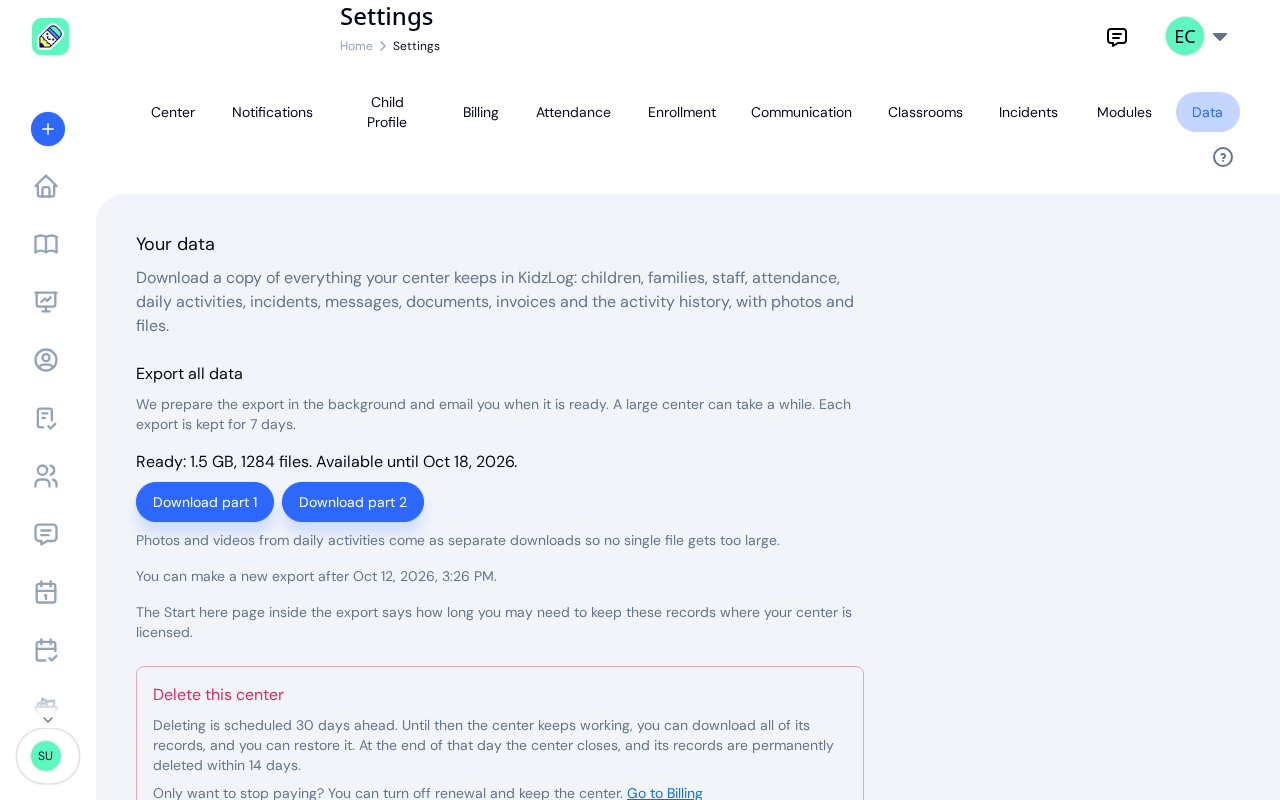
Owners can now download everything their center keeps in KidzLog: records as spreadsheets, documents, signatures, photos and readable child and incident pages.
Reopen and correct an approved incident report, choose when parents get the email, send families a note on declined applications, and print full child records.
Families apply from your center's own page, parents complete a whole PDF on their own device, and the attendance report now shows every visit a child made.
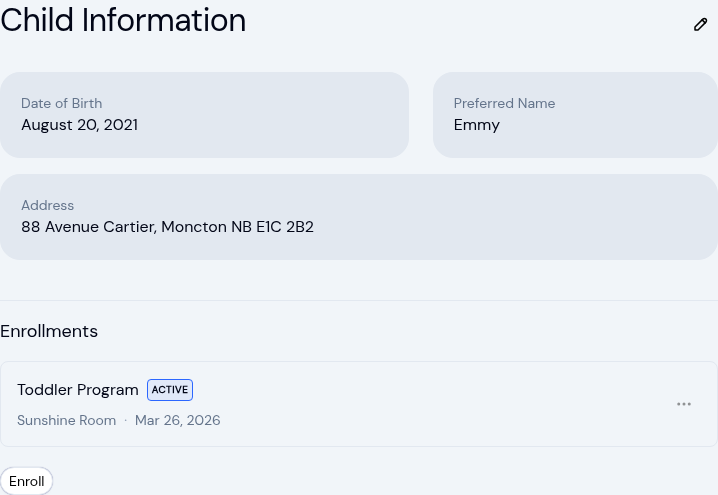
The child record now holds the child's own address and their health care provider. Both show on the profile, in Health Information, and on the exported file.
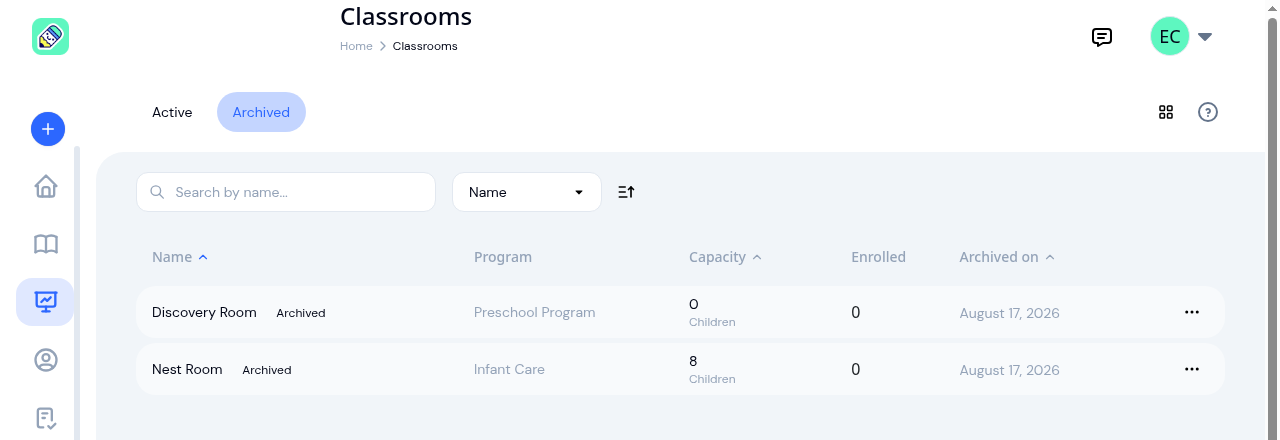
Finished with a room after reenrollment? Archive it. The room leaves your dashboard, dropdowns and report filters, and last year’s reports still name it.
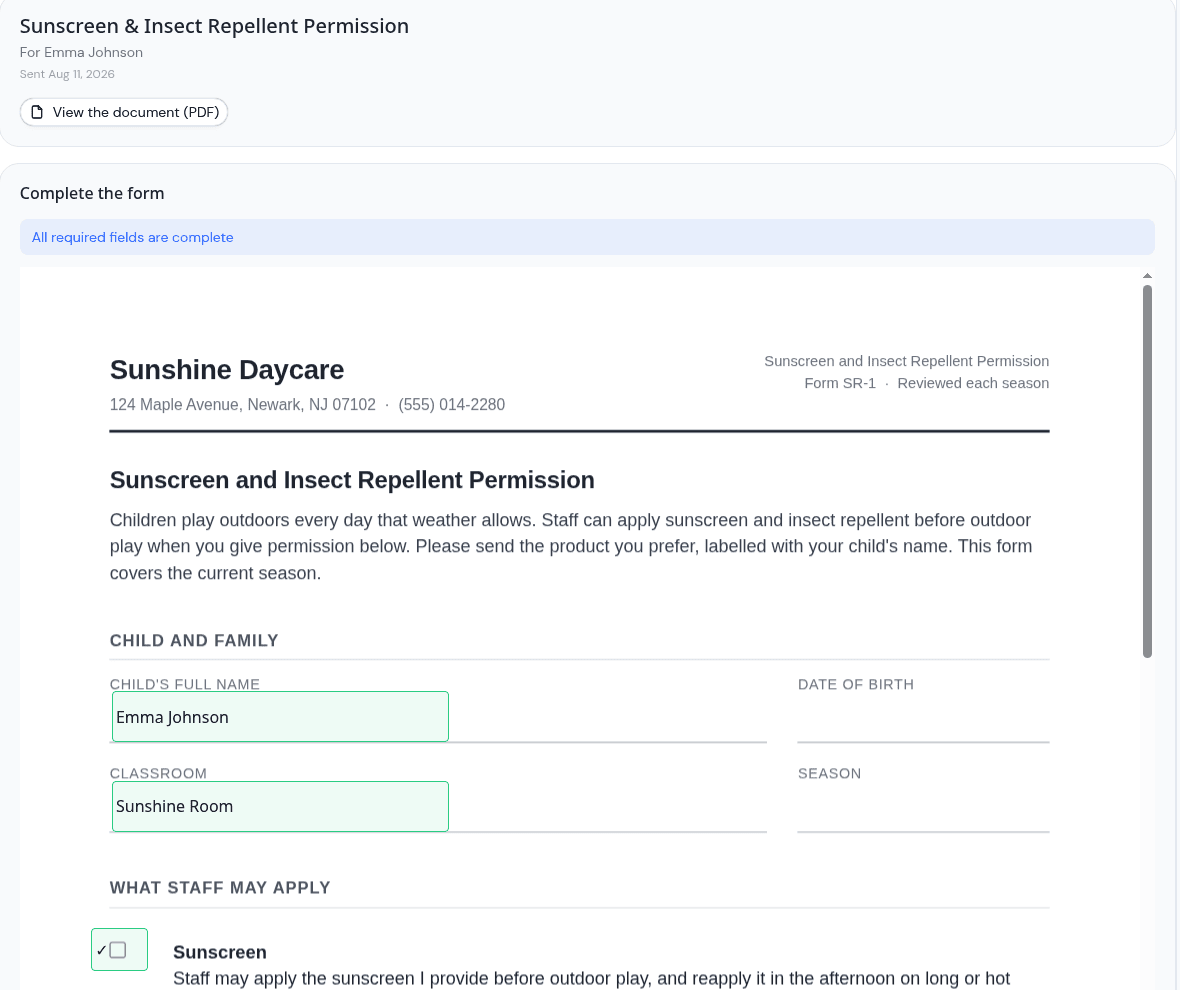
Place signature, date, text and checkbox fields anywhere on a PDF, and parents complete the whole form on their own device instead of signing a blank one.
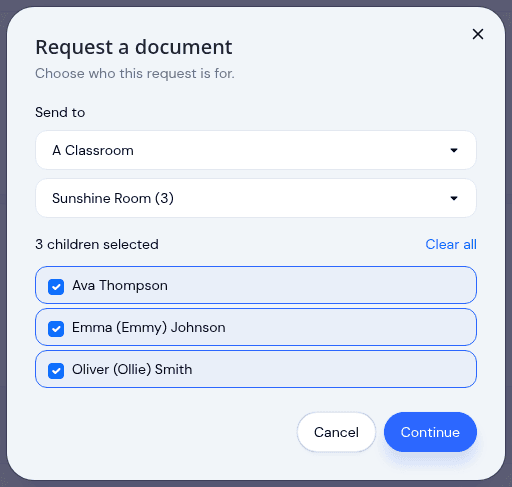
Pick a room instead of ticking twenty names, see exactly which children a request covers before it sends, and open any document to its own version history.
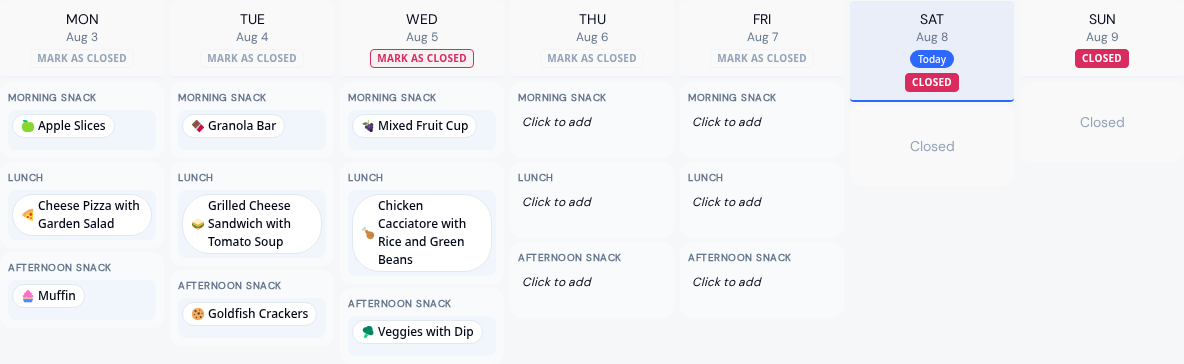
Run an infant menu alongside a center-wide one, plan a whole month before saving it, email families when it is ready, and record allergies from a set list.
Safe Arrival accounts for every child by your drop-off deadline, incident reports now use your state's own wording, and saved signatures work everywhere.
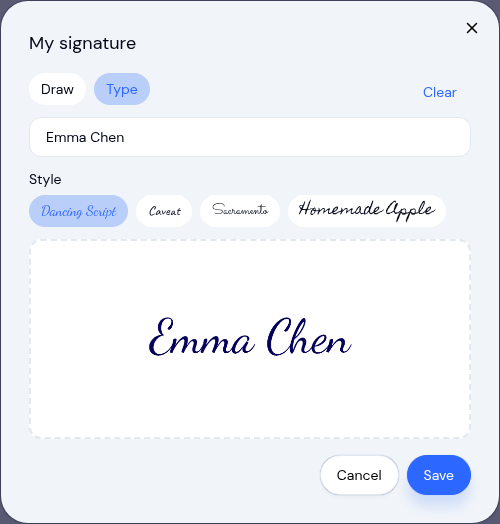
Every signature pad in KidzLog now lets you draw or type your name, and you can save one signature to reuse with a single tap whenever you sign as yourself.
Send documents for online signatures, offer QR check-in, file audit-ready incident reports, and review enrollment applications in KidzLog's June update.

A new Documents module lets you send forms for parents to sign, acknowledge, or upload, and auto-sends the enrollment packet when you approve an application.
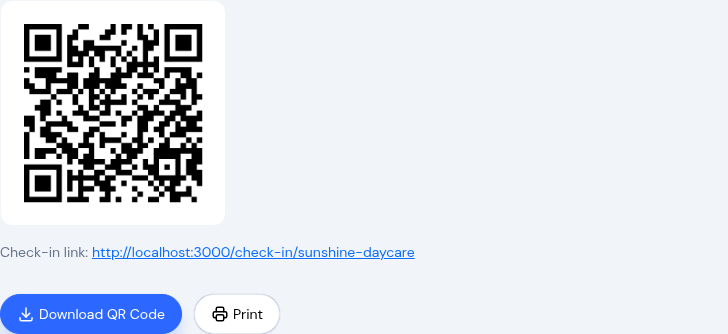
Post a QR code at your door and parents check in and out from their own phone. No app, no shared tablet, no morning line. Plus digital signatures.
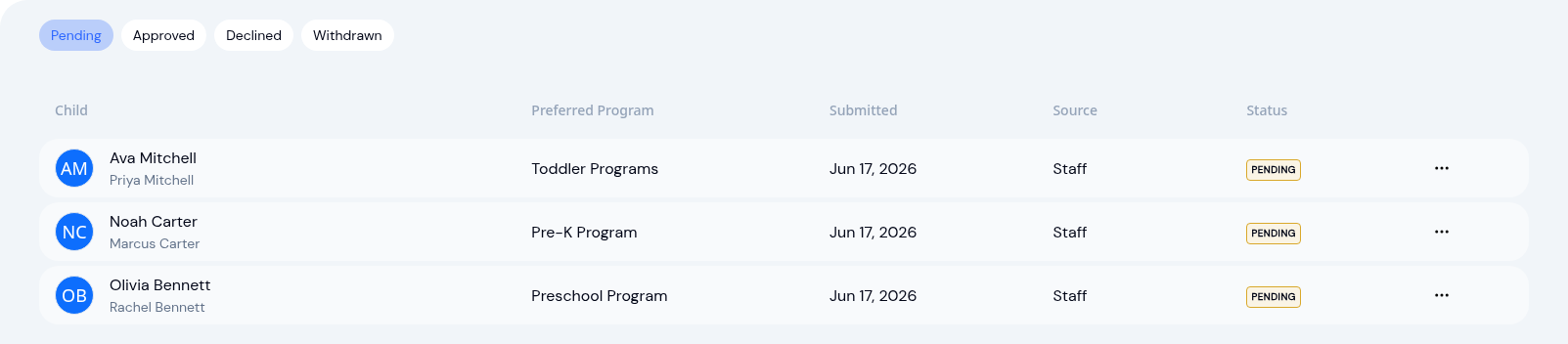
Track paper and phone enrollment requests in one place, add internal notes, then approve to create the child and enrollment in a single click.
May brings video on daily activity logs, a searchable Activity History of who changed what, expanded notifications, and automatic enrollment archiving.
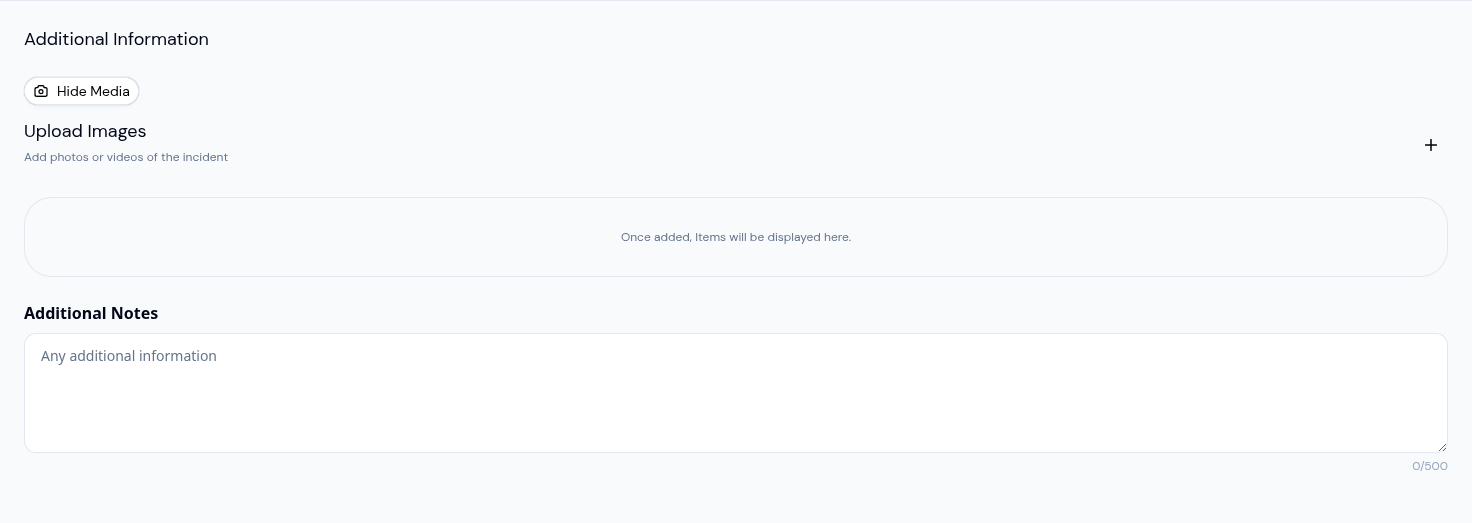
Capture a toddler trying a new food, a quiet nap, or the moment right after a playground bump. Video clips attach to any daily activity log in KidzLog.
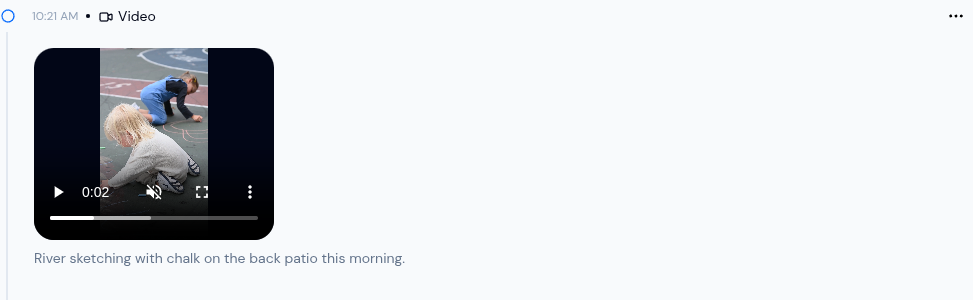
Video activities are live: upload or record clips up to 300MB, post multiple videos per activity, and let parents save them from the browser.
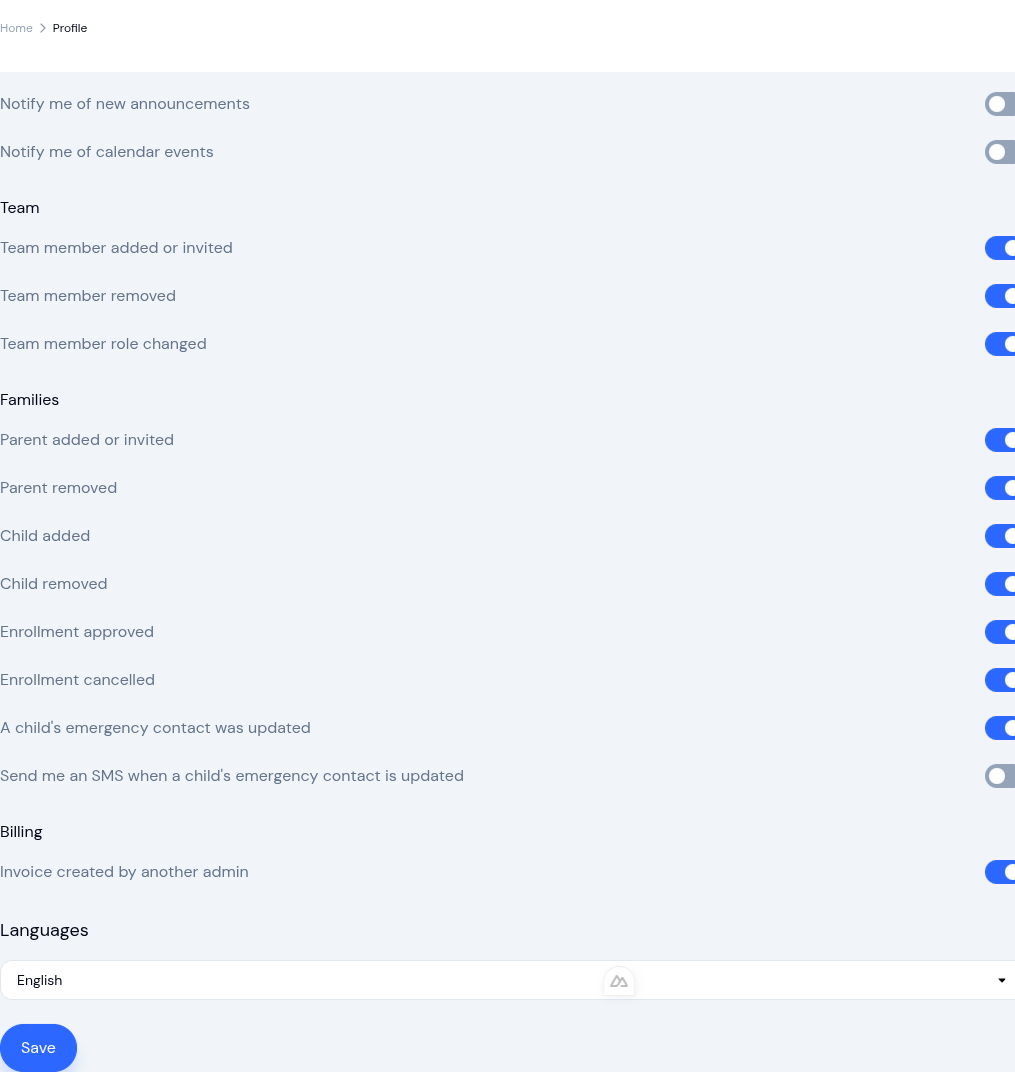
New email and text alerts for enrollment changes, classroom assignments, medical updates, and emergency contacts. Each person picks what they get.
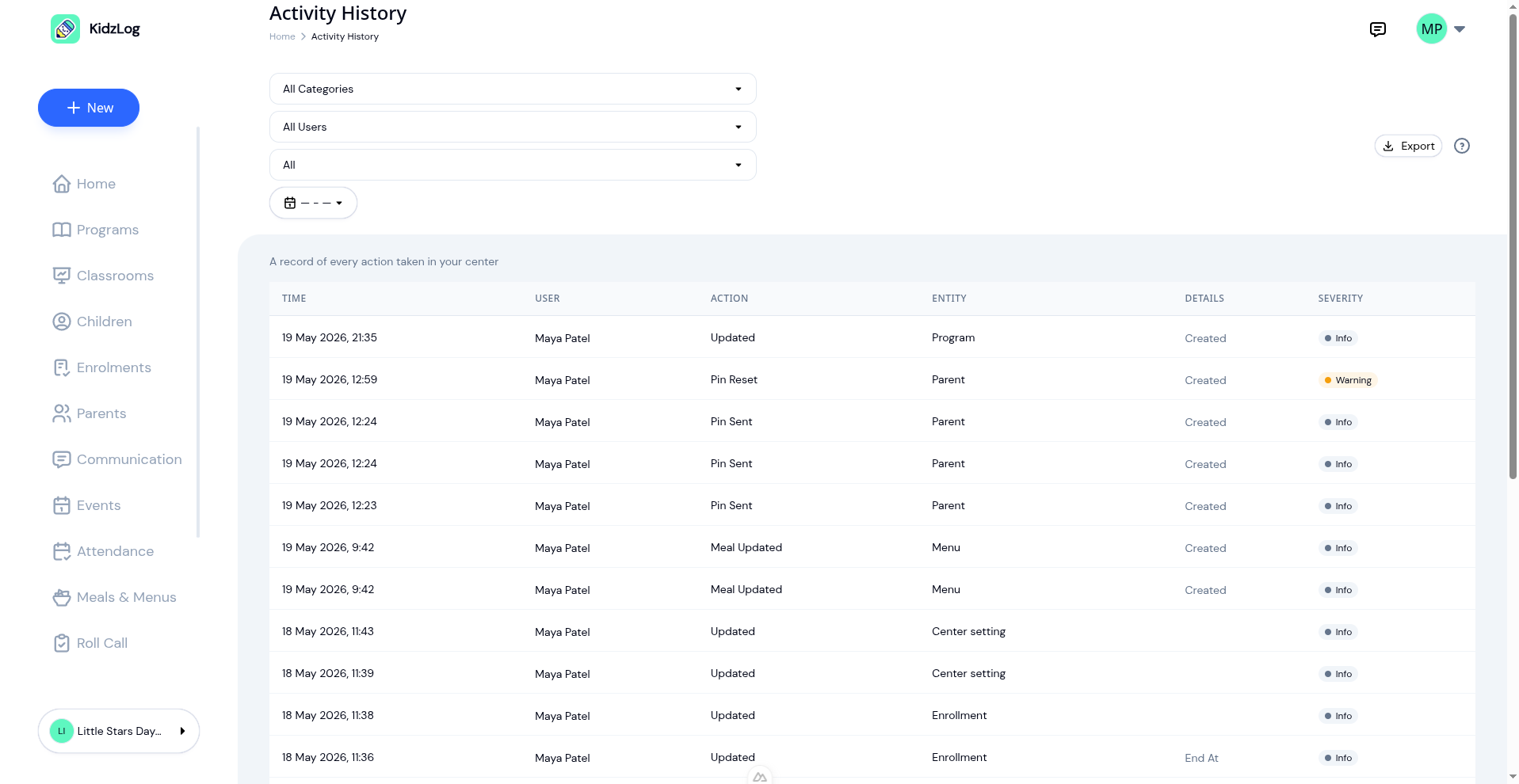
Activity History lands today: a searchable record of every account and attendance event in your center, with filters, Excel/CSV export, and a parent view.
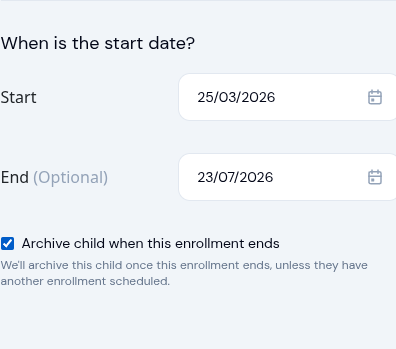
For fixed-term placements, tick a box at enrollment time and KidzLog archives the child when the enrollment ends, with safety checks built in.
Plan weekly menus with one-tap meal logging, automatic allergy alerts, archive entire classes, switch between centers, and display fees in local currency.
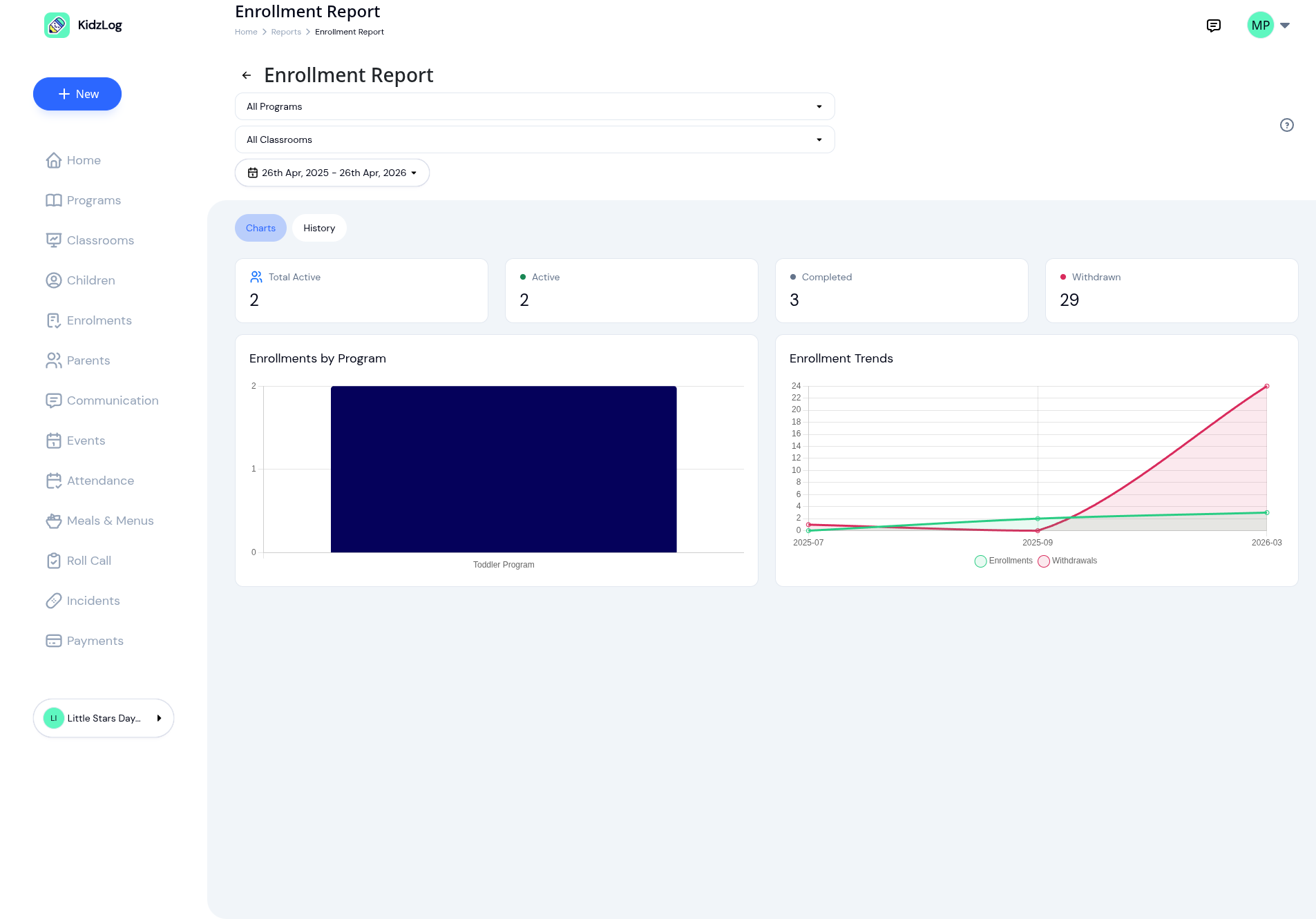
KidzLog enrollment reports now filter by program, classroom, and date range. The new History tab covers every status, with CSV, Excel, and PDF exports.
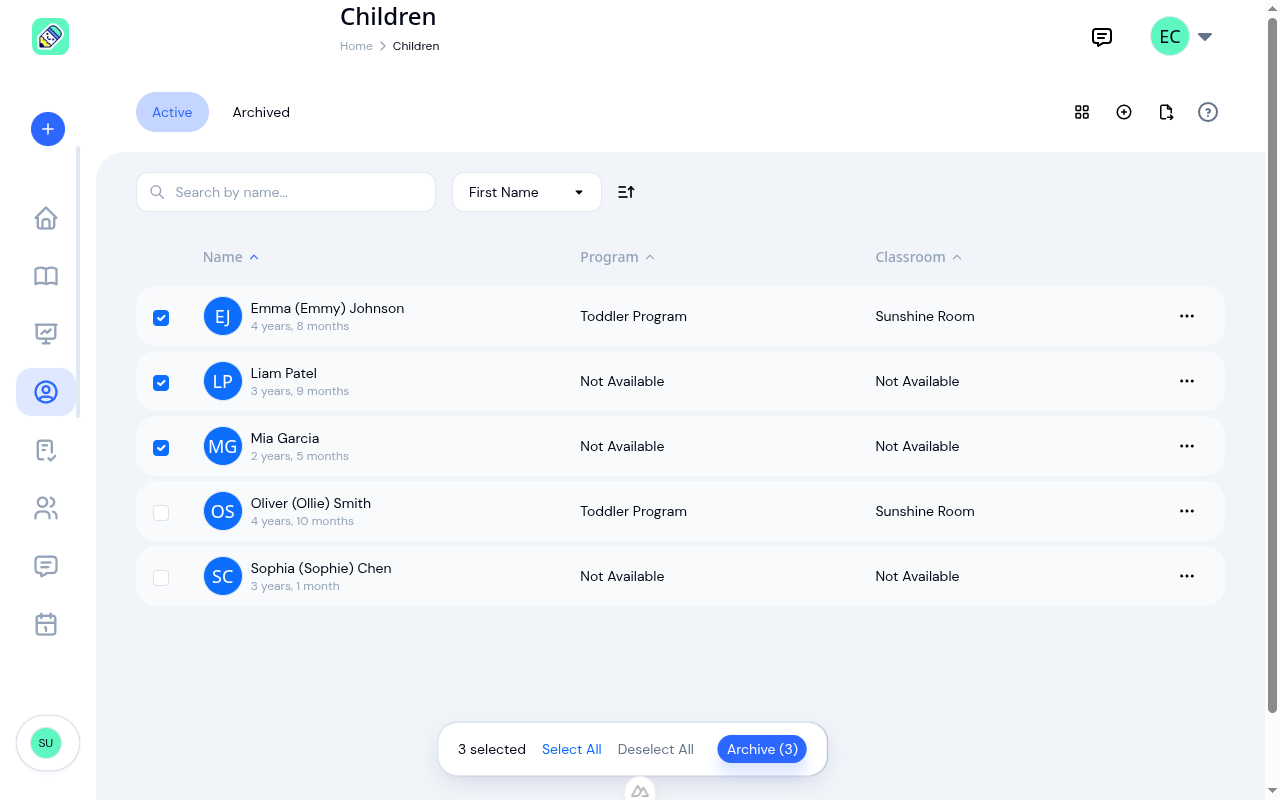
Graduating cohorts, summer transitions, returning groups: bulk archive and unarchive let you update dozens of children in one click instead of one-by-one.
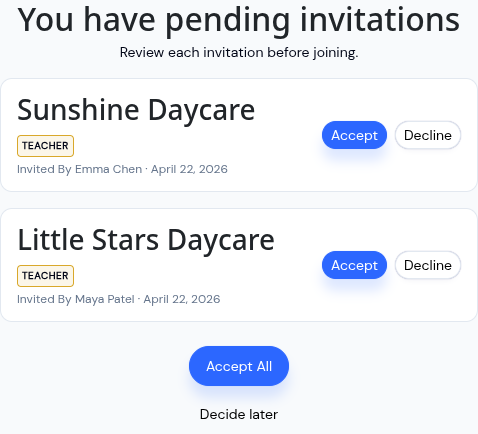
Pending center invitations now appear on a review screen after you log in. Accept, decline, or defer, so nobody is added silently.
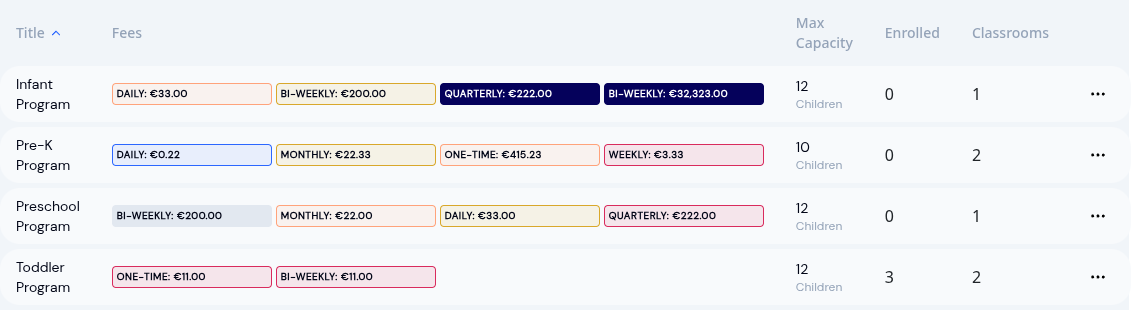
Pick any world currency for the fees and invoices your parents see. GBP, EUR, KES, AUD and more, available today.
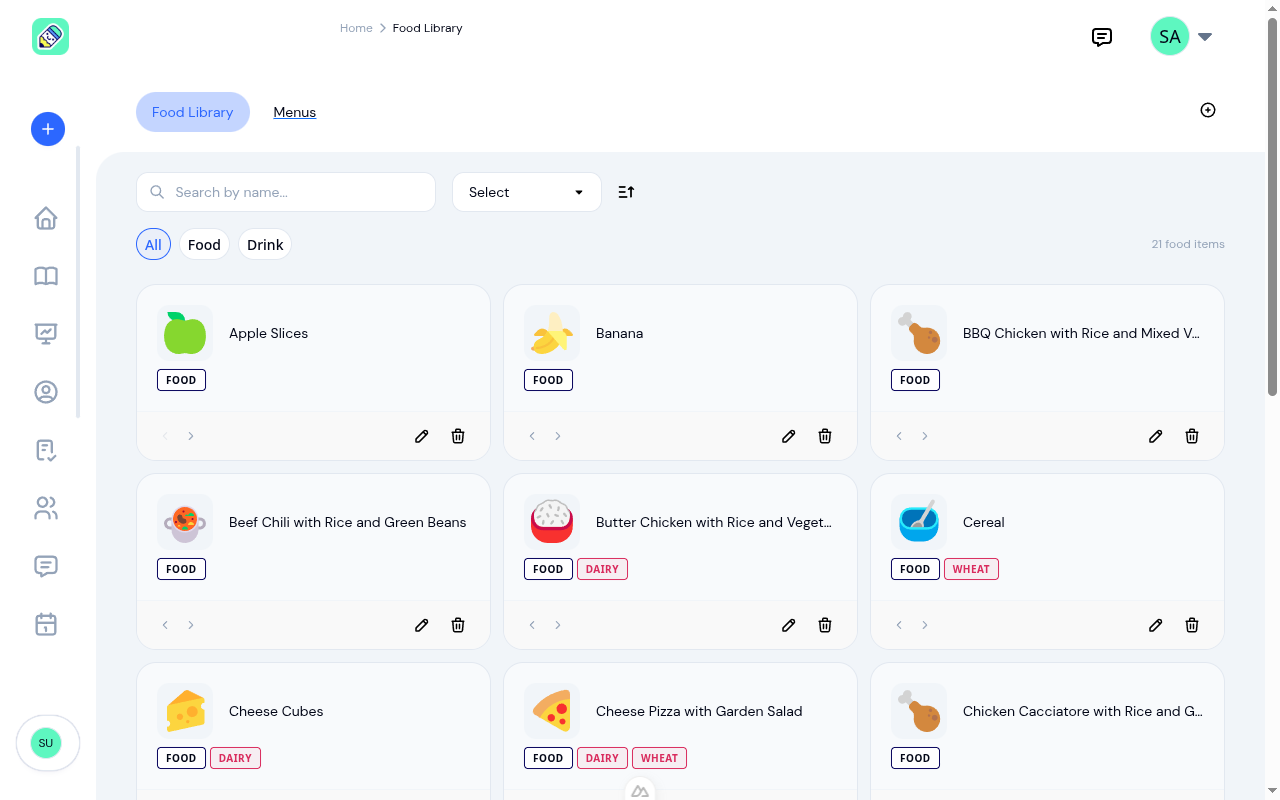
Build monthly menus, log meals in one tap from the planned menu, and get allergy warnings before food is served. Available as an optional module you switch on.
Reach parents by SMS, move children between programs in bulk, archive child profiles at graduation, and track attendance patterns with new reporting tools.
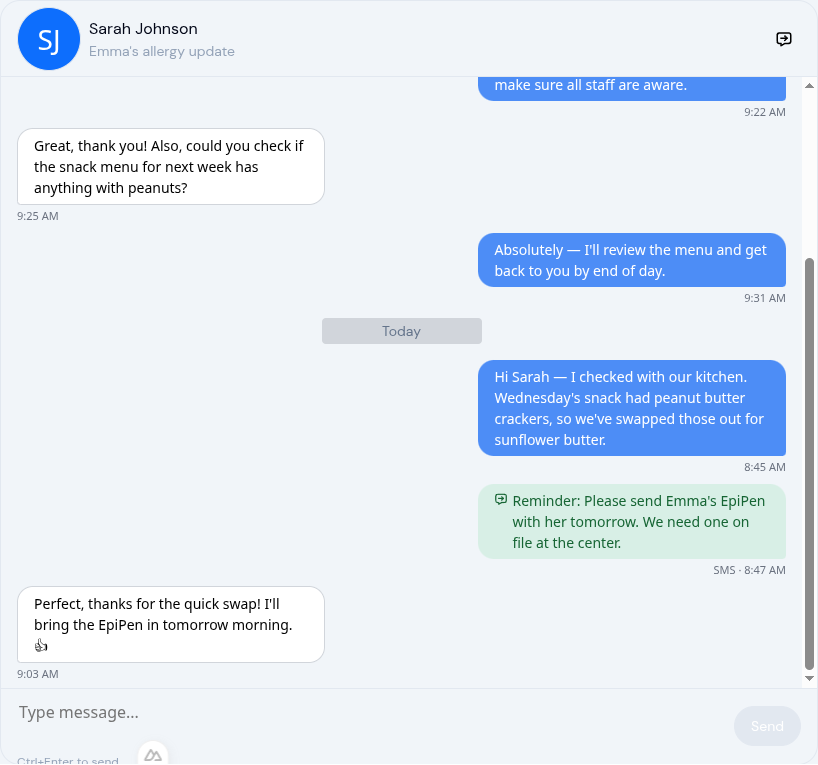
Announcements, conversations, and SMS now live under one Communication tab with tabbed navigation. Fewer clicks, faster outreach, zero context-switching.
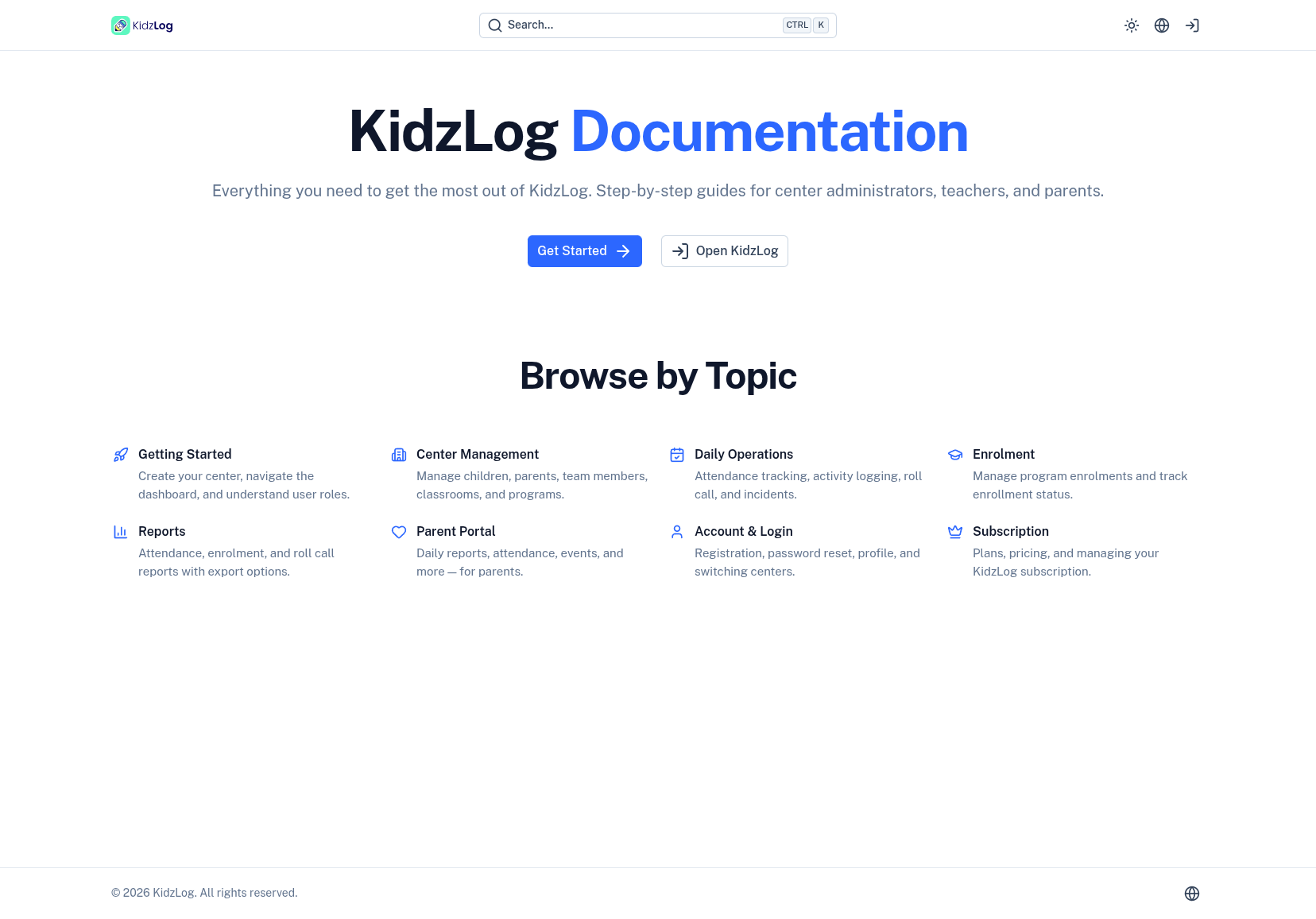
KidzLog documentation is live: searchable step-by-step guides for administrators, teachers, and parents, with contextual help links in the app.
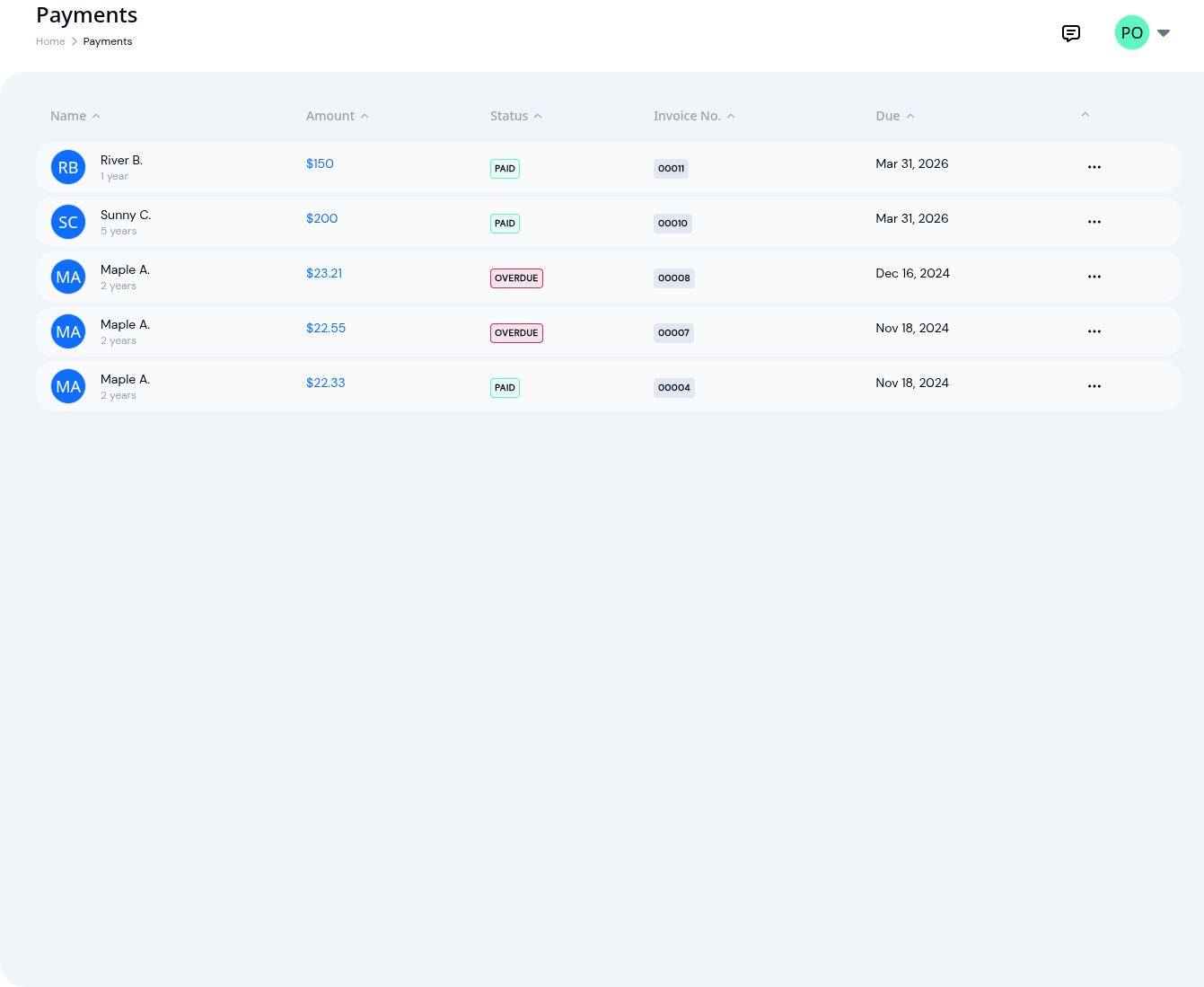
KidzLog invoicing now applies discounts correctly, flags overdue invoices automatically, sends payment receipts, and gives admins full billing access.
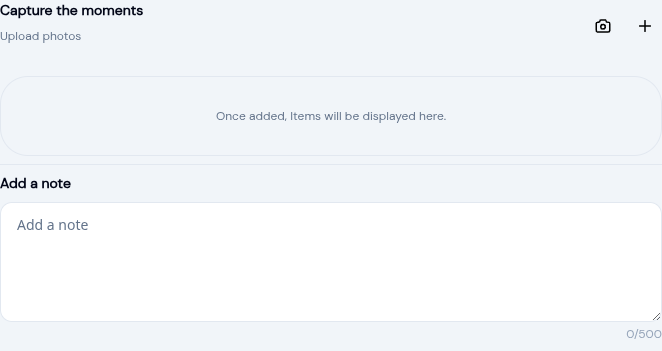
A new camera button in the activity form lets teachers capture photos on the spot. No app switching, no gallery hunting, one tap to attach.
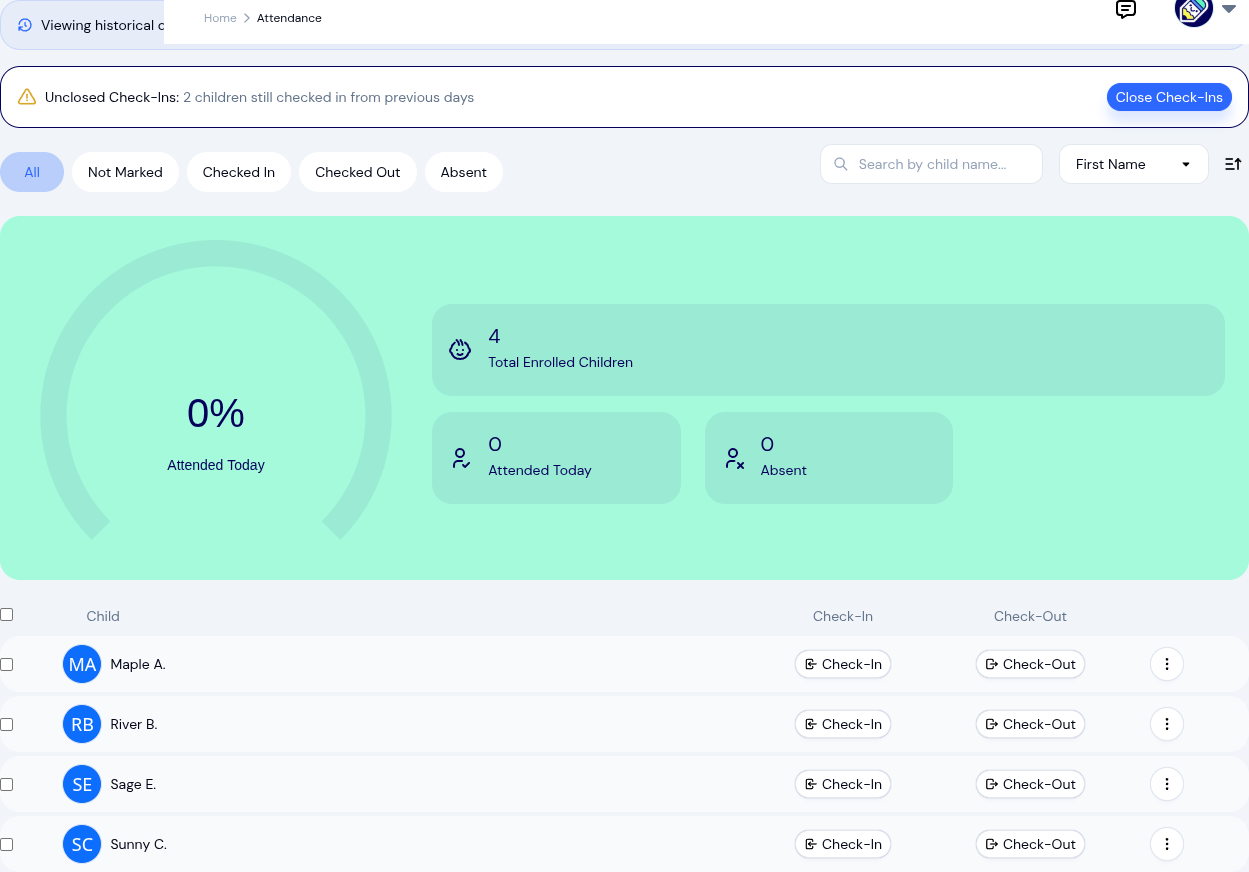
Navigate to any past day, correct attendance mistakes, fix auto-closed records, and delete errors, each with a documented reason and audit trail.
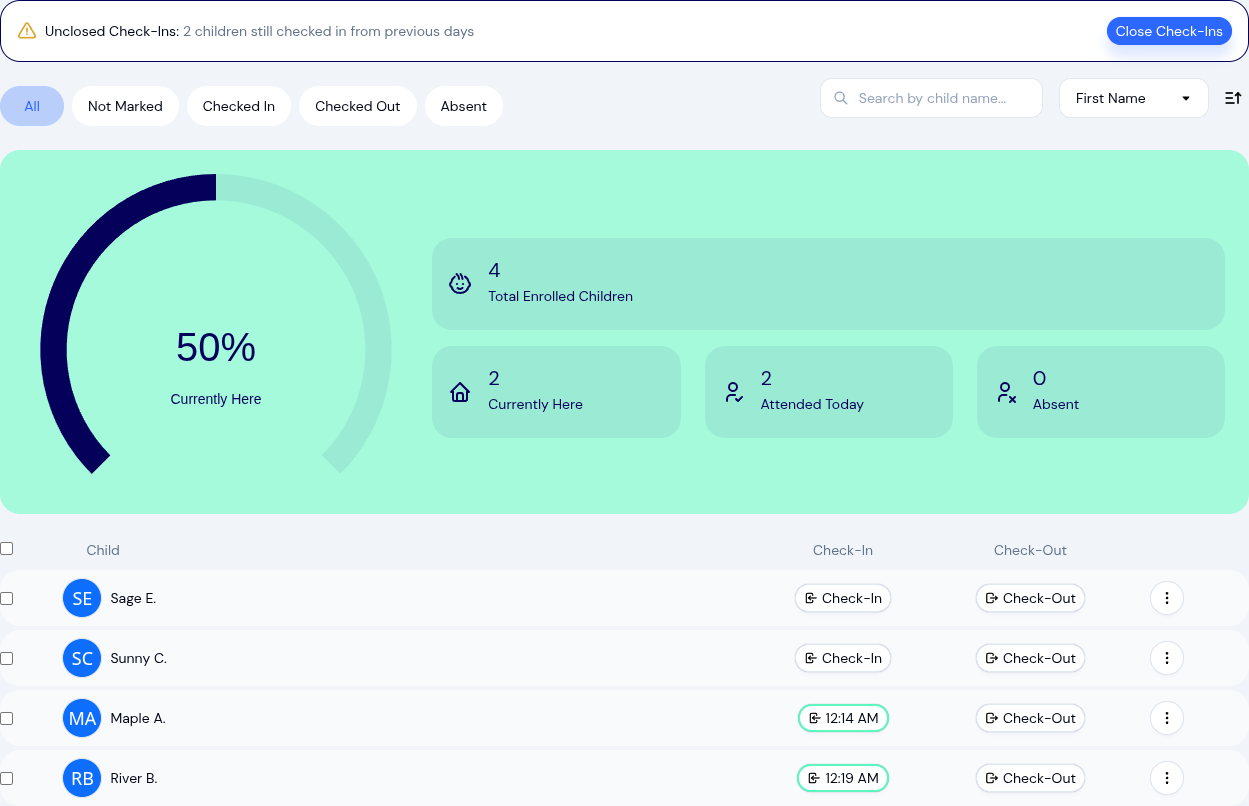
A faster way to handle attendance: one-tap check-ins, bulk actions, kiosk mode, and health screening.
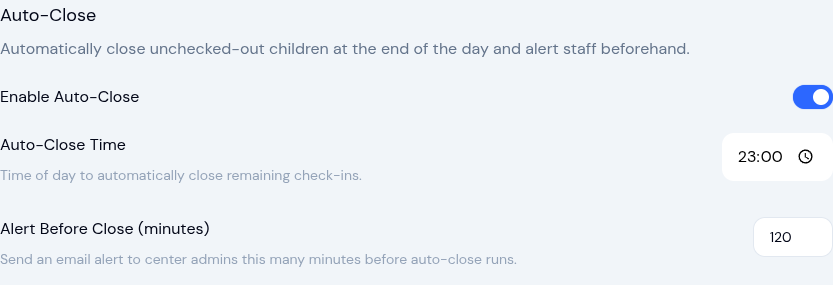
Two automation settings save time: automatically close forgotten check-outs and complete expired enrollments, with full control over both.
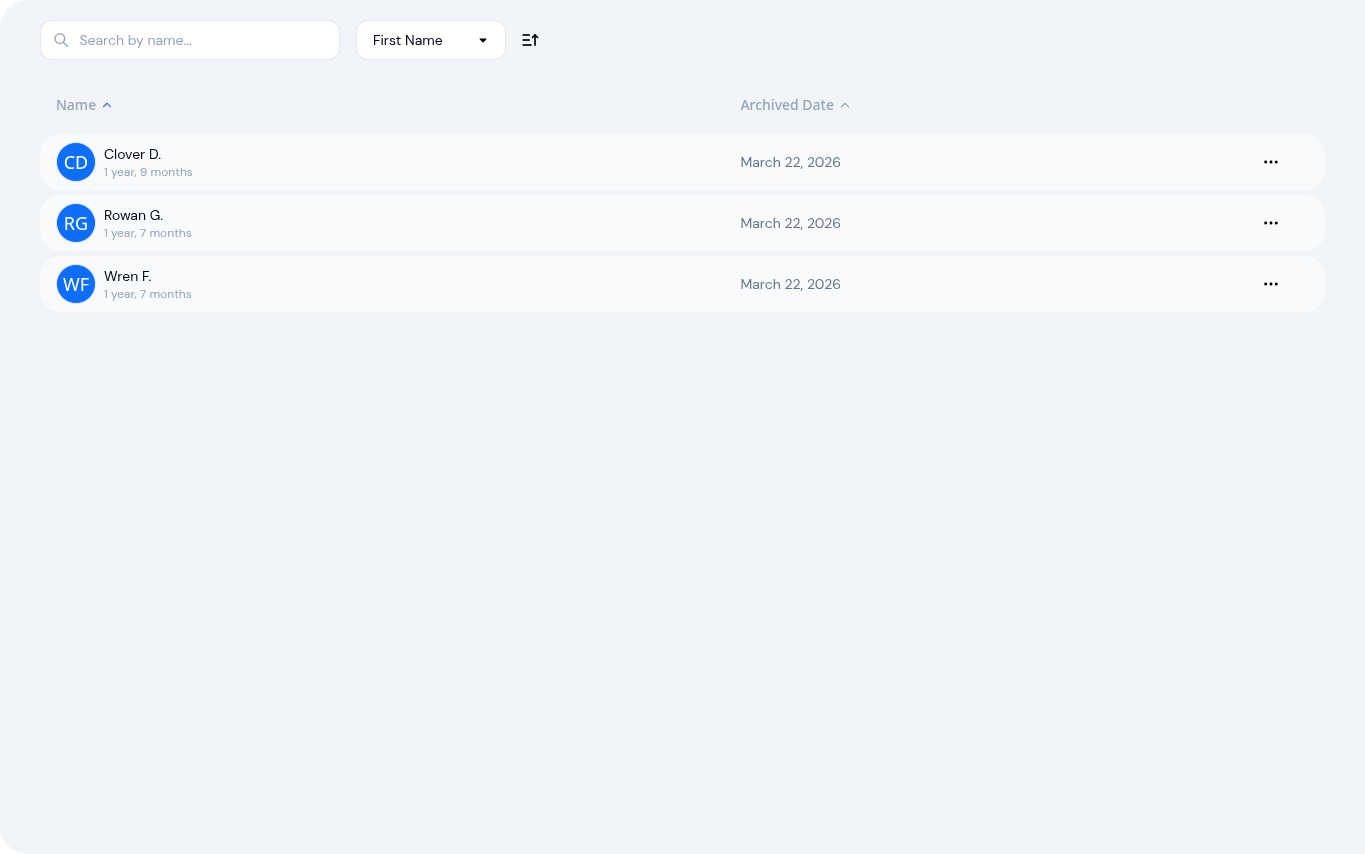
Archive a child's profile when they move on to free a subscription slot, keeping every attendance record, activity log, and milestone accessible.
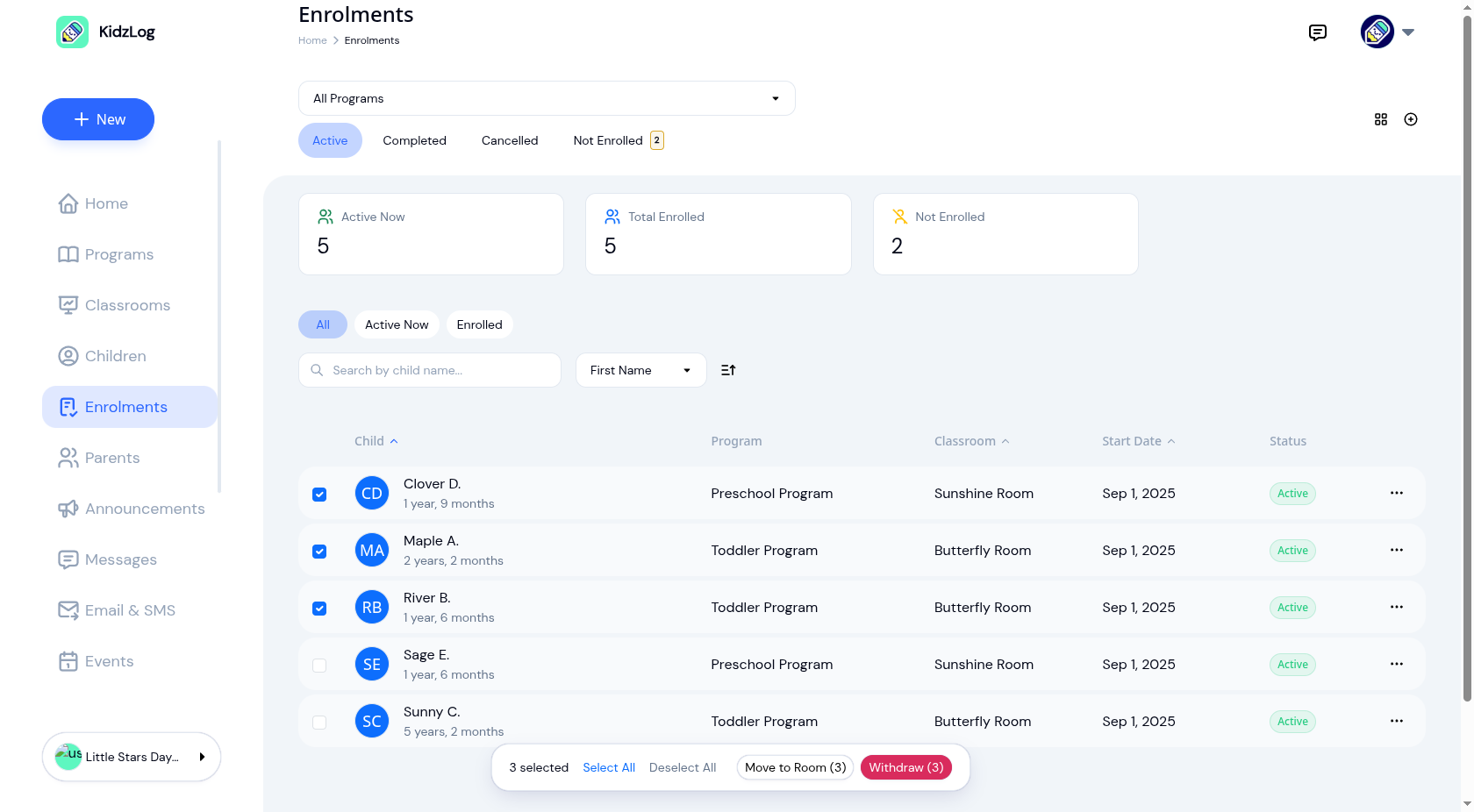
Move children between classrooms, withdraw entire groups, and enroll multiple children at once, instead of one at a time.
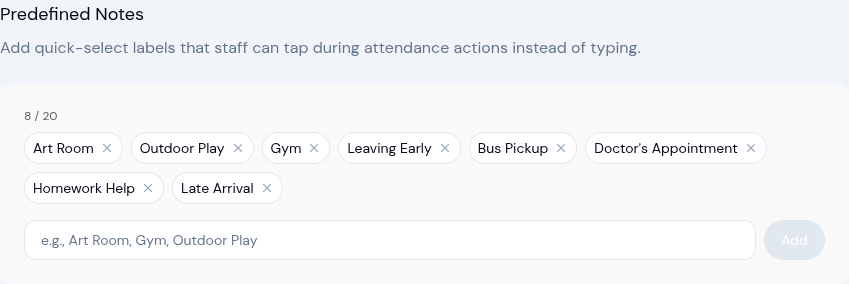
Staff can now select from predefined note labels during check-in, check-out, and other attendance actions, instead of typing the same notes repeatedly.
New roll call safety verification, smarter attendance tracking, redesigned enrollment management, and a cleaner workspace.
A roundup of new features including health screening at check-in, incident reporting with approvals, improved parent management, and more.
KidzLog is out of beta: attendance tracking, parent communication, and child records for daycare centers and preschools, in one place.
KidzLog is in beta: record and share information about children with their parents. Unlimited access while the beta runs.