New: Menu Planning, One-Tap Meal Logging, and Allergy Alerts
Walk into most daycare kitchens and you will find a paper menu taped to the fridge or scrawled on a whiteboard. When lunch rolls around, teachers type "chicken nuggets, apple slices, milk" from memory. If a child has a tree nut allergy, someone hopefully remembers before the granola bars come out.
It gets the job done, but it leaves gaps: inconsistent logging, missed allergens, and no visibility for parents into what their child eats each day.
KidzLog's new Menu Management feature closes those gaps. Build a reusable food library, plan monthly menus on a visual calendar, and give teachers a one-tap workflow that pulls from today's planned menu.
A Food Library Built Around Your Center
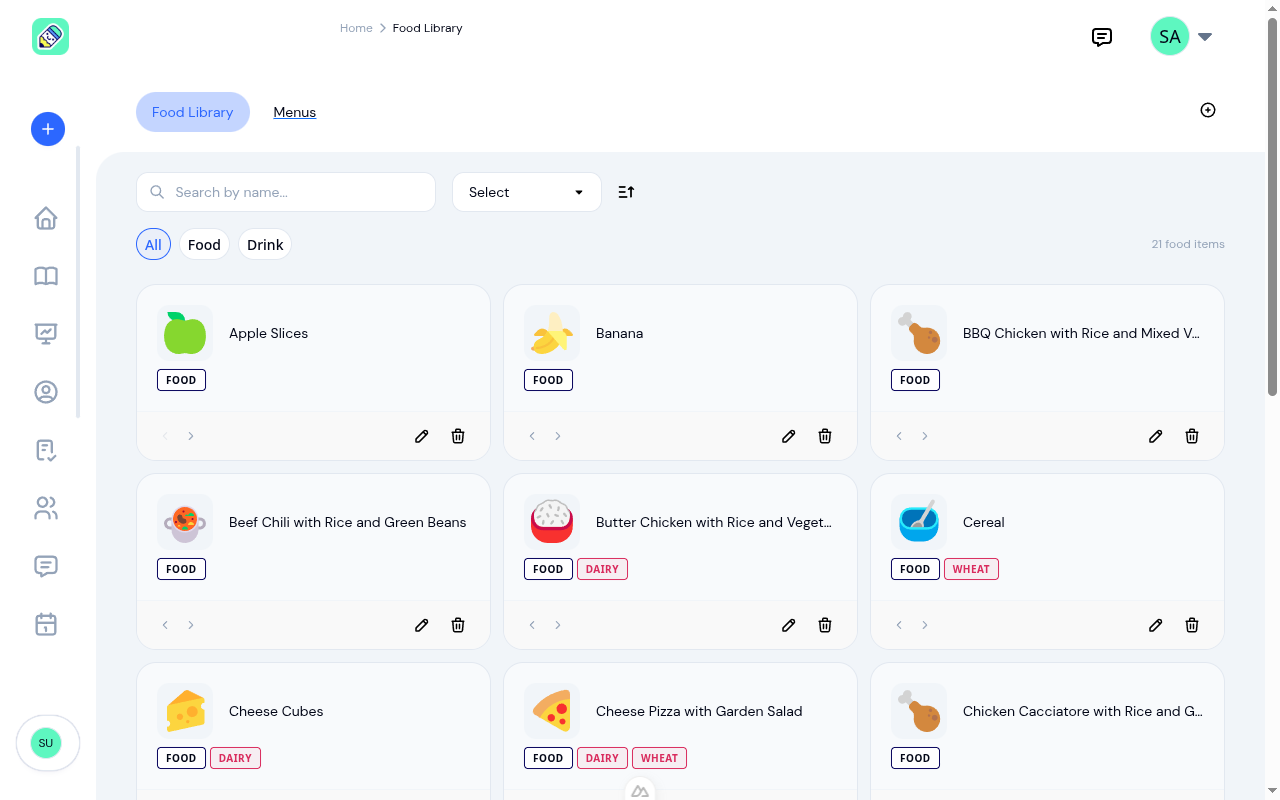
Instead of typing meal descriptions from scratch every day, you build a library of foods your center actually serves. Each item gets a name, an emoji icon, a category (grain, protein, fruit, vegetable, dairy, or beverage), and allergen tags.
The allergen tags are the important part. Tag "Peanut Butter Sandwich" with the peanut allergen and that tag follows the item everywhere: the menu builder, the teacher's logging view, and the admin dashboard. Set it once and it works across every screen. Categories and emoji icons make scanning a long list fast and give teachers visual shorthand during a busy day.
If you are starting from scratch, a Quick Start button seeds your library with 16 common items so you do not have to add everything one by one.
Monthly Menu Builder
The menu builder is a weekly grid laid out across the month. Each day has slots for breakfast, morning snack, lunch, afternoon snack, and dinner. Add items from your library into the appropriate slots and the menu takes shape visually.
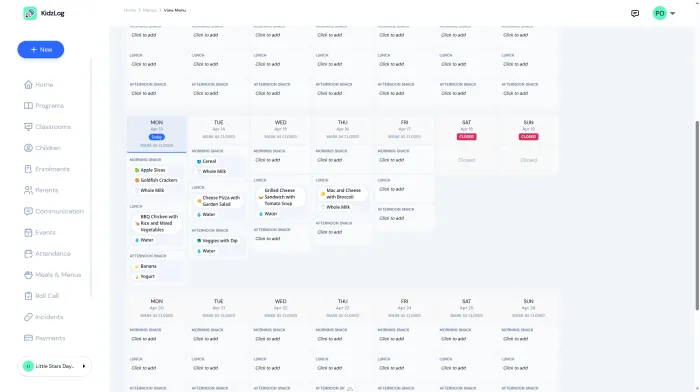
Days when the center is closed can be marked so they show clearly, and meal types your center does not use simply stay empty. The builder adapts to how your center operates rather than forcing a rigid template.
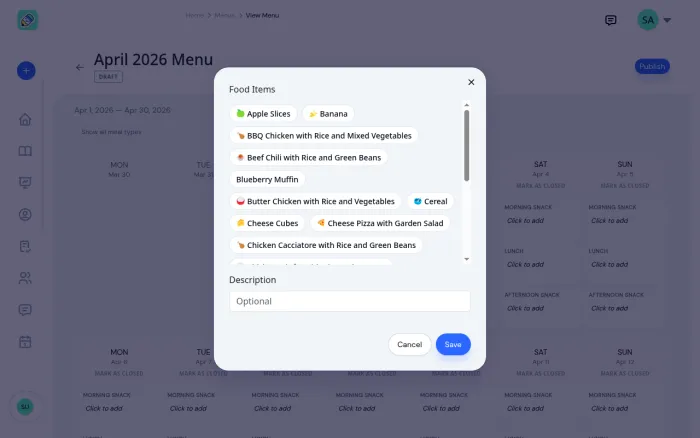
When you place an item that carries an allergen tag, the builder flags it immediately. You see the conflict before the menu goes live, not when a child is sitting at the table. This is the first of three allergy checkpoints built into the system.
Need next month's menu? Duplicate this month's. The copy opens unsaved, so you name it, set its dates and adjust the meals before it becomes a menu at all. Nothing is written until you are happy with it.
One-Tap Meal Logging for Teachers
This is where the daily workflow changes the most. When a teacher opens the meal activity form, the items from today's planned menu appear as pre-selected chips. Logging lunch becomes a matter of confirming what was served and tapping "save."
Teachers can still add or remove items if something was substituted, or type in free text for items not on the menu. But for meals that go according to plan, logging drops from a minute of typing to a single tap.
The expanded meal types (morning snack and afternoon snack as distinct entries, plus breakfast and dinner) mean the log matches the actual rhythm of the day instead of lumping snacks together.
Allergy Alerts at Every Step
Allergy safety needs to be present at every moment a food decision is made. Menu Management introduces alerts at three points:
- When building the menu. A warning appears when a planned food item conflicts with a child's documented allergy, before the menu is published.
- When logging a meal. An alert surfaces in the activity form when a teacher logs a flagged allergen for a specific child.
- On the dashboard. A notice shows all active allergy conflicts across the center so nothing slips through the cracks.
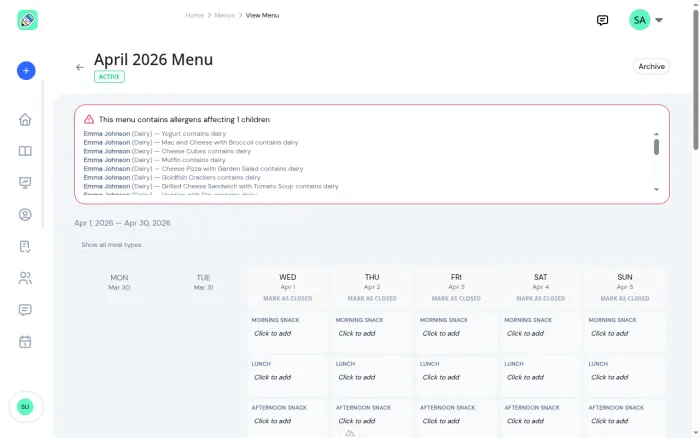
Even if one person misses a warning, the next one catches it.
What Parents and Teachers See
Parents get a read-only view of the current menu from their sidebar, showing what is planned for the month. If their child has allergies, matching items are highlighted so parents know what to watch for. (Correction: this highlight did not work when this post was first published. Parents saw the month's menu, but matching items were never flagged. It has since been fixed and works as described.) Teachers see the same view from their dashboard, formatted for quick reference during meal prep.
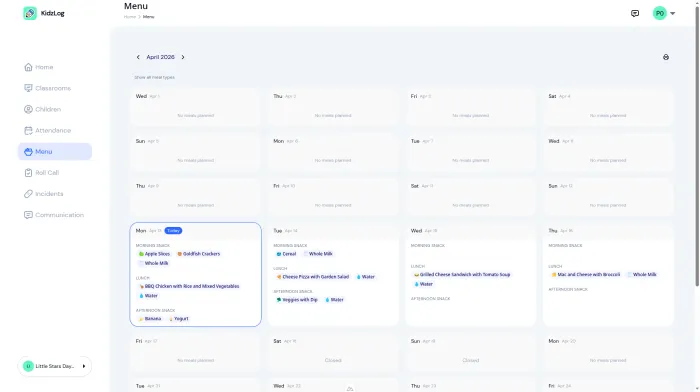
Both views support printing, so centers that still want a physical copy on the wall or in the fridge at home can print one directly from KidzLog.
Turn It On When You Are Ready
Menu Management is an optional add-on. Turn it on from your center settings when you are ready to build your food library and plan your first month. Nothing changes for centers that prefer to keep logging meals the way they do now.
Once enabled, the food library and menu builder appear in the admin sidebar, and teachers see the one-tap meal chips in their activity forms automatically.
From Paper Menus to a Connected System
The shift from paper menus to a connected system is not about adding complexity. It is about removing the friction that makes meal documentation inconsistent and allergy management reactive. When the menu, the food library, the allergen data, and the activity log all talk to each other, the result is less typing, fewer mistakes, and better information for parents.
Menu Management is available on all KidzLog plans. Enable it from Settings to get started.
Ready to Simplify and Organize your Daycare?
Get started with KidzLog today!
KidzLog Team
Related Articles
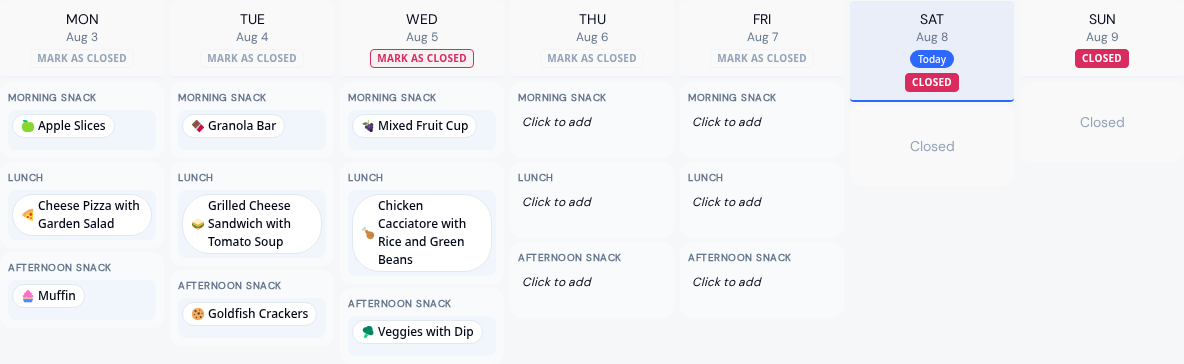
Menus by Room and Clearer Allergy Alerts
Run an infant menu alongside a center-wide one, plan a whole month before saving it, email families when it is ready,...
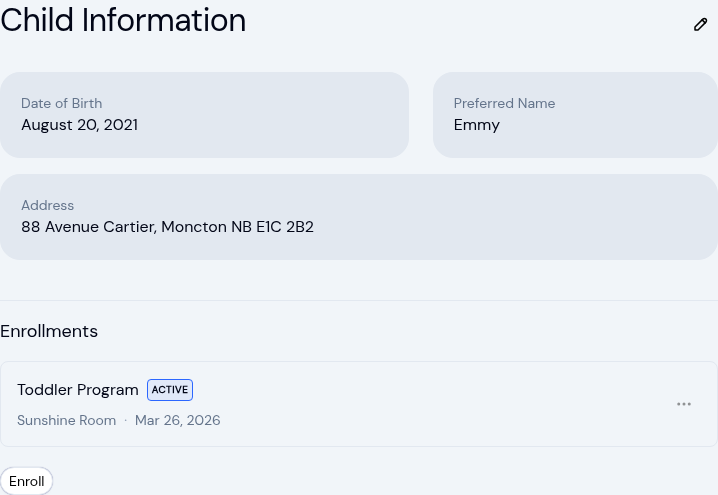
New: A Child's Address and Health Care Provider
The child record now holds the child's own address and their health care provider. Both show on the profile, in Health...
Expanded Notifications for Your Center
New email and text alerts for enrollment changes, classroom assignments, medical updates, and emergency contacts. Each...