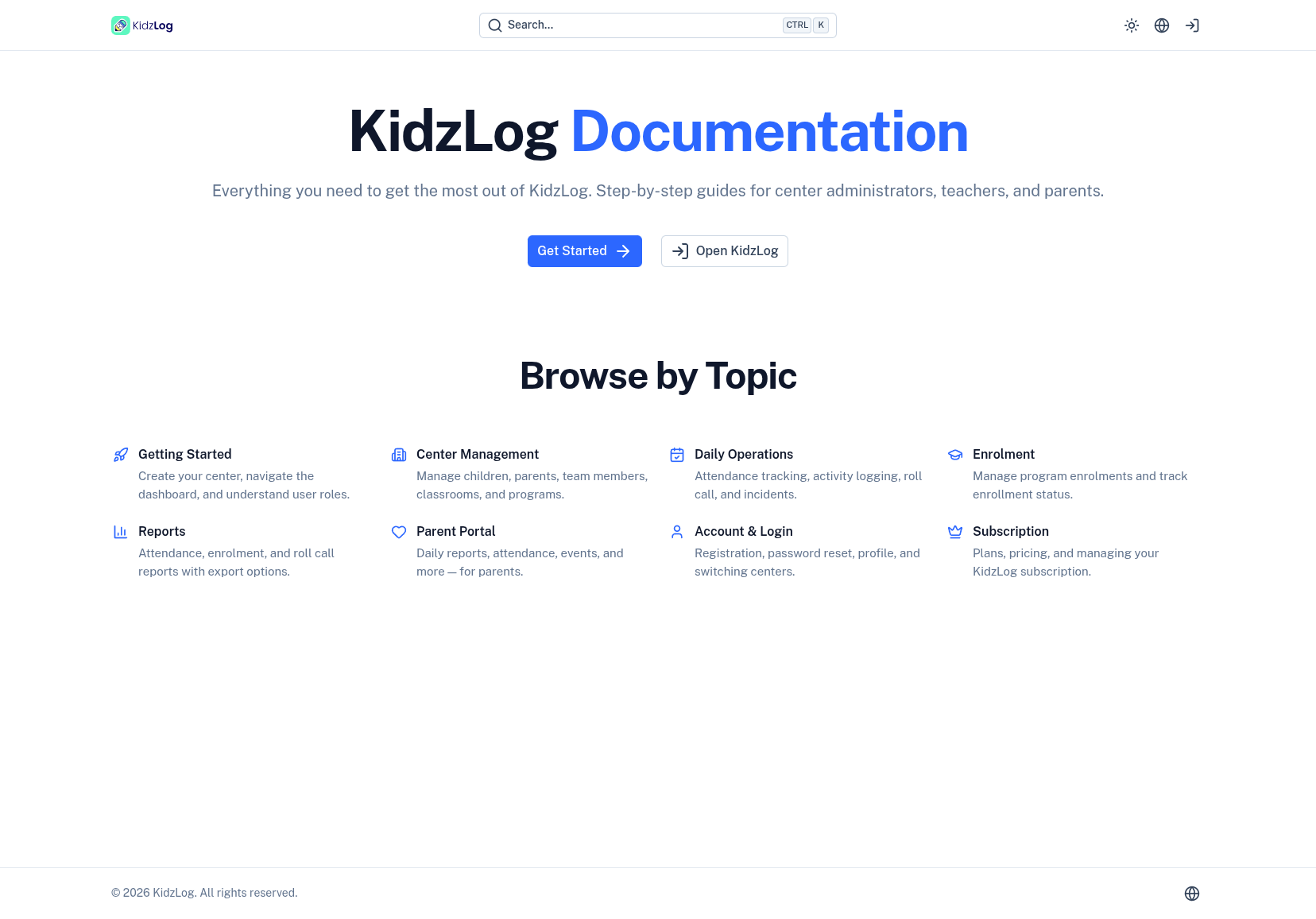
Find Answers Fast: KidzLog Now Has a Full Documentation Site
You're setting up a new program and can't remember where the capacity setting lives. A teacher wants to know how roll call works. A parent asks how to check their child's daily report.
Until now, the answer was "ask someone who knows" or dig through a help desk. That changes today — KidzLog has a full documentation site at kidzlog.com/docs.
What You'll Find
The docs cover every part of KidzLog, organized by the way you actually work:
- Getting Started — creating your center, navigating the dashboard, understanding roles and permissions
- Center Management — managing children, parents, team members, classrooms, and programs
- Daily Operations — attendance tracking, activity logging, roll call, and incidents
- Enrolment — managing program enrolments and tracking status
- Reports — attendance, enrolment, and roll call reports with export options
- Parent Portal — everything parents need to know about viewing daily reports, attendance, events, and more
- Account & Subscription — registration, password reset, profile management, and billing
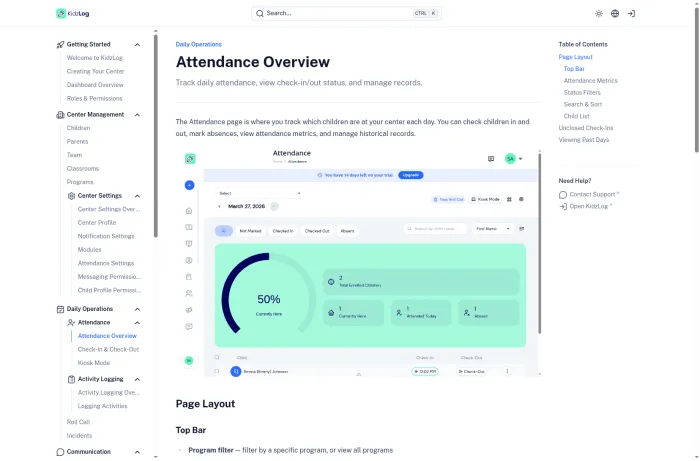
Each page includes annotated screenshots showing exactly what you'll see on screen, so there's no guessing.
Search That Actually Works
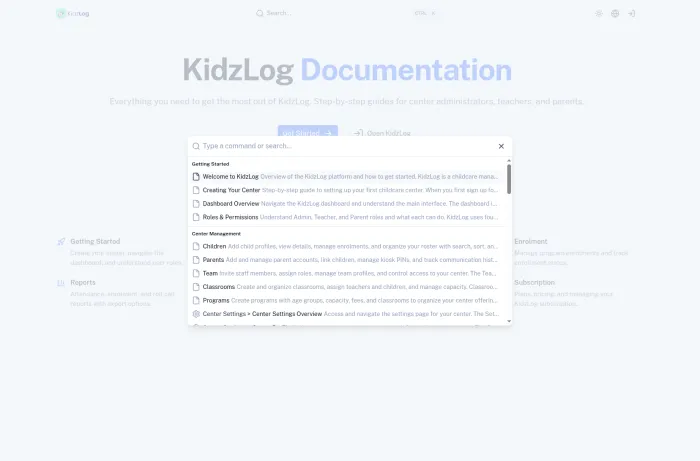
Every page is searchable. Hit Ctrl+K (or click the search bar) and start typing. Results show page titles and descriptions, grouped by section — so you can jump directly to what you need without browsing through menus.
Help Right Where You Need It
We also added contextual help links inside the KidzLog app itself. On pages like Children, Attendance, and Settings, you'll see a help icon in the toolbar that links directly to the relevant documentation page.

No more switching tabs to search for answers — the right guide is one click away from the page you're already on.
For Parents Too
The documentation isn't just for staff. There's a dedicated Parent Portal section that walks parents through everything they can do — viewing daily reports, checking attendance history, reading announcements, and managing their settings. If a parent asks "how do I see what my child ate today?", you can point them straight to the guide.
Always Up to Date
The documentation site reflects the current state of KidzLog. As we ship new features and improvements, the docs are updated alongside the code — so you're never reading outdated instructions.
Visit the docs at kidzlog.com/docs, or look for the help icon the next time you're in the app.
Ready to Simplify and Organize your Daycare?
Get started with KidzLog today!
KidzLog Team
Related Articles
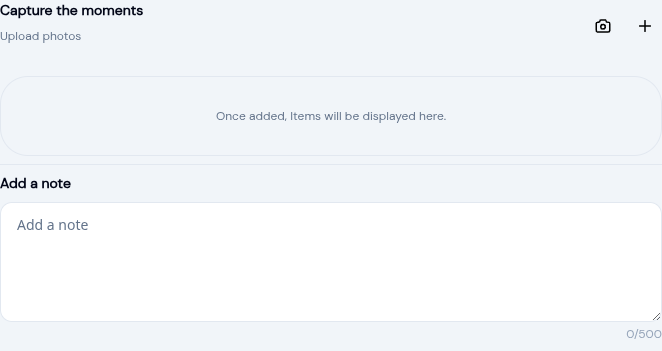
Add Daily Activity Photos on the Go
A new camera button in the activity form lets teachers capture photos on the spot. No app switching, no gallery...
Auto-Close Check-Ins and Complete Enrollments
Two automation settings save time: automatically close forgotten check-outs and complete expired enrollments, with full...
KidzLog Beta Launch is Live!
KidzLog is in beta: record and share information about children with their parents. Unlimited access while the beta...