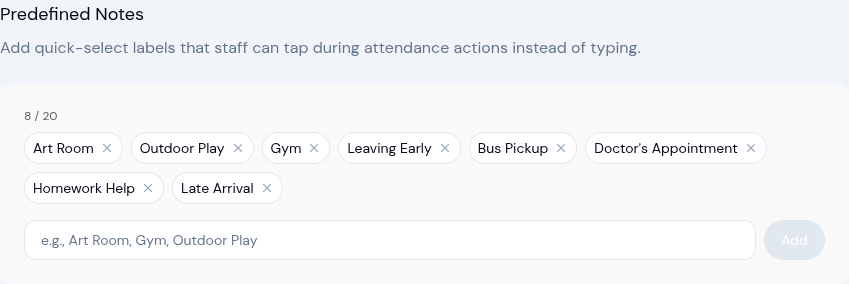
Predefined Attendance Notes — Tap Instead of Type
Attendance notes are one of those small details that add up fast. Whether your team is recording where a child is headed, flagging an early pickup, or noting a late drop-off, the same handful of phrases get typed out dozens of times a day. Some centers have even developed shorthand codes to speed things up — but it's still slower than it needs to be.
Today we're introducing predefined attendance notes: a set of quick-select labels that staff can tap instead of typing during any attendance action.
How It Works
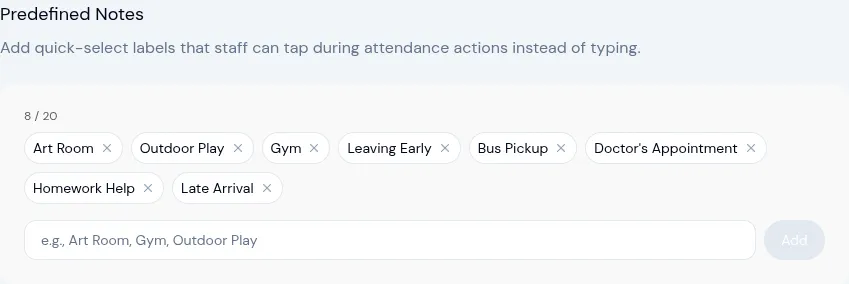
Owners and admins configure a list of up to 20 predefined notes in Settings > Attendance. Think of them as your center's standard labels — the areas, activities, reasons, or tags your team uses most often.
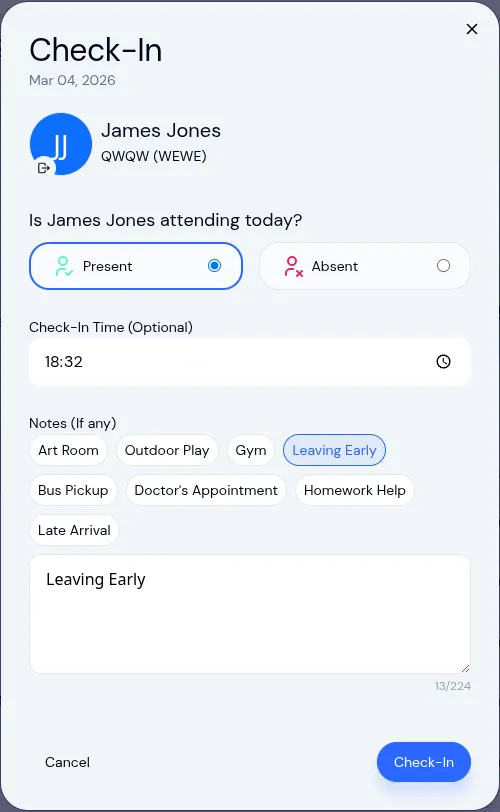
Once configured, every attendance action — check-in, check-out, bulk actions, and kiosk mode — shows a row of tappable pills above the notes field. Staff tap a label, and it fills in automatically. They can still type a custom note if none of the presets fit.
Common Use Cases
Predefined notes aren't just for tracking locations. Here are some ways centers are already using them:
- Locations — Art Room, Gym, Outdoor Play, Library
- Early departures — Leaving Early, Bus Pickup, Parent Pickup
- Appointments — Doctor's Appointment, Therapy Session
- Arrival context — Late Arrival, Dropped Off by Grandparent
- After-school programs — Homework Help, Tutoring, Sports Practice
- Anything your center repeats — the labels are fully customizable
Why This Matters
- Faster check-ins, especially on shared tablets in kiosk mode
- Consistent notes across your whole team — no more abbreviations or typos
- Zero training — the labels are right there, self-explanatory
- Still flexible — free-text entry is always available for anything outside the list
Where You'll See It
Predefined notes appear everywhere attendance notes are used:
- Individual check-in and check-out
- Bulk check-in, check-out, and mark absent
- Kiosk mode (where this is most impactful — parents and staff on tablets)
- Editing existing attendance records
Setting It Up
Head to Settings > Attendance and scroll to the new Predefined Notes section. Add your labels, hit save, and they'll be available across all attendance actions immediately. No per-classroom setup needed — the notes apply center-wide.
This feature is available now for all KidzLog centers. If you have questions or feedback, reach out to our team anytime.
Ready to Simplify and Organize your Daycare?
Get started with KidzLog today!
KidzLog Team
Related Articles
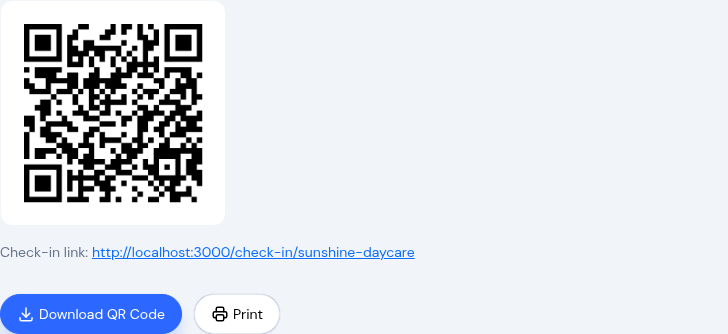
Parents Can Now Check In By Scanning a QR Code
Post a QR code at your door and parents check in and out from their own phone. No app, no shared tablet, no morning...
February Update: Roll Call and Attendance
New roll call safety verification, smarter attendance tracking, redesigned enrollment management, and a cleaner...
August Update: Enrollments and Fillable Forms
Families apply from your center's own page, parents complete a whole PDF on their own device, and the attendance report...