Archive Child Profiles Without Losing a Single Record
Children move on. They age out of a program, a family relocates, or they simply graduate to the next stage. It's a natural part of running a childcare center — but until now, managing those departures meant an uncomfortable choice: keep inactive profiles cluttering your active roster, or delete them and lose months (or years) of carefully documented history.
With the new Profile Archive feature, you no longer have to choose.
What Archiving Does
Archiving a child's profile removes it from your day-to-day operations — they won't appear in attendance lists, classroom rosters, or active enrollment counts. Any active enrollments are automatically completed, and the subscription slot they occupied is freed up immediately.
But here's what stays: everything. Every attendance record, activity log, meal note, sleep entry, health screening, and incident report is preserved in full. Nothing is deleted, nothing is summarized, nothing is lost.
Where Archived Profiles Live
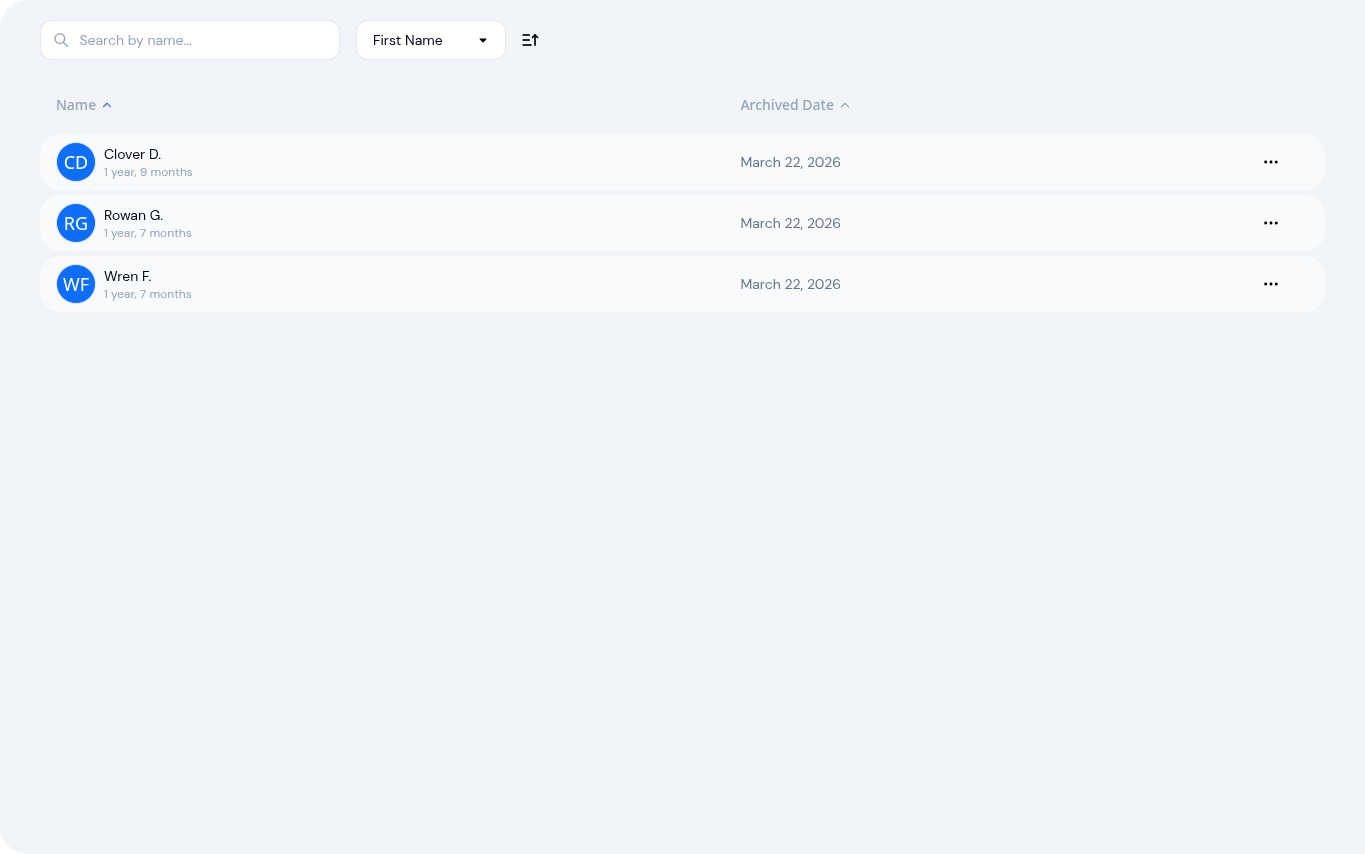
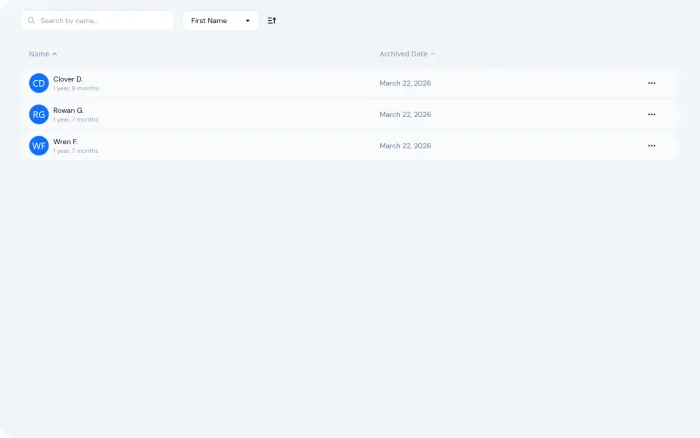
A new Archived tab on your children list shows every profile that has been archived, along with the date it was archived. From there, you can open any profile and browse its complete history in read-only mode — exactly as it was on the child's last active day.
Parents Keep Access Too
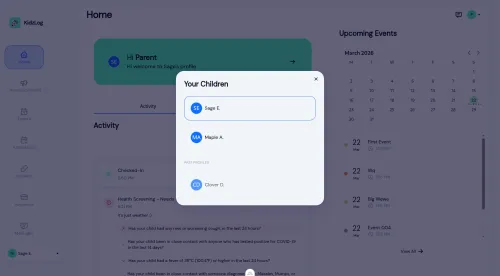
When a child's profile is archived, their parents don't lose access to those memories. A Past Profiles section appears in the parent portal, giving families continued access to their child's attendance history, activity logs, and milestones. For parents, those daily reports and photos are keepsakes — and they remain available for as long as your center exists on KidzLog.
You can also choose to notify parents by email when archiving, so they know what to expect and where to find their child's records going forward.
Unarchive Anytime
Life is unpredictable. A family moves back to the area, a child returns after a break, or you realize an archive was premature. The Unarchive action restores a profile to active status in seconds. KidzLog checks your subscription capacity first — if you have room, the child is back and ready to be enrolled again.
Why This Matters for Your Center
- No data loss — graduation and departures no longer mean losing documentation
- Free subscription slots — you only pay for actively enrolled children, not historical records
- Compliance ready — most licensing bodies require centers to retain records for several years after a child leaves. Archiving makes this effortless
- Less clutter — your active roster stays clean and current, with inactive profiles tucked away in a dedicated tab
- Peace of mind for parents — families keep access to their child's history, building long-term trust with your center
When to Use It
- A child graduates from your program at year-end
- A family moves out of the area
- A child transitions to a different center
- Seasonal programs end and you need to clear the roster
- Any time a child won't be returning in the near term
Profile Archive is available now for all KidzLog centers. Head to any child's profile and select Archive from the actions menu to get started.
Ready to Simplify and Organize your Daycare?
Get started with KidzLog today!
KidzLog Team
Related Articles
August Update: Enrollments and Fillable Forms
Families apply from your center's own page, parents complete a whole PDF on their own device, and the attendance report...
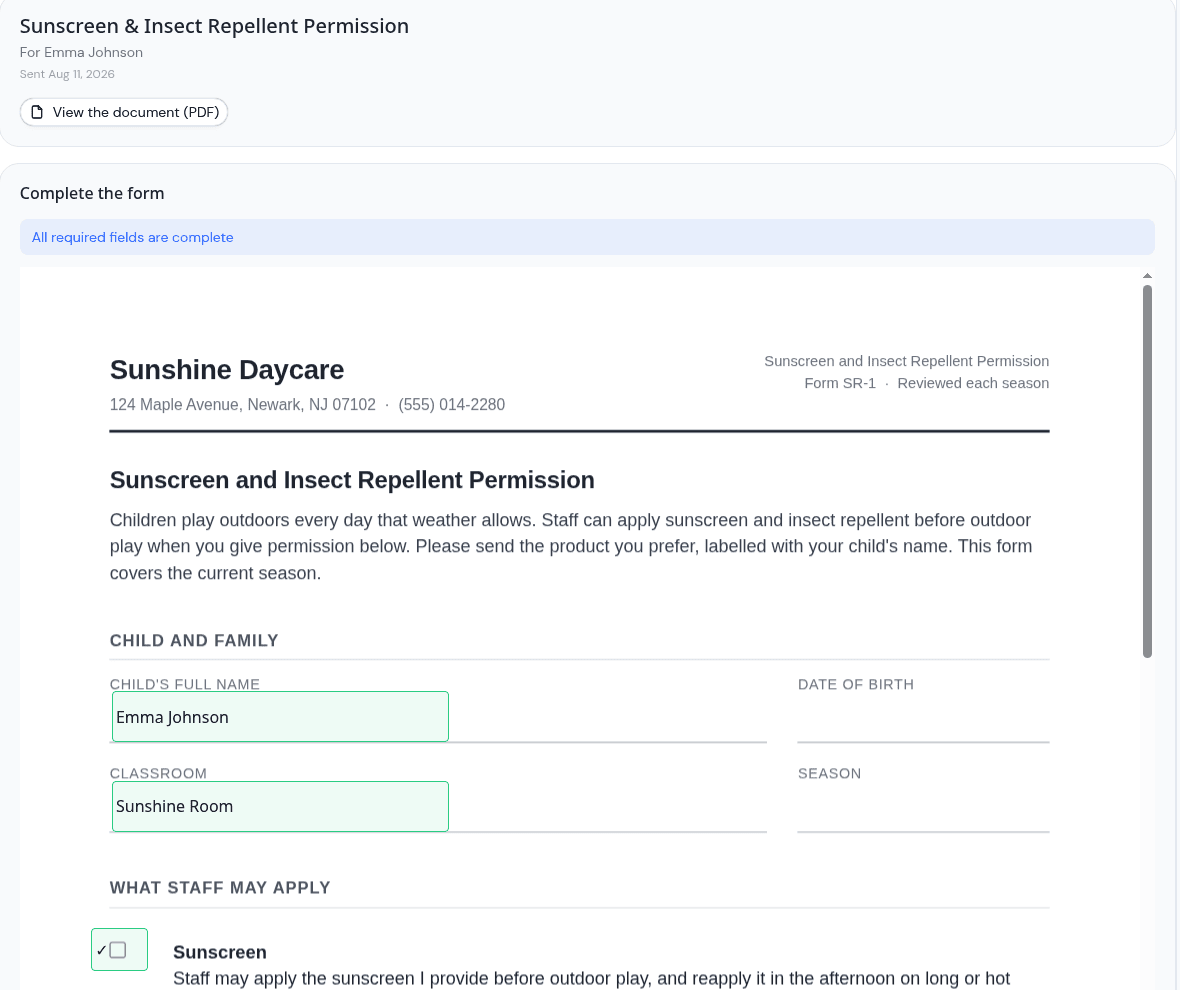
Parents can now fill in the form, not just sign it
Place signature, date, text and checkbox fields anywhere on a PDF, and parents complete the whole form on their own...
June Update: Document Signing and QR Check-In
Send documents for online signatures, offer QR check-in, file audit-ready incident reports, and review enrollment...