Never Miss a Critical Update: Expanded Notifications for Your Center
Childcare centers run on small, time-sensitive decisions. A child's allergy gets added. An enrollment is approved. A teacher gets reassigned to a different classroom. Each of these moments matters, and until now, KidzLog quietly logged them without telling anyone who needed to know.
KidzLog now sends nine new alerts across enrollment, classroom assignments, medical records, emergency contacts, and calendar events. Each person picks which alerts they want, and for the most safety-critical ones, teachers and admins can choose to receive a text message on top of the email.
What's new
Enrollment status changes now notify the people affected. When you approve a new enrollment, the child's parents get a confirmation email, and other admins are looped in. The same applies to cancellations and completions. Parents finally hear directly from the center the moment their child's enrollment changes, instead of finding out the next morning at drop-off.
Classroom assignment changes notify teachers. When you assign a teacher to a new room, they get an email so they can prepare. When they're removed, they're notified too. No more "wait, when did I move to the Sunflower room?" conversations on Monday morning.
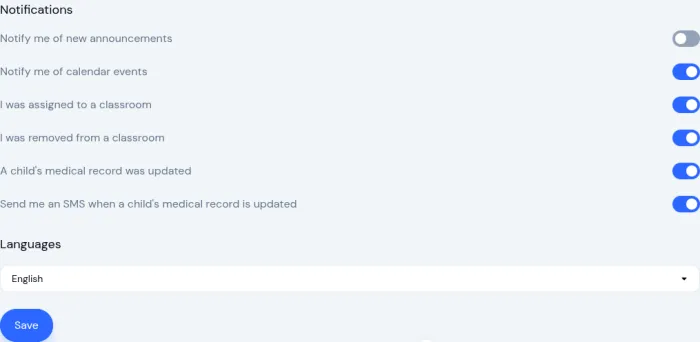
Medical record updates notify both parents and the child's classroom teachers. Allergies, medical conditions, and immunizations: when any of these change, the relevant staff and family get an email summary. Teachers can also turn on text messages for allergy and medical-condition changes, because those are the kind of updates you want to know about before the next snack, not after you check email post-pickup.
Emergency contact updates notify admins, and admins can turn on text messages too. Emergency contacts are the kind of information you only ever need in an actual emergency. When that moment comes, you want the most up-to-date number, and you want a record that someone reviewed the change.
Calendar event updates and cancellations notify all affected parents and staff. The first email for an event has always gone out; now if the time changes or the event is called off, everyone hears about it too.
Removed team members now receive an email themselves. If someone is removed from the team for any reason, they're told directly, including which center they were removed from. That last part matters when staff work across multiple centers and need to know which one the change applies to.
Per-person control
Every alert is on by default for each person, with center-wide controls that admins manage in one place. If your center decides medical text messages aren't something you want to use yet, you can turn them off for everyone in one click. Individual teachers can also turn them off just for themselves. Same goes for emergency contact text messages on the admin side.
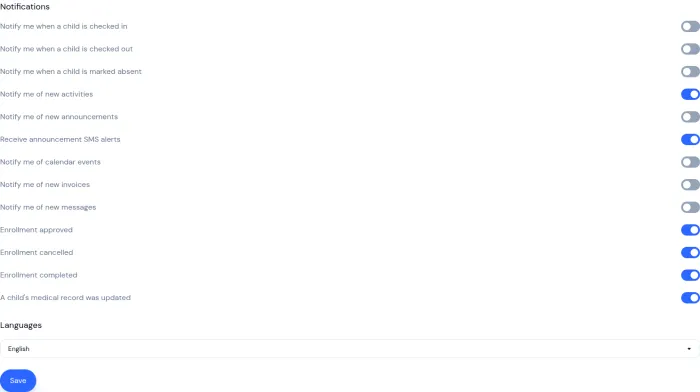
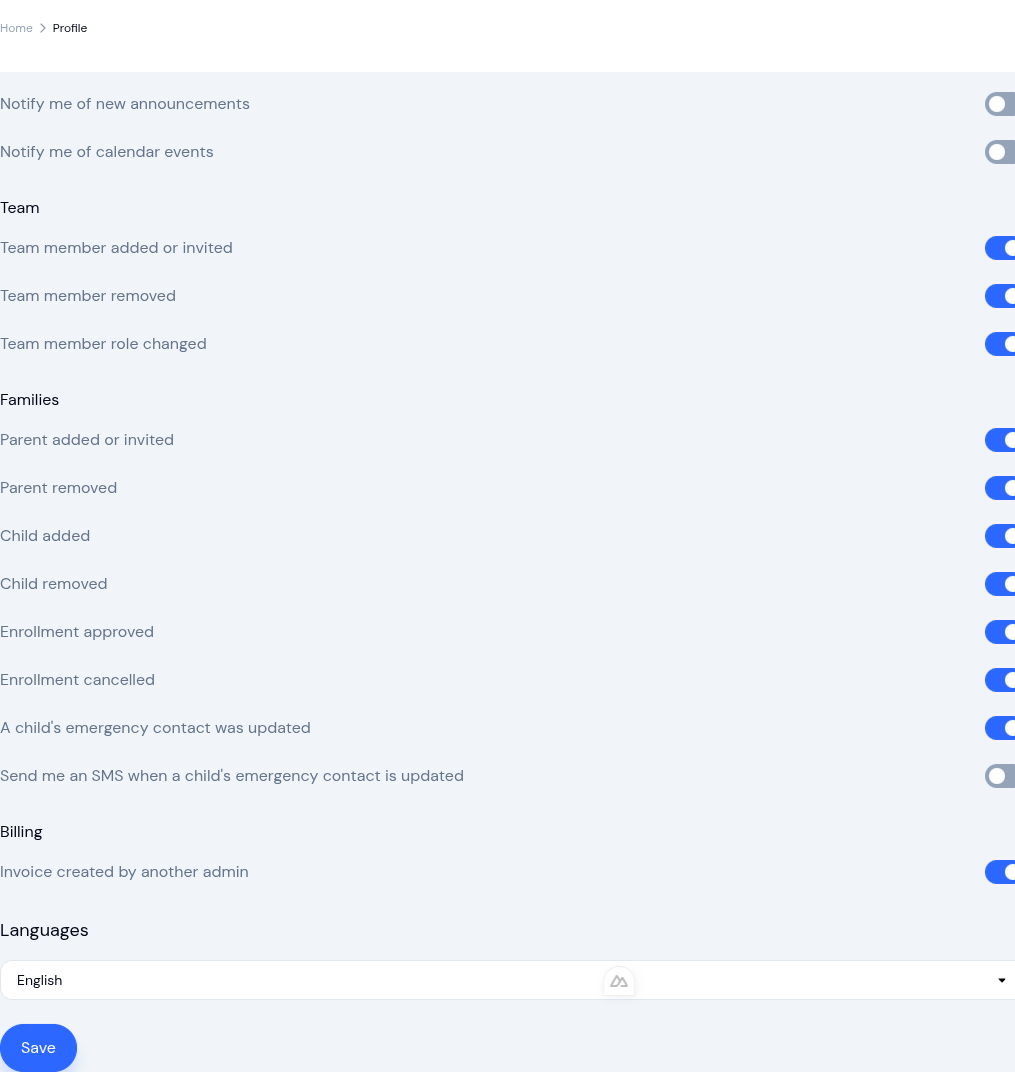
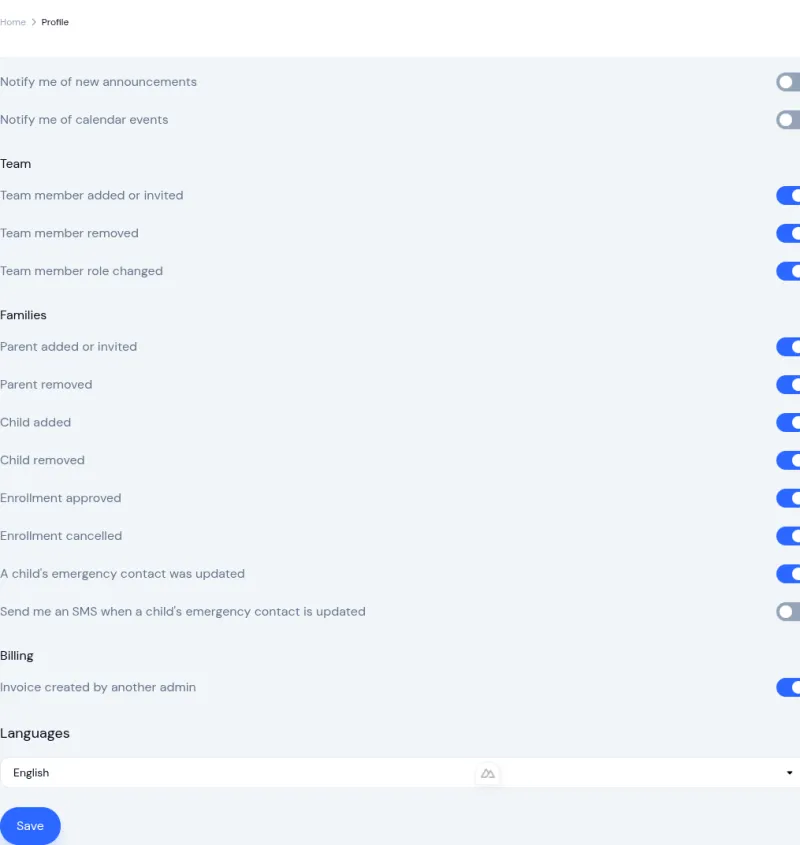
The Notification Settings page in the user profile now groups everything by category (Content, Team, Families, Billing) so it's easy to scan your preferences and adjust them.
Why text messages for medical updates, not everything
Text messages are reserved for the moments where urgency genuinely warrants it. Enrollment and classroom changes are routine — email is the right place for those; they don't need to buzz your phone at 9pm. But a child's allergy being added an hour before snack? That's a drop-what-you're-doing moment, and a text arrives in seconds, while an email might get buried in an unread pile.
The text message itself is short on purpose: just the child's first name and a heads-up that their medical record was updated, with a prompt to open KidzLog for the details. No allergy names or condition details in the message itself. That's a privacy measure as much as a practical one.
For centers that haven't turned on text messages yet, the email still goes out. You don't lose the alert — you just get it in your inbox instead.
Getting started
If you're already using KidzLog, the new alerts are available now. Head to Settings, then Notifications to set the center-wide controls, and ask your team to check their own preferences from their profile.
If you're new to KidzLog, this is one of dozens of small touches that add up to less time spent chasing information across email threads, paper forms, and text messages. Childcare software should take work off your plate, not pile more on.
Learn more on our communications feature page or read about how the child information management system handles medical records, emergency contacts, and family data.
Ready to Simplify and Organize your Daycare?
Get started with KidzLog today!
KidzLog Team
Related Articles
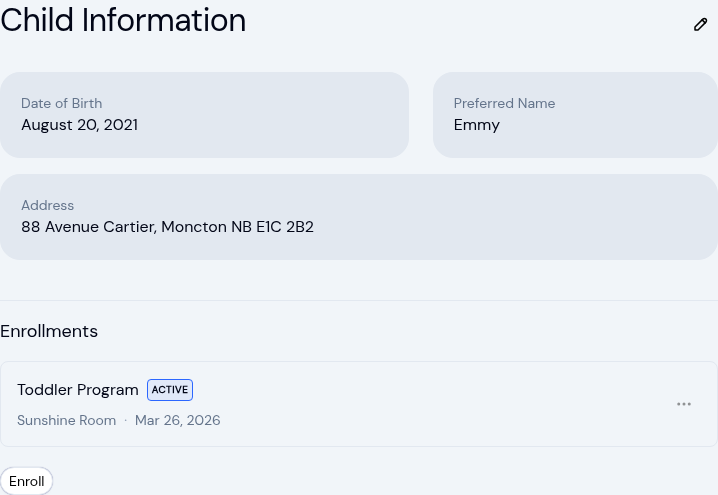
New: A Child's Address and Health Care Provider
The child record now holds the child's own address and their health care provider. Both show on the profile, in Health...
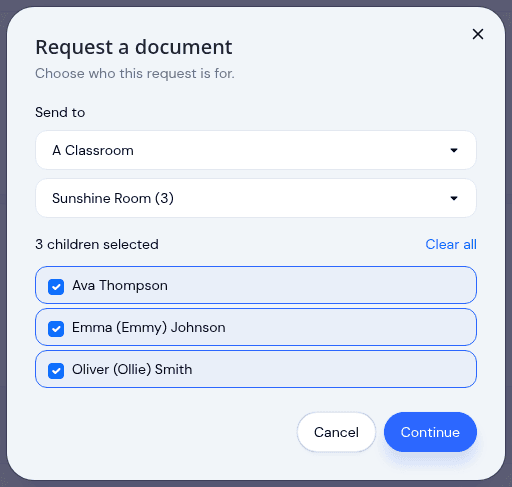
Send a document to a classroom or program
Pick a room instead of ticking twenty names, see exactly which children a request covers before it sends, and open any...
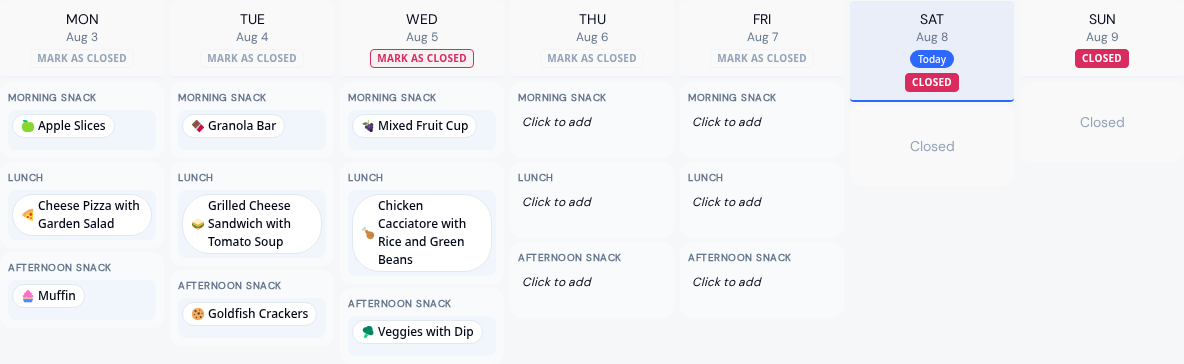
Menus by Room and Clearer Allergy Alerts
Run an infant menu alongside a center-wide one, plan a whole month before saving it, email families when it is ready,...