Menus by Room, and a Clearer Way to Record Allergies
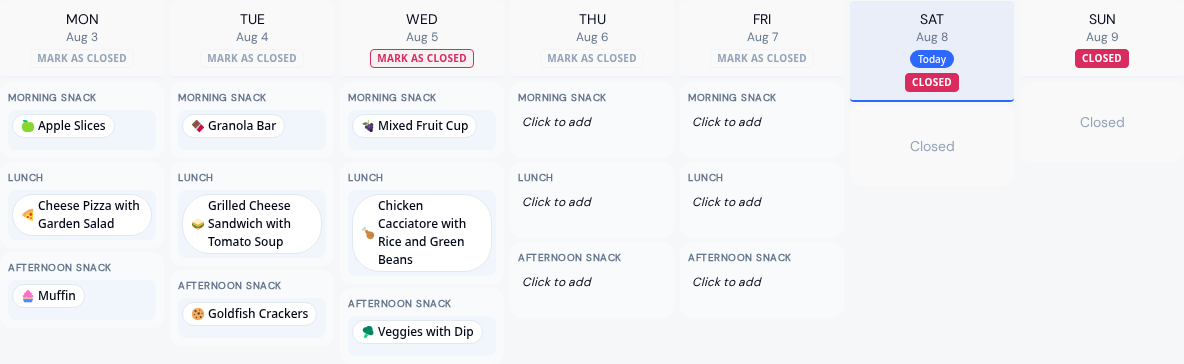
Infants rarely eat what the preschool room eats. In KidzLog you can now run a menu for each room, and run several at once.
A menu for the rooms it feeds
A menu can serve the whole center, or only the rooms you choose. Picking a program selects that program's rooms for you.
Several menus can cover the same dates. An infant menu and a center-wide menu run side by side, and neither replaces the other. A regular and a vegetarian menu can run together the same way.
Parents see the menus for their own child's room. In a family with children in two rooms, switching between children switches the menu too.
Plan the month, then save it
Your changes are held until you press save, so you can lay out a month, look it over, and change your mind before any of it reaches families. Navigate away with unsaved work and KidzLog will tell you.
A menu's name and dates stay editable after you create it. Duplicating one opens an unsaved copy that keeps the original's dates and weekday rhythm, so you name it, move it where you want, and adjust the meals before it becomes a menu. Closed days and day notes come across with the meals. You can copy one week across the rest of the month rather than building it five times.
Send it to families
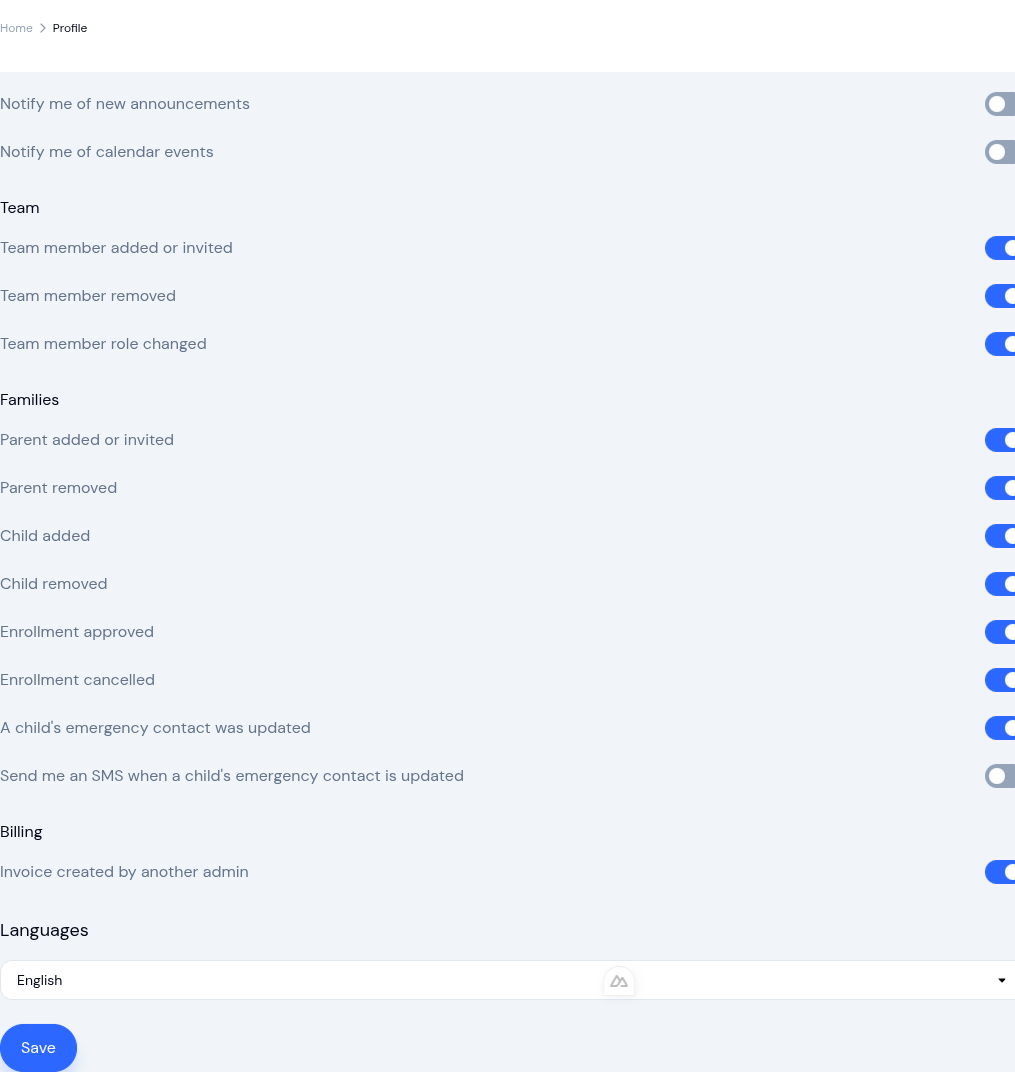
Publishing a menu can email families and staff. A center-level switch controls whether it happens at all, and each person has their own preference.
The menu itself records each send: when it went out, who sent it, and how many people it reached. Correct a published menu and KidzLog offers to send families the update. Saving on its own never re-sends, so you can fix a typo without emailing sixty families about it.
When a menu serves particular rooms, only those families are emailed.
Recording allergies
Allergies are recorded from a searchable list, so the same allergen is written the same way on every child's record. Search matches everyday words as well as the formal name: typing "cashew" finds tree nut, "bee" finds insect sting. Anything not on the list can still be typed in, and it is treated the same way, because children are allergic to mango and kiwi as well as to the usual suspects.
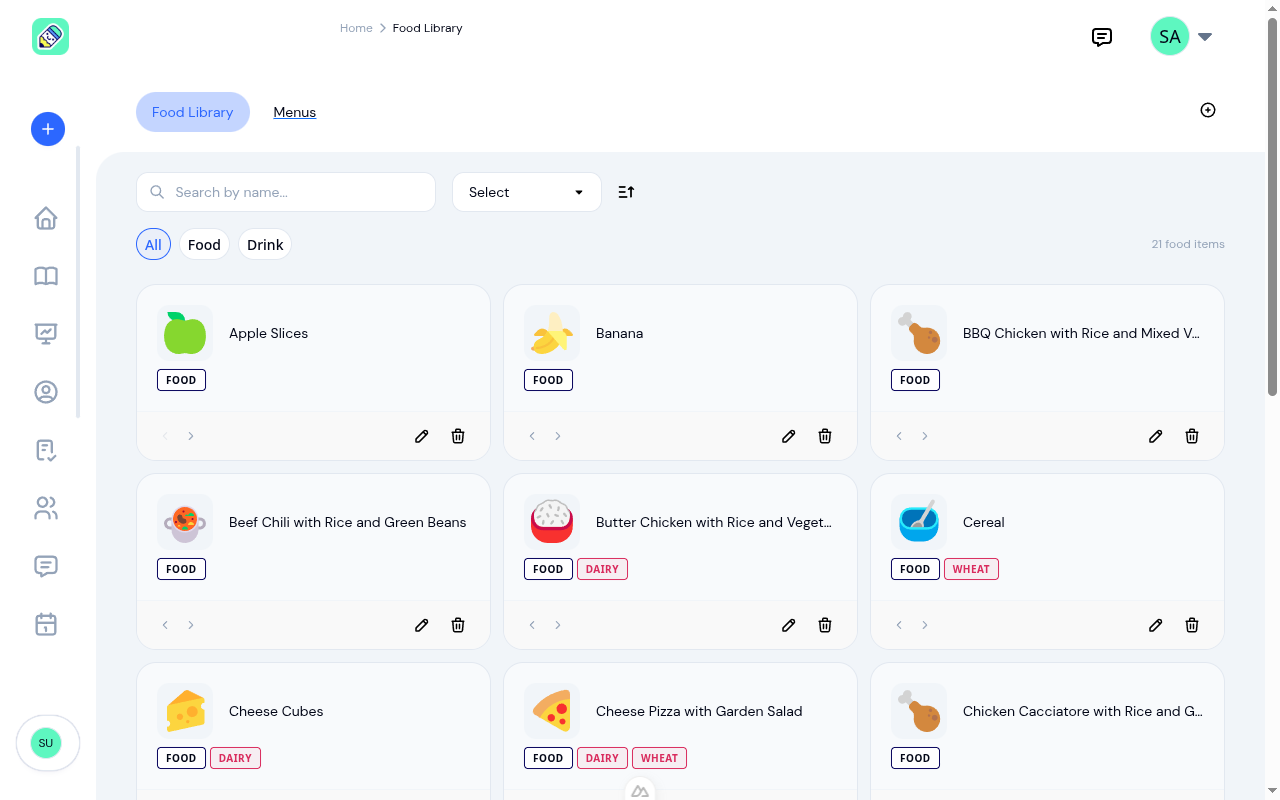
Food items carry allergen tags, including any allergen you have added yourself.
Where a child's recorded allergy and a food item's tag are the same allergen, KidzLog flags it: while you build the menu, while a teacher logs a meal, and on the admin dashboard. A child recorded as reacting to gluten is flagged against barley and rye as well as wheat.
These flags are a prompt to check, not a substitute for checking. They can only reflect what has been entered, so they depend on each child's allergies being recorded and each food item being tagged. Keeping both current is what makes them useful.
What parents see
Parents view the month from their sidebar, with items matching their child's recorded allergies highlighted.
The month arrows stay put on a month with no menu, so you can move back out of an empty month without reloading. A menu covering only part of a month, such as a two-week summer schedule, shows for families too.
Turning it on
Menu Management is an optional module. Everything here is available to centers that have it switched on, and nothing changes for centers that do not.
Setting up a menu for the first time? The menu management feature page covers the basics, our guide to nutrition and meal planning covers rotating menus and dietary needs, and the original menu release explains the food library and one-tap meal logging underneath all of this.
Ready to Simplify and Organize your Daycare?
Get started with KidzLog today!
KidzLog Team
Related Articles
Menu Planning, Meal Logging, Allergy Alerts
Build monthly menus, log meals in one tap from the planned menu, and get allergy warnings before food is served....
New: A Child's Address and Health Care Provider
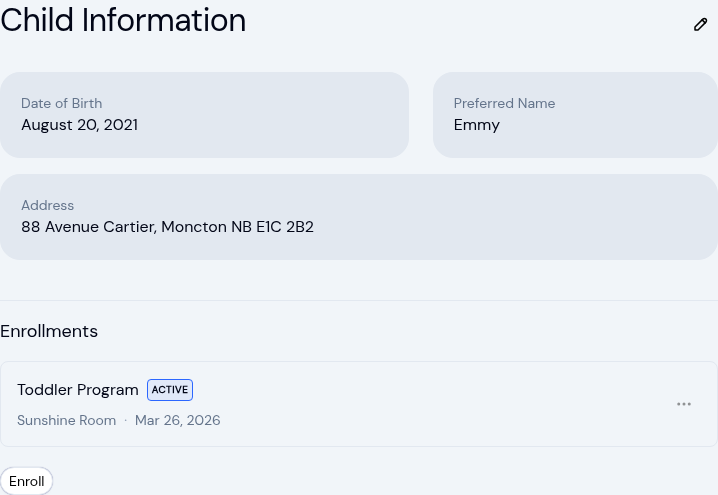
The child record now holds the child's own address and their health care provider. Both show on the profile, in Health...
Expanded Notifications for Your Center
New email and text alerts for enrollment changes, classroom assignments, medical updates, and emergency contacts. Each...