Activity History: Who Did What, When
Some questions only have one good answer: a record. Who marked Emma absent on Tuesday morning? Who changed an allergy from "mild" to "severe" before pickup? Did someone re-open an enrollment, or was that always there? The events behind those answers have been quietly accumulating in KidzLog for months. Today they get a screen called Activity History, available to Owners, Admins, Teachers, and Parents.
Where to find it
Activity History lives under the profile-avatar dropdown, not your main menu. Most days you will not need it; when you do, it is one click away from any page.
What it shows
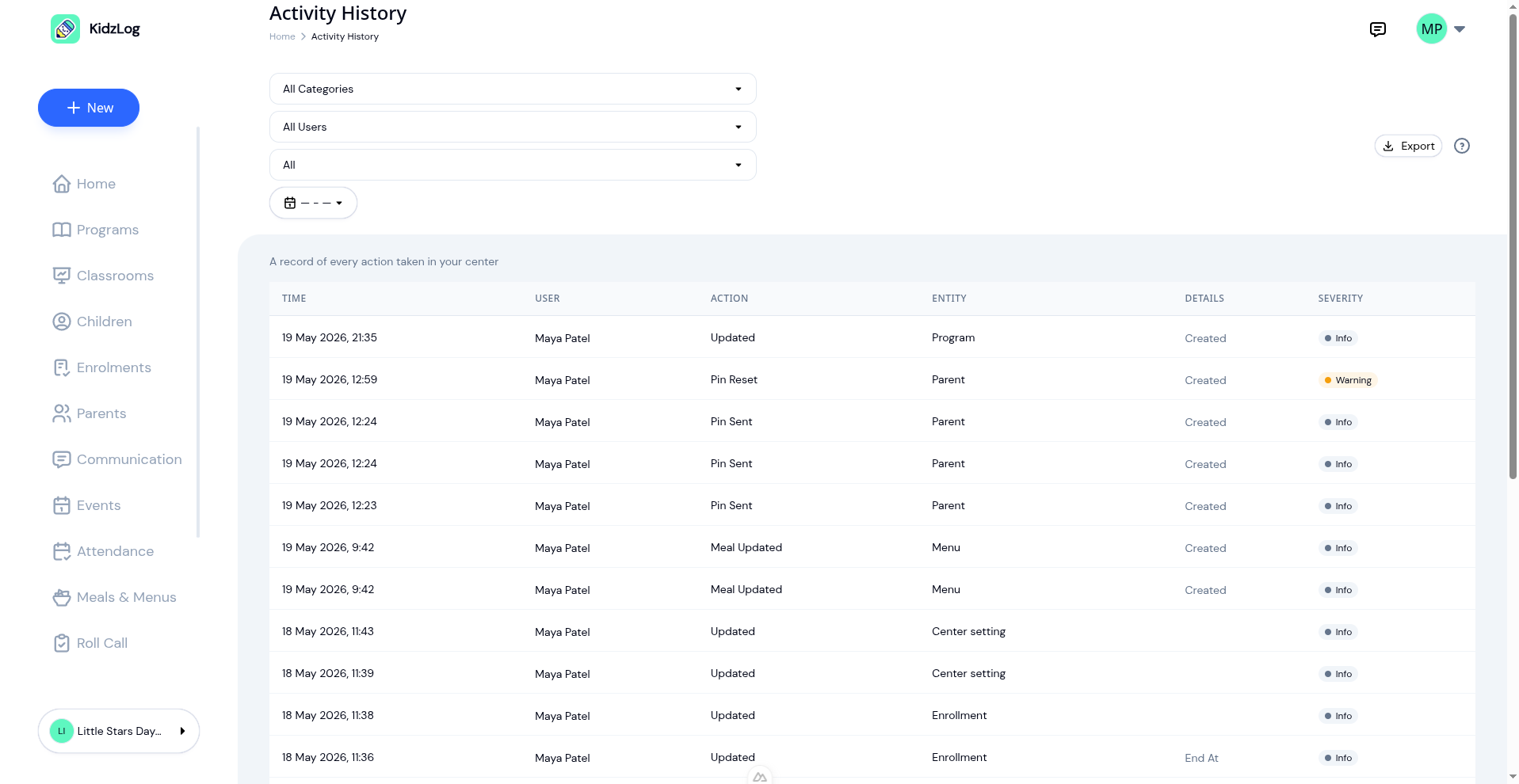
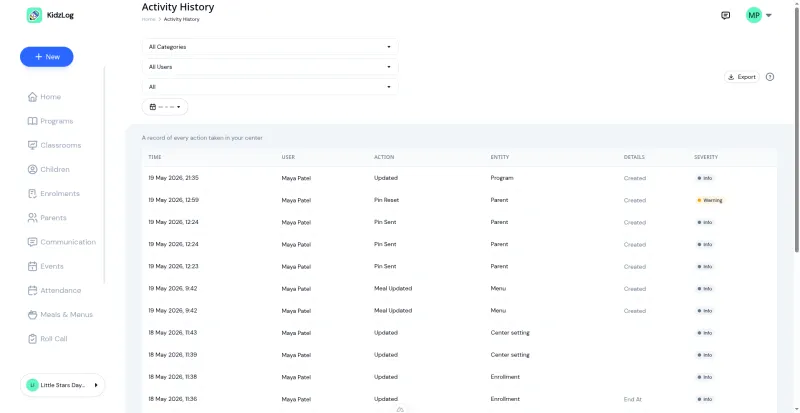
Each row is one event: when it happened, who performed it, what changed, and how serious the change was. The list is paginated newest-first and you can filter by:
- Category — Attendance, Child profile, Medical, Emergency contact, Enrollment, Billing, Authentication, and ten others.
- User — narrow to one team member.
- Severity — Critical, Warning, or Info. Most events are Info; check-ins, sign-outs, the small stuff. Critical surfaces sensitive changes like medical edits.
- Date range — last 7, 30, 90 days, or a custom window.
Click any row to open the detail view.
See exactly what changed
A timestamp alone tells you something happened. The before-and-after view tells you what actually happened, and that's the part that lets you act on it.
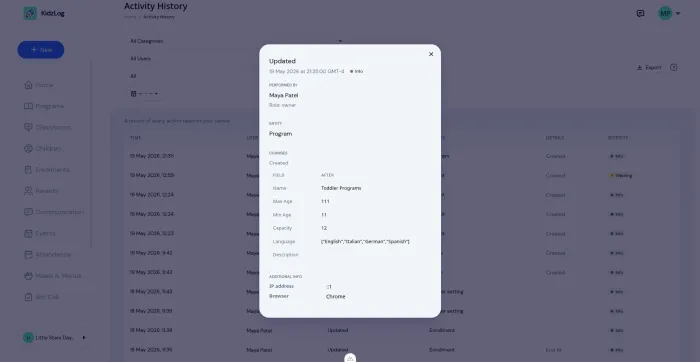
Created records show what was added. Deleted records show what was removed. Edits show only the fields that actually changed, side by side. Field names read in plain English, like "End Date", "Allergy Severity", or "Max Age", so anyone on your team can read the log without translation.
Export when you need a paper trail
A regulator visits. An insurance claim asks for a movement log. A parent in a custody dispute wants a complete record. The Export button gives you Excel or CSV, scoped to your current filters, up to 1,000 records per file.
What we do not put in those exports: IP addresses, device details, and internal record numbers. Those stay in the live screen for security checks but never travel in a spreadsheet someone might email or store unencrypted.
Parents get their own view
Parents see Activity History in their profile dropdown too. They get the same data, limited to their own children only, and they can switch between children if they have more than one. This complements the Daily Report, which covers daily learning, naps, and meals. Activity History covers account and attendance events: who checked the child in, when their profile was updated, when a contact changed.
Role boundaries
- Owner — sees everything, including billing actions.
- Admin — sees everything except billing actions.
- Teacher — sees their own actions in the center.
- Parent — sees account and attendance events for their own children.
Parents only see their own children's history. They cannot reach another family's history by any route, even if they try to navigate there directly.
Why this matters
Most days, Activity History sits unread. That is fine. It is not for daily use. It is for the day a question comes up about a change, an absence, a movement, or a billing event, and you need an unambiguous answer faster than memory or hearsay can produce one. Now you have one.
Pair this with KidzLog's centralized communications and attendance tracking, and your center has the kind of operational paper trail that quietly closes a lot of conversations.
Ready to Simplify and Organize your Daycare?
Get started with KidzLog today!
KidzLog Team
Related Articles
May Update: Video and Activity History
May brings video on daily activity logs, a searchable Activity History of who changed what, expanded notifications, and...
August Update: Enrollments and Fillable Forms
Families apply from your center's own page, parents complete a whole PDF on their own device, and the attendance report...
New: A Child's Address and Health Care Provider
The child record now holds the child's own address and their health care provider. Both show on the profile, in Health...