Set the End Date Once, We Handle the Archive
A four-month placement. A summer kid whose dates you knew on day one. A contract family. When an enrollment has a known end date, you also know the answer to what happens after? — the profile becomes a leftover. It shows up in roll calls, on rosters, in reports. Cleanup is a task that doesn't get scheduled, so it doesn't get done. Weeks later someone notices.
There's now a checkbox for it.
Tick it once, walk away
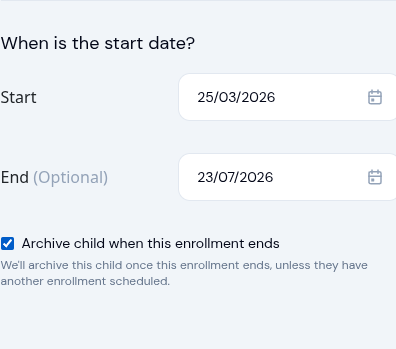
On the enrollment form, set the end date and tick Archive child when this enrollment ends. That's the whole interaction.
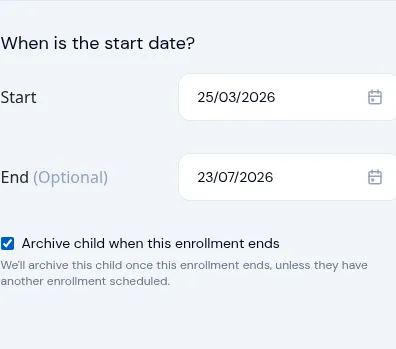
When the date passes, the profile archives automatically the same day. No follow-up reminder, no end-of-month cleanup task. The checkbox is grey until you set an end date — there's nothing to archive against otherwise.
If you change your mind, untick it. If you remove the end date, the checkbox clears on its own.
You stay in control of the automation
For owners who'd rather review every closeout themselves, the whole behaviour is off by default. Turn it on under Settings > Enrollment:
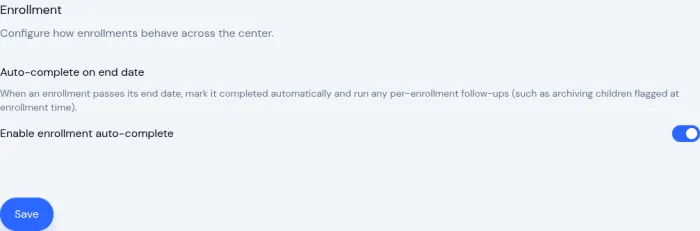
While that toggle is off, end dates work the way they always have — informational, no automatic action. Flip it on and the auto-archive checkbox on each enrollment becomes meaningful.
We won't archive a child who's still around
Here's the rule that lets you tick the box without second-guessing it: a child only archives if they have no other active or scheduled enrollment when the date passes.
If you flag the March enrollment and then start a fresh one in April for the same child, the April enrollment is honoured. The flag goes quiet. Nothing happens. The child stays where they are.
You'll also get a summary email at the end of the day showing what ran and what was held back:
- Children who were archived, with the program and end date.
- Children who were flagged but kept active because a new enrollment is on the books, with the name and the reason.
So if you ticked a box six weeks ago and want to know whether it fired today, the answer is in your inbox.
Where this fits
For temporary placements, contract families, end-of-program graduations — every case where you knew at enrollment time that this was the last one — the cleanup is now automatic. For everything else, nothing changes.
If a family comes back later, bulk unarchive brings them back in a couple of clicks. The whole story is: set the date once, trust the safety check, get on with running your day.
Ready to Simplify and Organize your Daycare?
Get started with KidzLog today!
KidzLog Team
Related Articles
August Update: Enrollments and Fillable Forms
Families apply from your center's own page, parents complete a whole PDF on their own device, and the attendance report...
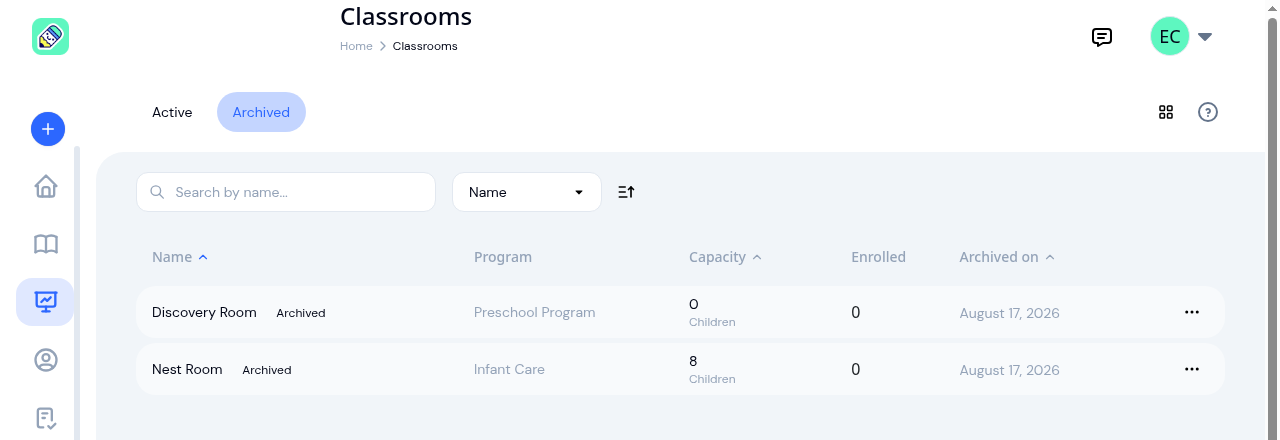
New: Archive a Classroom, and Hide the Ratio Panel
Finished with a room after reenrollment? Archive it. The room leaves your dashboard, dropdowns and report filters, and...
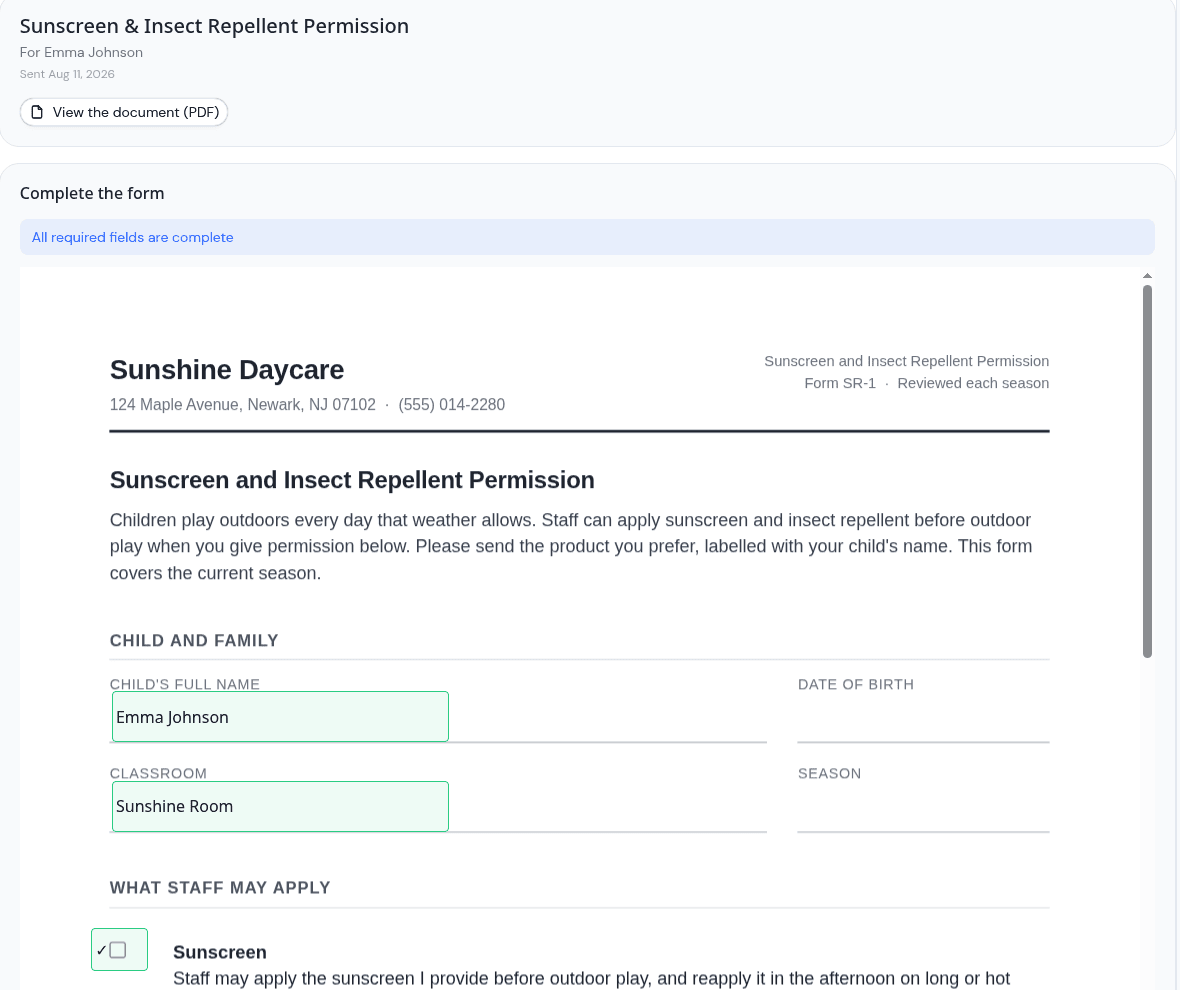
Parents can now fill in the form, not just sign it
Place signature, date, text and checkbox fields anywhere on a PDF, and parents complete the whole form on their own...