Invoicing Just Got Reliable: Discounts, Overdue Tracking, and Payment Receipts
You rely on invoicing to keep your center running. When a parent owes tuition, you need to know the amount is right, see at a glance what's overdue, and trust that payment confirmations reach the right people. We've made a series of improvements to make invoicing more reliable across the board.
Discounts That Actually Work
When you add a program fee to an invoice and apply a discount, the total now reflects exactly what you'd expect. A $200 bi-weekly fee with a $50 discount shows up as $150 — on the line item, in the preview, and on the final invoice.
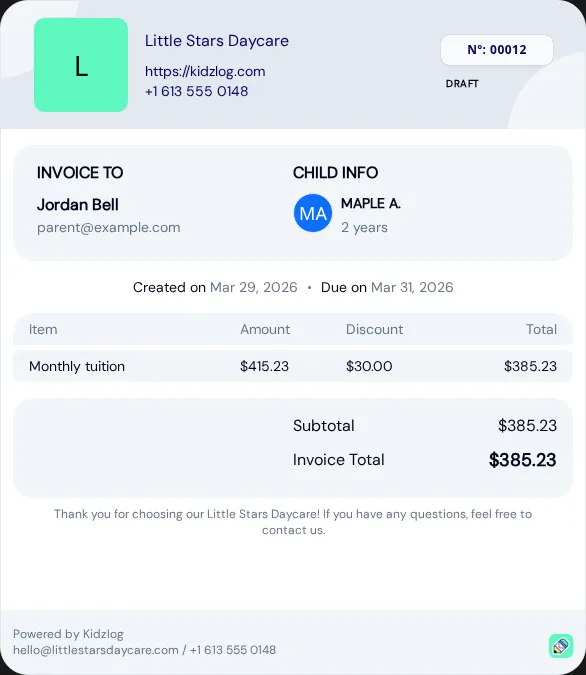
This applies everywhere: the creation form, the invoice preview before sending, the invoice list, and the PDF that parents download.
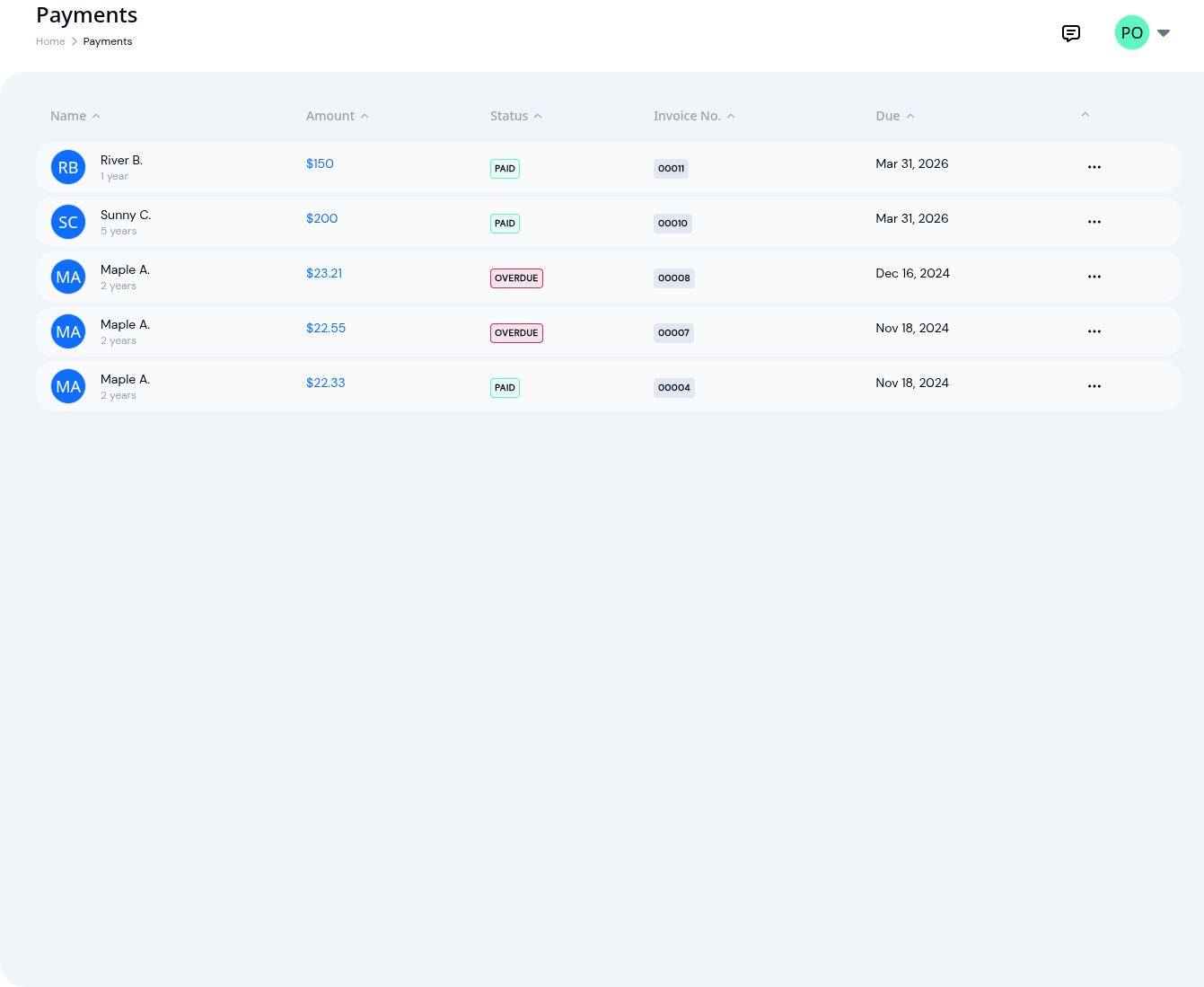
See Overdue Invoices at a Glance
Previously, invoices that were past their due date still showed as "Sent" — you had to check the due date column manually to spot them. Now, any sent invoice past its due date automatically shows an Overdue badge in the status column.
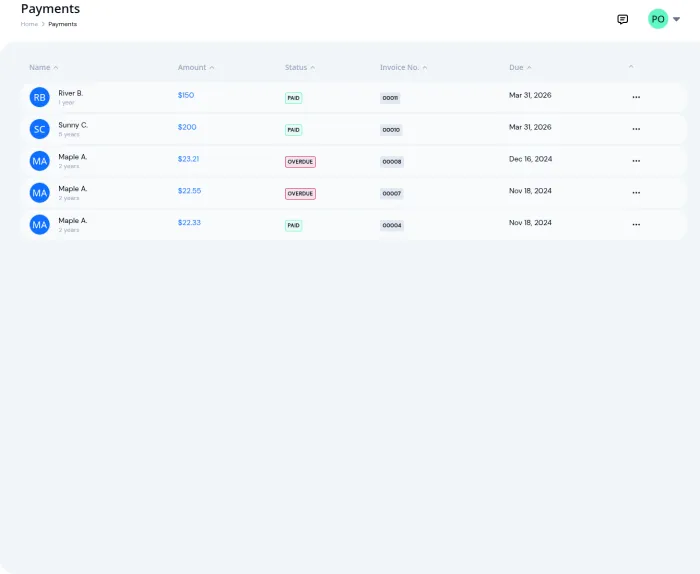
No action needed on your part — overdue status appears the moment an invoice passes its due date.
Parents Get a Receipt When You Mark an Invoice as Paid
When you mark an invoice as paid, parents now receive a payment receipt email automatically. The email includes the invoice number, amount paid, and date — giving parents a record of the transaction without you having to send anything manually.
This works alongside the existing notification that parents receive when an invoice is first sent. Together, parents get a clear paper trail from billing to payment. Combined with real-time parent communications, families stay informed at every step.
Admins Can Now Manage Invoices
Billing was previously restricted to center owners only. Now, admins have full access to create, edit, send, and mark invoices as paid. If you delegate billing to your office manager or administrator, they no longer need owner-level access to get the job done. This pairs well with KidzLog's child information management — the same staff who manage enrollment and records can now handle invoicing too.
What Else Changed
- Invoice editing — amounts display correctly when editing an existing invoice, so you can confidently make changes without worrying about the numbers shifting
- Invoice slips — the line-item breakdown on invoice slips now shows proper dollar amounts with discounts applied
- Reliability — invoice creation is now wrapped in a database transaction, so if something goes wrong mid-creation, you won't end up with a half-created invoice
Ready to Simplify and Organize your Daycare?
Get started with KidzLog today!
KidzLog Team
Related Articles
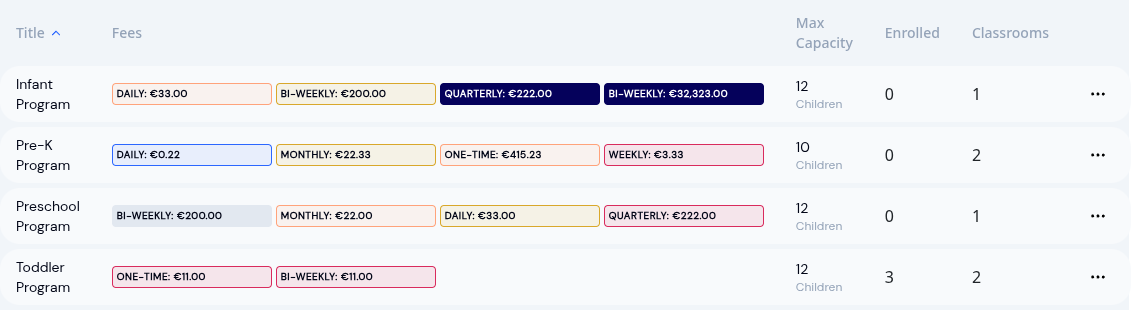
Show Program Fees in Your Local Currency
Pick any world currency for the fees and invoices your parents see. GBP, EUR, KES, AUD and more, available today.
August Update: Enrollments and Fillable Forms
Families apply from your center's own page, parents complete a whole PDF on their own device, and the attendance report...
New: A Child's Address and Health Care Provider
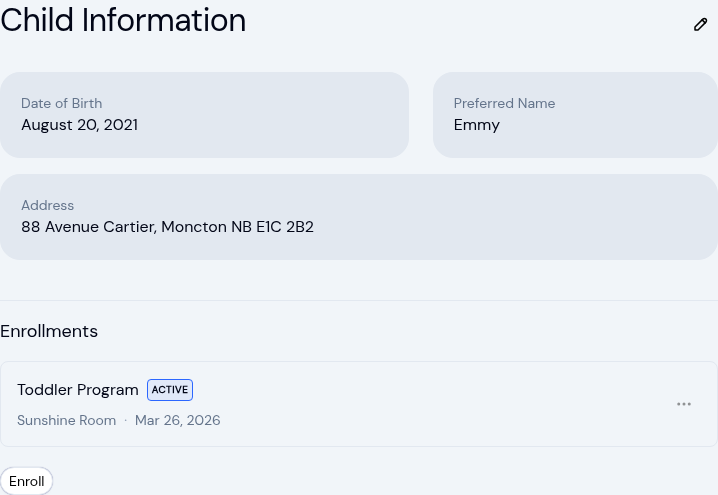
The child record now holds the child's own address and their health care provider. Both show on the profile, in Health...