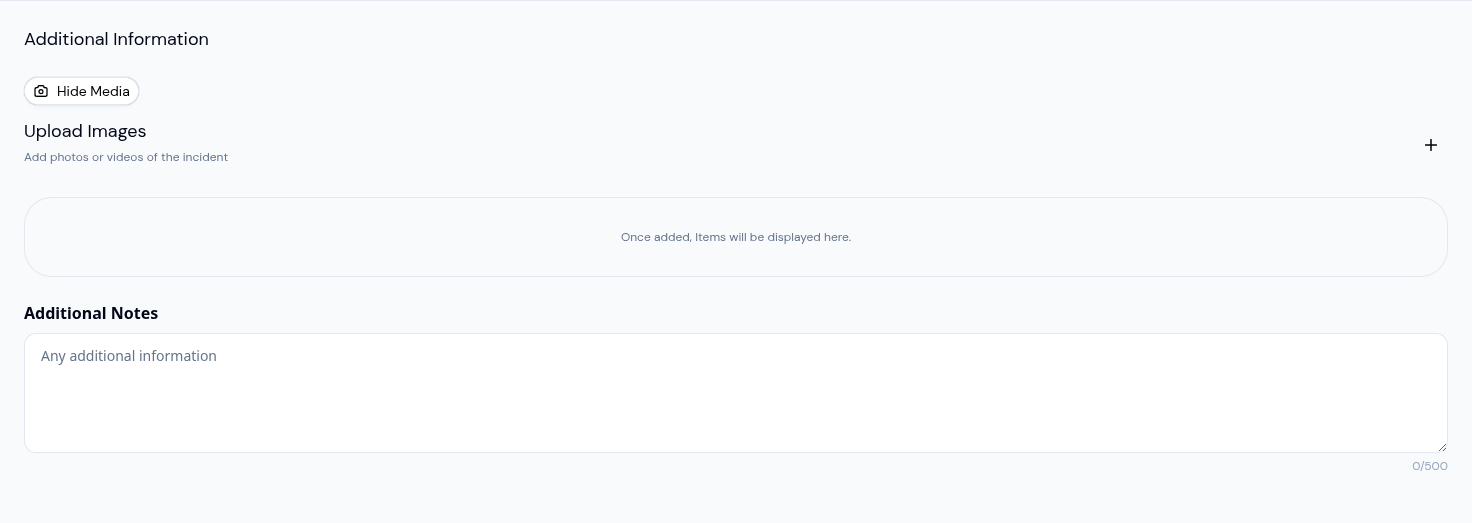
Attach a Video to Any Daily Activity
A toddler trying a new food. A child who finally drifts off after a long morning. The few seconds right after a playground scrape, when a parent will most want to know what happened. These are the moments worth showing, not just describing.
Every daily activity log in KidzLog now accepts video. Record from a phone or tablet, or upload an existing clip, and the video lands on the same log as the rest of the context — the mood, the meal, the incident report — so a parent reading their child's day doesn't have to piece the story together from separate posts.
What teachers can do now
Show a moment instead of writing about it. A meal log can carry a ten-second clip of the first taste. A learning log can carry the tower of blocks staying up. A recognition log can carry the actual moment the child shared the toy.
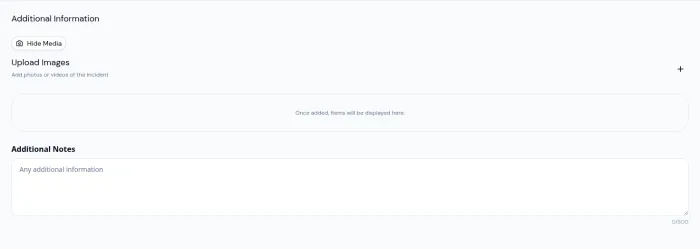
Add video to an incident report. A short clip of the room layout, the equipment, or the child's state right after lands inside the same report as the description, the actions taken, and the parent signature. Parents and licensing reviewers see one coherent record.
Record straight from the device. On a phone or tablet, the Record Video button appears right in the upload area. No switching to the camera app, no airdropping a file back into the browser.
Watch the upload, not a spinner. A progress bar runs while a clip uploads, so a teacher knows whether to wait or move on.
How parents see it
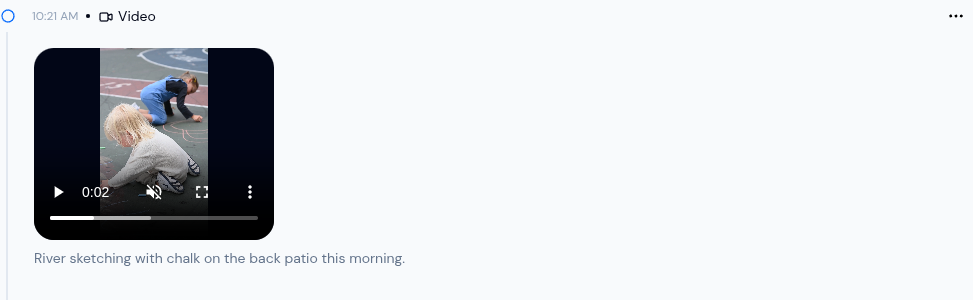
Videos play inline on the activity card, with the standard mute, scrub, and fullscreen controls. A parent tapping into the meal log sees the photo, the note, and the clip in one place. They can save the video to their phone the same way they would any other web video — no app install, no separate download flow.
A few practical limits
Up to 300MB per clip, multiple clips per activity, no duration cap. If a file is too big, the browser catches it right away instead of letting the upload run and fail.
The standalone Video activity stays exactly as it was, for posts where the video is the whole story. For everything else, the video now goes on the log it belongs to.
Ready to Simplify and Organize your Daycare?
Get started with KidzLog today!
KidzLog Team
Related Articles
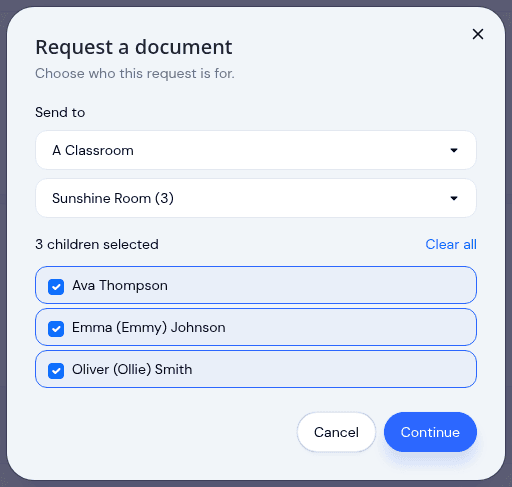
Send a document to a classroom or program
Pick a room instead of ticking twenty names, see exactly which children a request covers before it sends, and open any...
May Update: Video and Activity History
May brings video on daily activity logs, a searchable Activity History of who changed what, expanded notifications, and...
Share Videos of Your Children's Day With Parents
Video activities are live: upload or record clips up to 300MB, post multiple videos per activity, and let parents save...