
Send, sign, and track enrollment documents in KidzLog
Enrollment paperwork now runs start to finish inside KidzLog. Send the enrollment pack, or any single form, and parents sign, acknowledge, or upload it from their own device while you watch everything come back on one dashboard. The new Documents module replaces the print-hand-over-and-chase loop with a packet that goes out, gets completed, and tracks itself.
Send any document, three ways to respond
Upload a PDF, decide what you need back from each recipient, and send it to a child's parents.
- Sign captures a drawn signature for things like consent forms and enrollment agreements.
- Acknowledge is a simple "I've read this" for handbooks and policies, without a full signature.
- Upload lets a parent send a file back to you, for records they already hold on paper, like immunization documents.
Each signature is stored with a full audit trail (the time, the device, and who signed) as a legally-defensible electronic signature, the same engine behind KidzLog's check-in signatures and incident reports. Once a document is signed, it locks. Updating the underlying form sends a fresh request rather than overwriting the signed copy.
Group forms into packets
Most enrollments need more than one form. Bundle the enrollment agreement, photo consent, and handbook acknowledgement into a packet, like a New Enrollment Pack, and send the whole set in one action. Every document still tracks individually, so you can see exactly which item in the pack is still outstanding.
Auto-send the moment an application is approved
This is the part that changes enrollment day. If you use the enrollment review queue, you can set a packet to send automatically the instant an application is approved. No separate step, no "I'll email the forms later."
For the practical side of running this well, our guide on collecting signed enrollment paperwork without the chase covers what makes a signature defensible and where the chase usually breaks down.
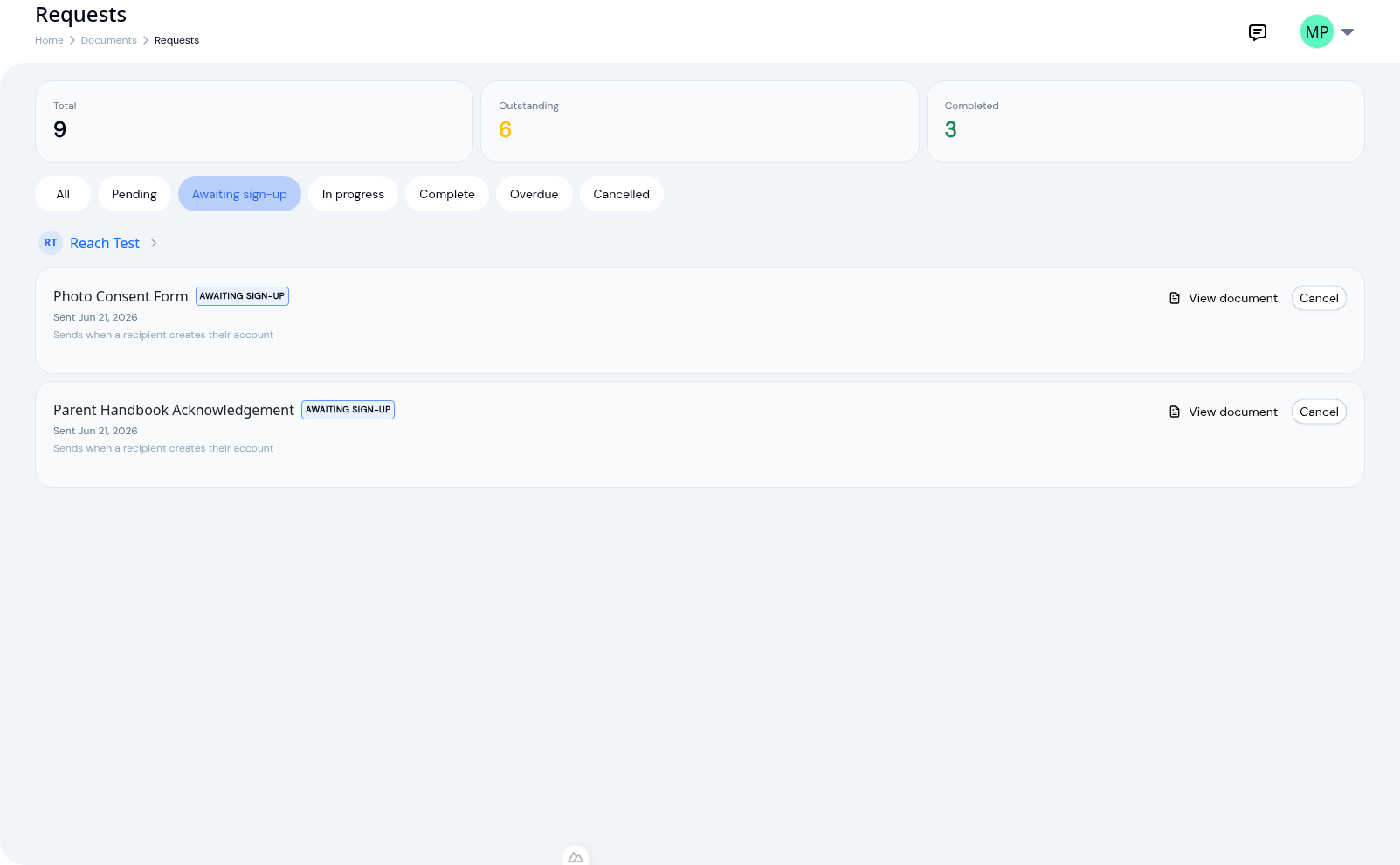
For a brand-new family who doesn't have an account yet, the documents don't vanish into a void. Each request holds as Awaiting sign-up until the parent accepts their invitation and creates their account, then sends itself automatically. The paperwork waits for the family, instead of the family waiting on you.
One dashboard for what's outstanding
Every request lives on a single dashboard, grouped by child, with sent and completed dates and a running count of what's still open.
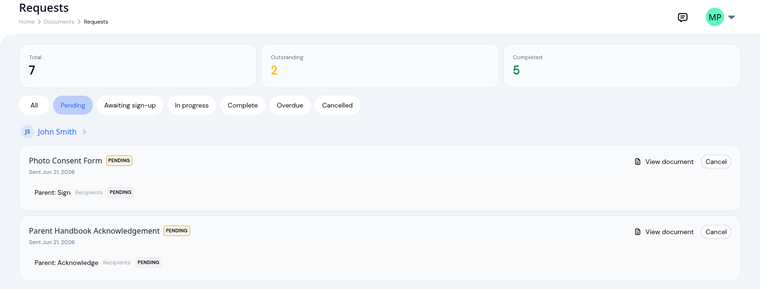 "Did the Patels ever send back the medical form?" becomes a glance instead of a hunt through files. Optional reminders can nudge parents on anything still pending, so a half-finished packet doesn't stall silently.
You'll find the Documents module under your settings once it's enabled for your center.
Ready to Simplify and Organize your Daycare?
Get started with KidzLog today!
KidzLog Team
Related Articles
May 2026 Product Updates: Video, Activity History & More
May brings video on daily activity logs, a searchable Activity History of who changed what, expanded notifications, and...
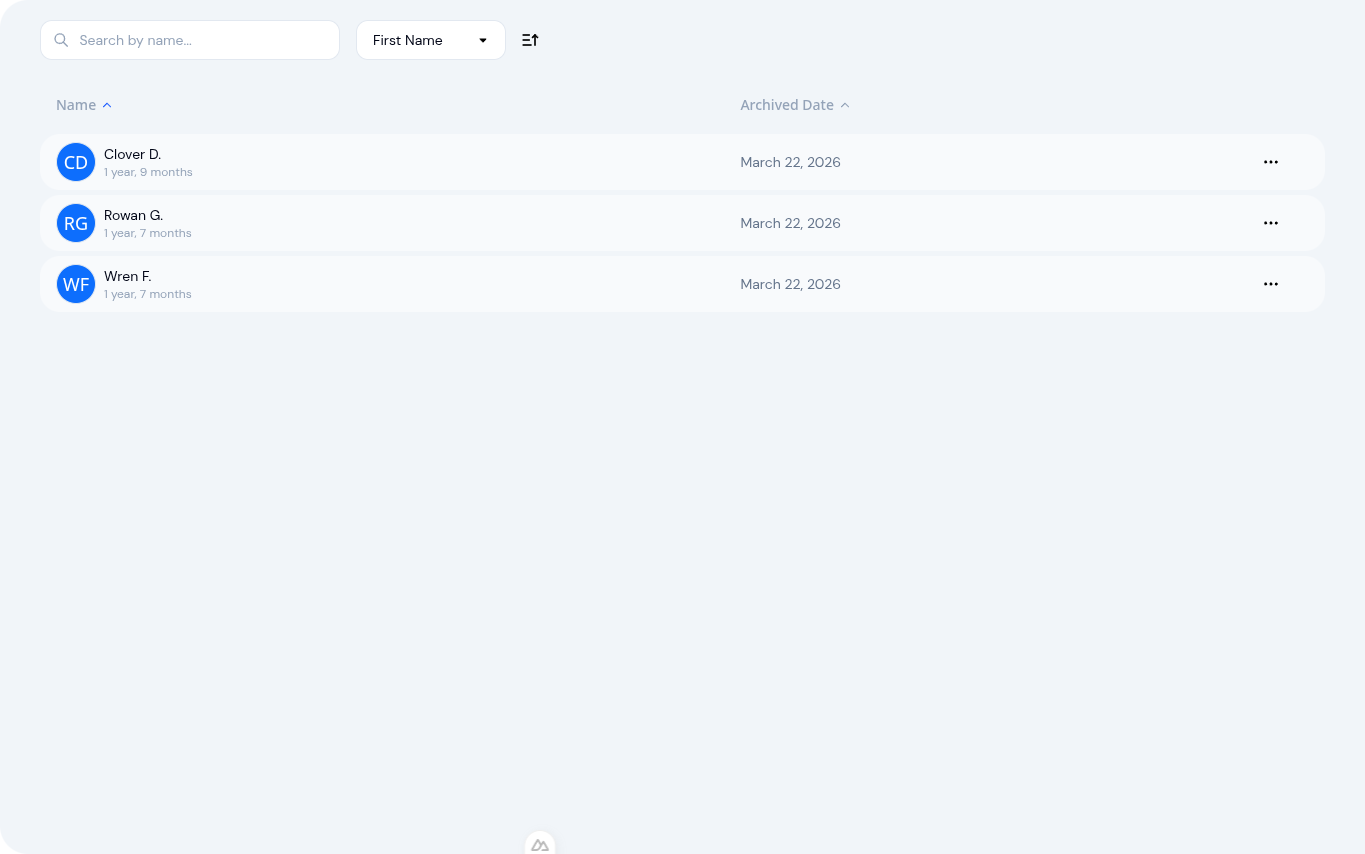
Archive Child Profiles Without Losing a Single Record
When a child moves on from your center, archive their profile to free up subscription slots while preserving every...
Collecting signed enrollment paperwork without the chase
Enrollment forms only protect you when they come back signed, dated, and unchanged. How to collect them cleanly, and...