Review and approve enrollments before they go live
A family calls about a spot for their toddler. Another fills out a paper form at your front desk. A third emails asking about your fall program. Right now, those requests probably live in three different places: a sticky note, a clipboard, and an inbox. None of them are children in your system yet, because none of them should be until you've decided.
KidzLog now gives those prospective families a home. You can capture an enrollment request as an application, review it on your own time, talk it over with your team, and then approve it to create the child and their enrollment in one step. Nothing touches your roster until you say so.
Applications, not instant enrollments
Until now, enrolling a child in KidzLog meant the child was in. That works well when a family has already committed and you're ready to add them. It works less well when you're still fielding interest, juggling a few prospective families for the same opening, or waiting on paperwork.
The new application flow adds a deliberate "not yet" step. When a request comes in, you record what you know: the child's name and date of birth, one or two guardian contacts with their phone or email, which program they're interested in, and when they'd like to start. That request lands in an applications queue instead of your active roster.
This is entirely optional and set per center. If you prefer the old behaviour, where adding a child enrolls them immediately, nothing changes. The pipeline is there when you want a review step, and out of the way when you don't.
A queue you can actually work from
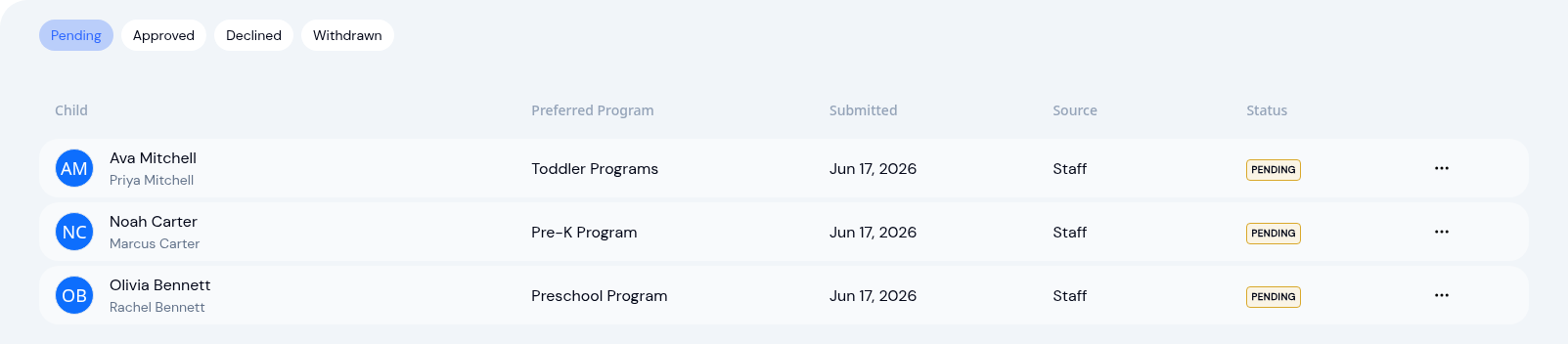
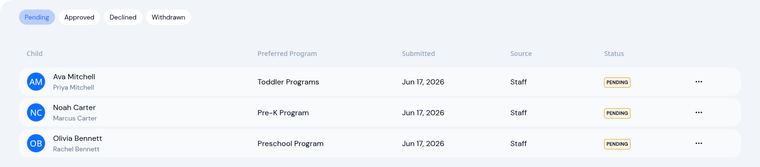
Every application waiting on a decision sits in one review queue. You can see at a glance who's interested, what they asked for, and when they wanted to start. No more reconstructing the picture from scattered notes.
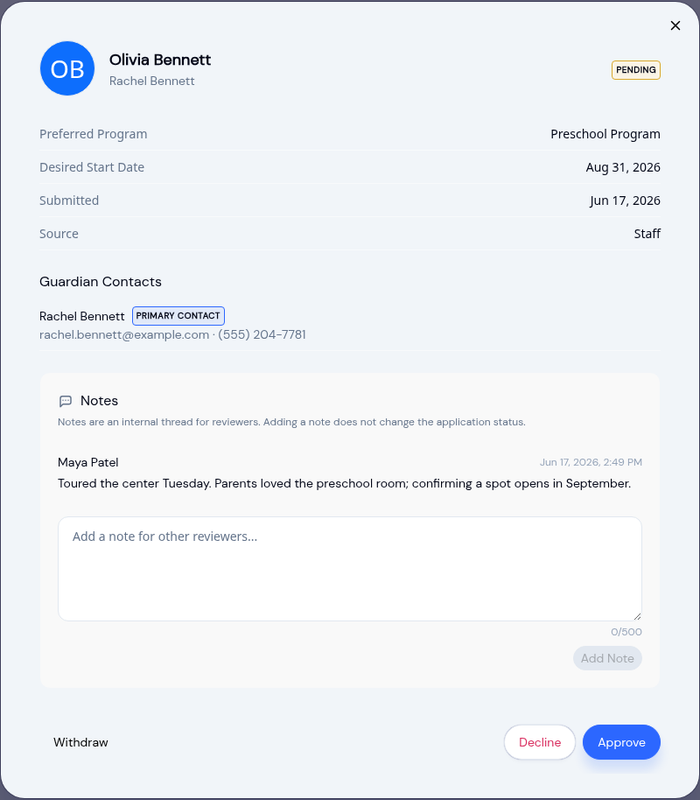
When you open an application, you get the full captured details plus a notes thread. The notes are for your team, not the family. If you toured the parents on Tuesday, jot it down. If the assistant director needs to confirm a classroom has space, that conversation lives right on the application where the next person will see it. Decisions about prospective families usually involve more than one staff member, and now the context travels with the request.
One decision, three clear outcomes
When you're ready, an application has three paths.
Approve. This is the one-click step that does the heavy lifting. Approving creates the child profile if they're new and an active enrollment in the program they applied for, all at once. The family moves from "interested" to "enrolled" without you re-typing anything you already captured.
Decline. Sometimes the answer is no, and a good record says why. Declining asks for a reason, so months later you and your team know whether it was a capacity issue, a schedule mismatch, or something else. That history is worth keeping.
Withdraw. Plans change and families move on. When an applicant pulls out, you can withdraw the application to clear it from the queue without pretending a decision was made.
Why a review step matters
Adding a deliberate pause before a child becomes part of your center protects your data and your decisions. Your active roster stays clean, holding only children who are actually enrolled, not every family who ever inquired. Your reports stay accurate. And the prospective families you're still weighing get the consideration they deserve instead of being half-added and forgotten.
If you'd rather keep enrolling families the moment they commit, managing enrollments works exactly as it always has. The pipeline is an option you switch on when your center is ready for it, and it sits alongside the rest of KidzLog: once a child is approved, they flow straight into attendance and check-in, daily activity logging, and parent communication.
Interest doesn't have to live on a sticky note. Capture it, review it, talk it over, and approve it when the time is right.
Ready to Simplify and Organize your Daycare?
Get started with KidzLog today!
KidzLog Team
Related Articles
May 2026 Product Updates: Video, Activity History & More
May brings video on daily activity logs, a searchable Activity History of who changed what, expanded notifications, and...
Set the End Date Once, We Handle the Archive
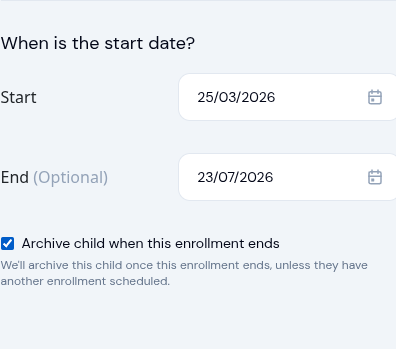
For fixed-term placements, tick a box at enrollment time and KidzLog archives the child when the enrollment ends — with...
April Product Updates: Menus, Allergies, and Bulk Archiving
Plan weekly menus with one-tap meal logging, automatic allergy alerts, archive entire classes, switch between centers,...