New: Schedule an Announcement for Later
Write Monday's notice on Thursday afternoon, and have it reach families on Sunday evening. Announcements can now be scheduled: you pick the date and the time, and KidzLog sends it then, by email, in the app and by text message if your center uses announcement texts.
Pick a date and a time
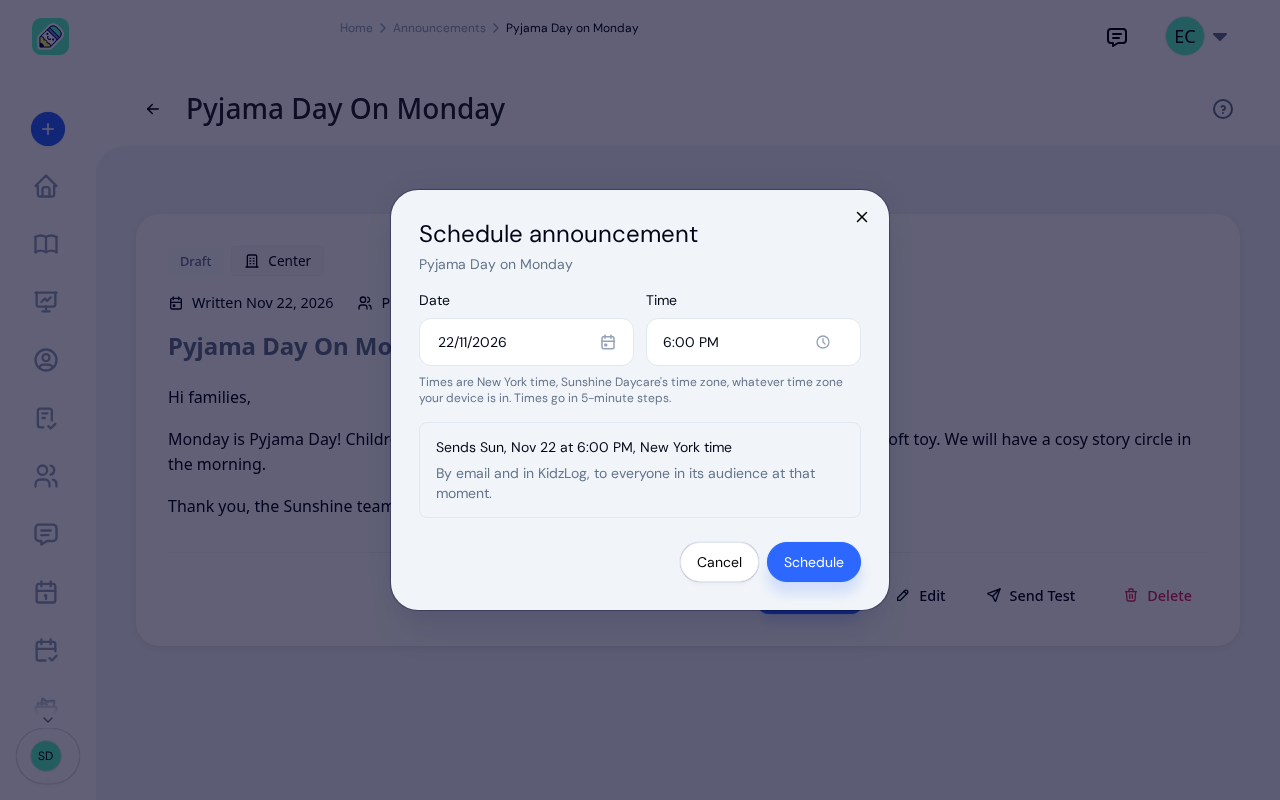
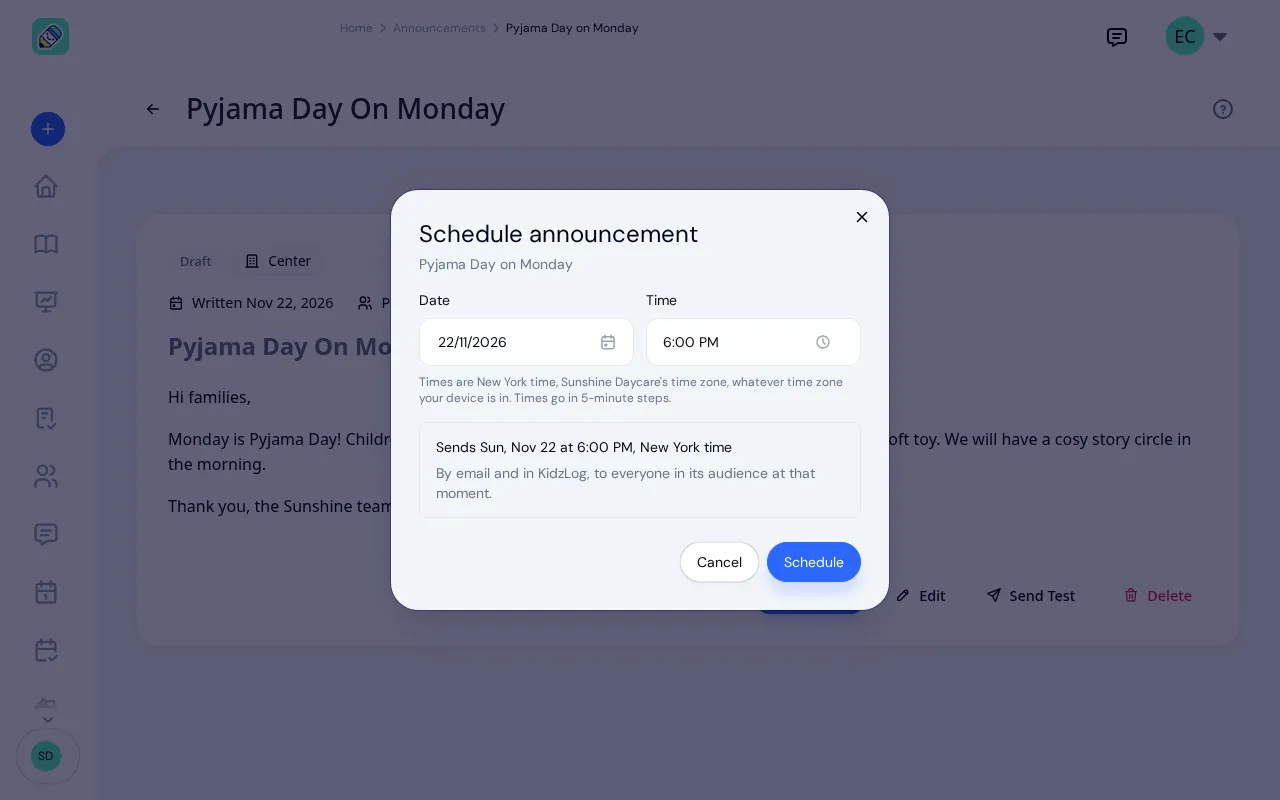
Open a draft announcement and select Schedule, next to Publish. Choose the day and the time it should go out. Times go in five-minute steps and use your center's clock, named in the window (for example "Toronto time"). That means the time is right even if you are traveling or your phone is set to another time zone.
The window shows exactly when it will send and how it will reach families. If text messages are on and you pick a time between 9 PM and 7 AM, it reminds you that a late-night text can wake families. You can still choose that time.
See what is waiting to go out
Scheduled announcements have their own Scheduled tab in Communication, with a count. Each one shows its send time, so the week's notices are easy to check at a glance.
Opening a scheduled announcement shows when it goes out, with three choices:
- Send now, when it can't wait after all;
- Change time, to move it earlier or later;
- Cancel schedule, which puts it back in your drafts.
You can still edit the text, the attachments and the audience until it sends. What goes out is the latest version.
What families see
Nothing changes for families until the time you picked. Then they receive it exactly as they would a published announcement: the email, the text message if they have texts on, and the announcement in their app. Their feed dates it by the day it was sent, so a notice written on Thursday and sent on Sunday appears as Sunday's news.
Families who join a room before the send time receive it too, because the audience is worked out when it goes out.
Teachers schedule for their own rooms
Teachers who write announcements for their rooms can schedule them the same way. Owners and admins see every scheduled announcement in the center, and teachers see their own.
If it can't go out
When the time comes, KidzLog checks that the announcement can still go out. For example, the person who scheduled it must still be able to send to that room, and someone must be left in the audience. If something has changed, KidzLog doesn't send it. It goes back to drafts with the reason shown at the top, and whoever scheduled it gets an email explaining what happened. Nothing goes out without you knowing.
For more on planning the notes you send families through the year, see how to build a parent communication plan.
Ready to Simplify and Organize your Daycare?
Get started with KidzLog today!
KidzLog Team
Related Articles
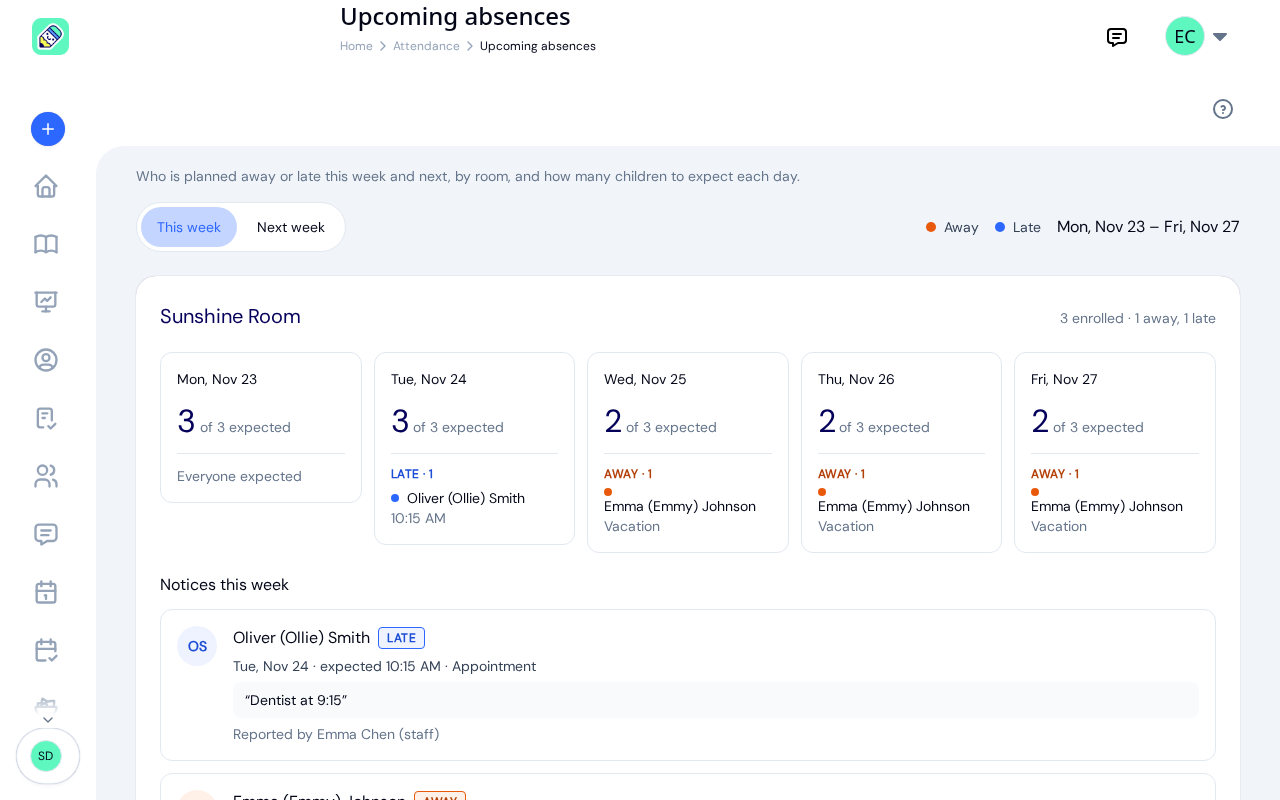
New: Planned Absences and Late Arrivals
Families and staff can report a child away or arriving late ahead of time. Safe Arrival waits for late children, and...
October Update: Document Steps and Room Posts
Staff see the document steps waiting on them, parents follow each step in order, teachers post to their whole room, and...
Send a document to a classroom or program
Pick a room instead of ticking twenty names, see exactly which children a request covers before it sends, and open any...