Building a parent communication plan
Most childcare centers communicate with families every day, often through five or six different channels. Daily notes in the activity feed, in-person at drop-off and pickup alongside attendance check-in, a text message from a teacher's personal phone, an email from the office, an occasional SMS for an early closure, the printed newsletter on the wall. None of it is unreasonable on its own. Put together, it can be hard for a parent to know where to look, and hard for a staff member to know what they own.
A parent communication plan is the one-page document that decides this in advance, instead of having staff re-decide it in the moment. This guide explains what should be on that page, why each piece matters, and how to roll it out without it becoming another binder no one reads.
What a plan is and what it is not
The plan is a one-pager. It lists which channels the center uses, what each is for, who is allowed to send through each, how often the routine messages go out, and what happens when something needs to escalate. Two sides of one sheet.
It is not a script or a policy binder. The words still come from the person doing the communicating; the plan decides only the structure. It does not need to cover every edge case; that is what the escalation rule is for.
The point of writing it down is that staff turnover, new families, and busy weeks all make ad-hoc systems unstable. A new teacher should be able to read the page in five minutes and know how to message a parent that afternoon.
The six parts
Most plans fit this shape.
1. Channels
List every channel the center actually uses and define what each is for. Be explicit about the ones you do not want used.
- In person at drop-off and pickup. The default for short, time-sensitive context (mood at drop-off, a small bump, a question about pickup time).
- Daily activity feed in the parent app. Naps, meals, bathroom, learning notes, photos. The base layer of the day.
- Direct messages in the app. One-on-one with a specific family. Used for non-urgent context that needs to be written down or replied to later.
- SMS through the center's system. Time-sensitive notices: emergency closures, an incident notification that cannot wait, a forgotten lunch.
- Email through the center's system. Longer-form announcements, billing notices, the monthly newsletter.
- Phone call from the center. Sensitive or escalating conversations; anything that needs tone the written word cannot carry.
Channels to avoid: a staff member's personal text messages, personal email, social media DMs. They are invisible to the next teacher who picks up the family, they disappear when the staff member leaves, and they put both the family and the staff member in an awkward privacy position.
2. Cadences
For each channel, when is it expected to be used.
- Every day: the activity feed and the morning health screening exchange.
- Every week: a brief classroom summary from the lead teacher.
- Every month: the newsletter, if the center sends one.
- Every term, or every quarter: a parent-teacher conversation, usually a brief in-person check-in rather than a formal meeting.
- As needed: incidents, illness, billing, schedule changes.
- Immediately: emergencies, anything that affects child safety today.
The cadence is the part that builds trust. Parents who know the activity feed updates every day stop checking it every hour; parents who know the newsletter arrives the first Monday of the month stop wondering whether they missed it.
3. Ownership
Name who sends what.
- Teachers own the daily activity feed, the in-person exchange at pickup, and direct messages about classroom-level events.
- Director or admin owns center-wide announcements, billing notices, sensitive conversations, and anything that needs to be on the center's letterhead.
- Any staff member on the floor owns the emergency exchange — calling a parent, sending an emergency SMS — when the situation demands it.
The ownership rule prevents two common failure modes: the director becoming the bottleneck for every routine message, and routine messages being sent by someone who did not have the full context.
4. Escalation
When the routine channels are not enough, the plan should say what comes next.
- A parent raises the same concern twice without resolution. The director takes over the conversation, usually with a phone call.
- A sensitive topic. Health, developmental concerns, billing disputes, behavior incidents involving more than one child. The director, or director-and-teacher together, with a real conversation rather than a message.
- An incident. The conversation at pickup is the first contact, the report in the app is the document, and a follow-up call or message the next day is the closing of the loop. The companion guide on what to tell parents after an incident walks through that sequence.
- A conversation that is going hard at pickup. Hand off to the director, schedule a follow-up. The broader guide on managing difficult conversations with parents covers what to do in the moment.
5. Privacy
What about other children, what about photos, what about medical information.
- Other children are not named in any one-on-one message to a family. "Another child was involved" is the standard reference.
- Photos and video follow the center's existing photo-consent practice; if a parent has opted out for their child, that child should not appear in another family's daily feed.
- Medical information is shared only with the people who need it. Allergy info for the room, yes. The diagnosis the parent told the director in confidence, only if the family has authorized it.
These three rules cover most of what a plan needs to say about privacy without becoming a policy document.
6. Review
When does the plan get revisited.
- Once a year. A standing review on the same date each year.
- After a complaint. A complaint is data; the plan should be re-read to see if a different decision earlier would have prevented it.
- When adding a new tool. Any new app, channel, or service should be added to the channels and ownership sections before it goes live.
How to roll it out
The plan is short, which is the only reason it works. Treat the rollout the same way.
A director can draft the first version in about thirty minutes if the center is small, and an hour for larger or multi-room centers. Share it with the team for one round of comments. Adjust the channel list to match what staff actually use, not what you wish they used. Then circulate it to families in a short email — three lines saying "here is how we communicate with you, here is who to reach for what" with the document attached.
Add the plan to two places: the staff handbook (so new hires read it during orientation) and the parent welcome packet (so new families see it at enrollment). Revisit it at the same date every year and update what has changed.
What this prevents
Centers with a written plan see fewer of the same recurring small problems. A teacher texts a parent from her personal phone, leaves the center two months later, and the new teacher cannot see the history. A parent asks about a billing question at pickup and the teacher gives an uncertain answer instead of routing to the office. The same announcement goes out three times through three channels because no one was sure who owned it. None of these are catastrophes, and all of them are friction the families and the staff feel.
For the broader context on what makes parent communication land well, beyond the structural plan, our guide on parent communication strategies for childcare centers covers the relational side.
How KidzLog supports this
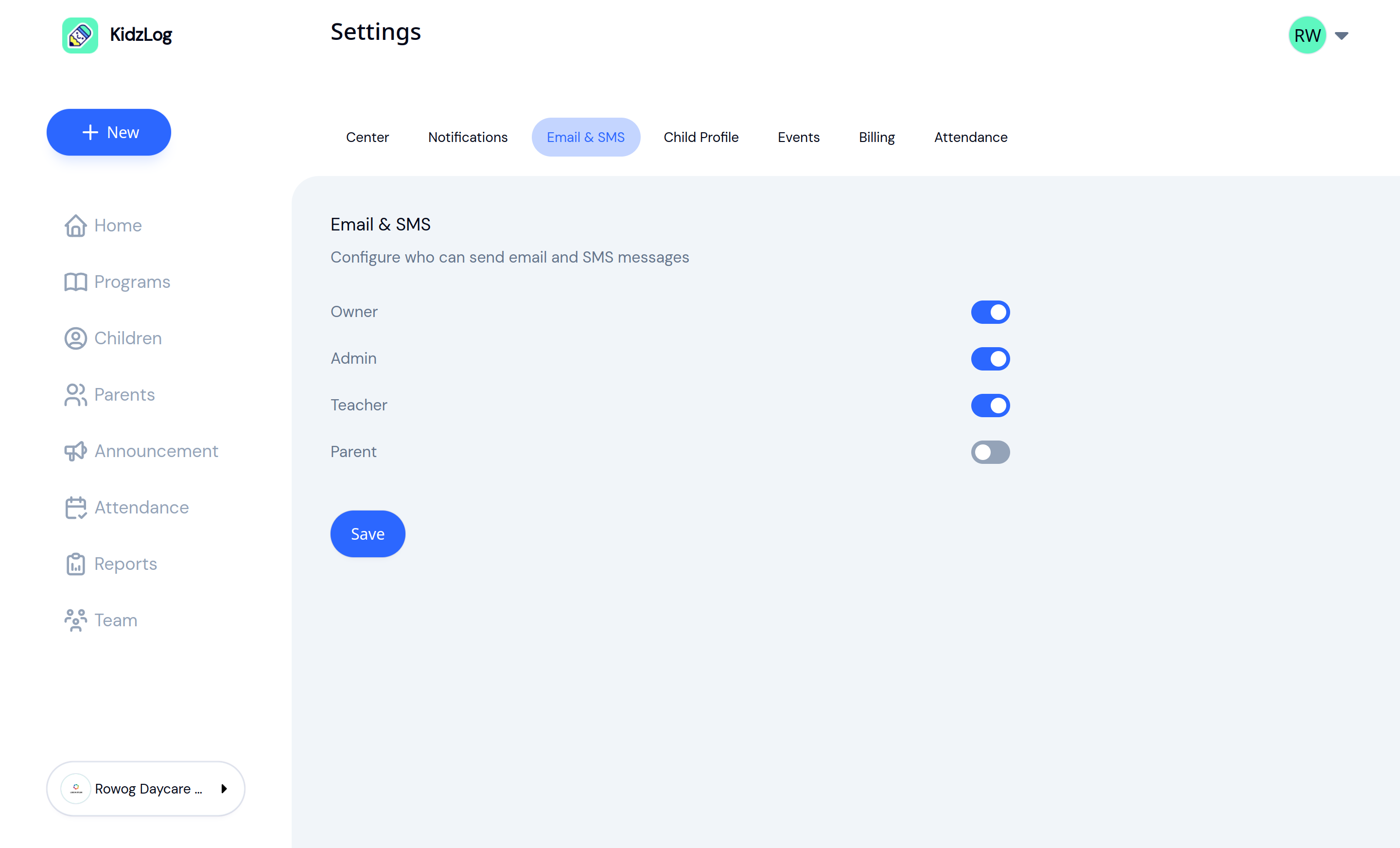
KidzLog's parent communications are organized around the channel categories most plans end up listing. Direct conversations are per-family threads visible to authorized staff, so a teacher's reply and a director's later message live in the same place. Announcements go to the whole center or to specific classrooms, with email and SMS as send options on the same composition step. Per-role permission toggles control who can send via email or SMS, which is the ownership rule from the plan made enforceable in the tool.
For the safety-critical changes that need a fast notification — an allergy added, an emergency contact updated — SMS notifications fire automatically to the relevant staff and admins, so the escalation rule does not depend on someone remembering to send the message.
The plan still belongs on a one-page document in the staff handbook. The tool just removes some of the manual work of enforcing it.
The standard
A good plan is one a new staff member can read in five minutes and apply that afternoon, and one a new family can read at enrollment and know where to look when they have a question. That is the bar. The shorter the document, the more often it gets read.
Ready to Simplify and Organize your Daycare?
Get started with KidzLog today!
KidzLog Team
Related Articles
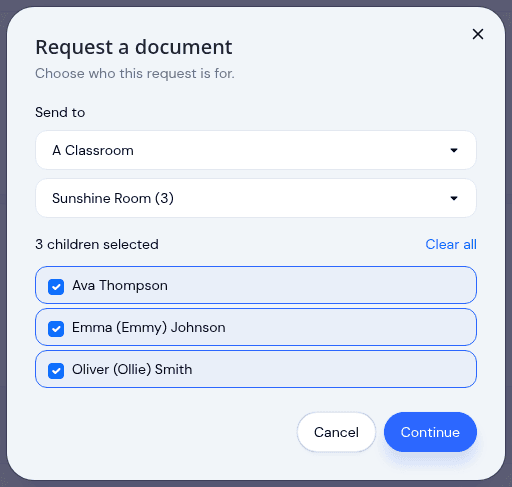
Send a document to a classroom or program
Pick a room instead of ticking twenty names, see exactly which children a request covers before it sends, and open any...
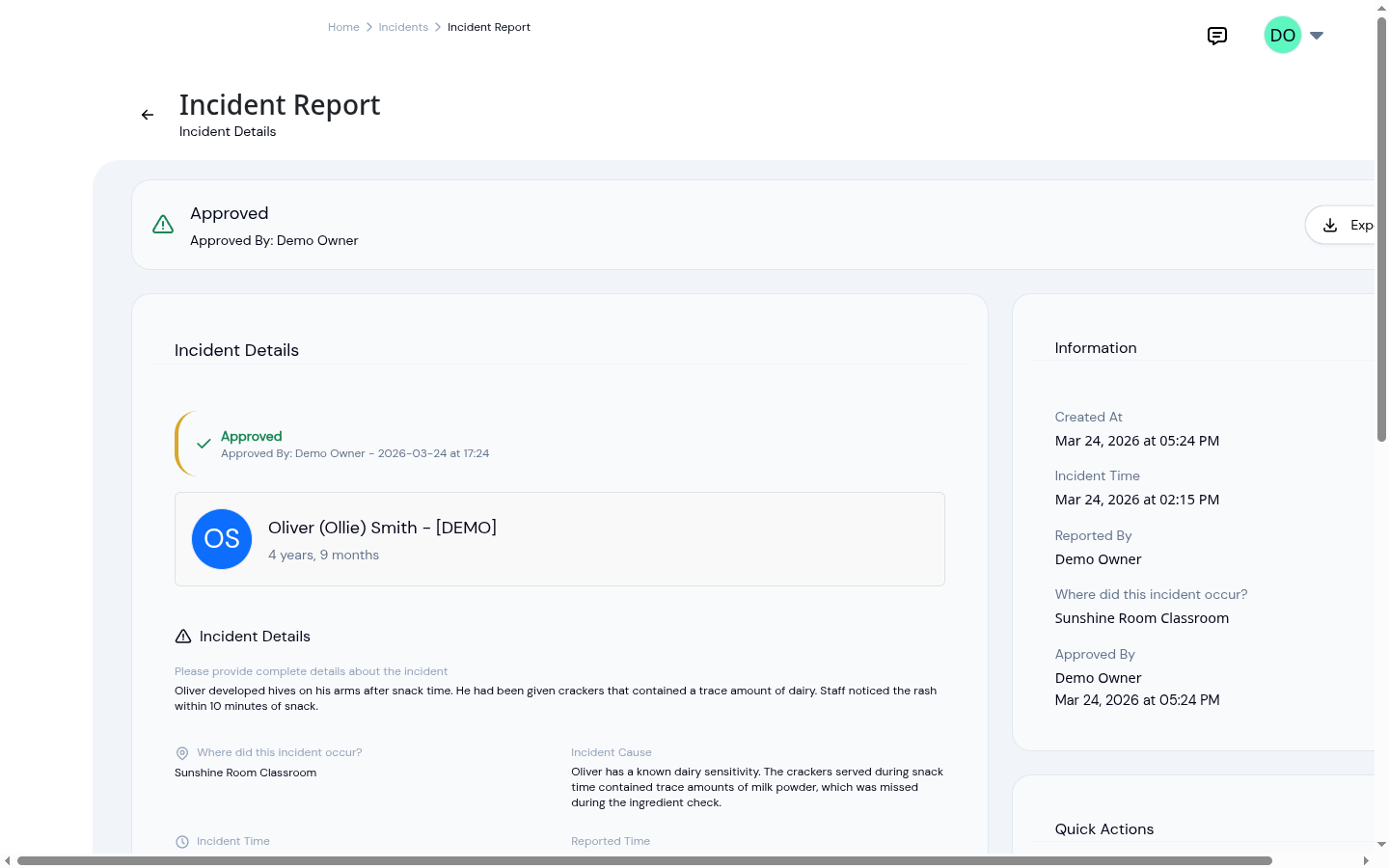
After an incident: what to tell parents
How daycare staff and directors handle the conversation with parents after an incident: what to say at pickup, what to...
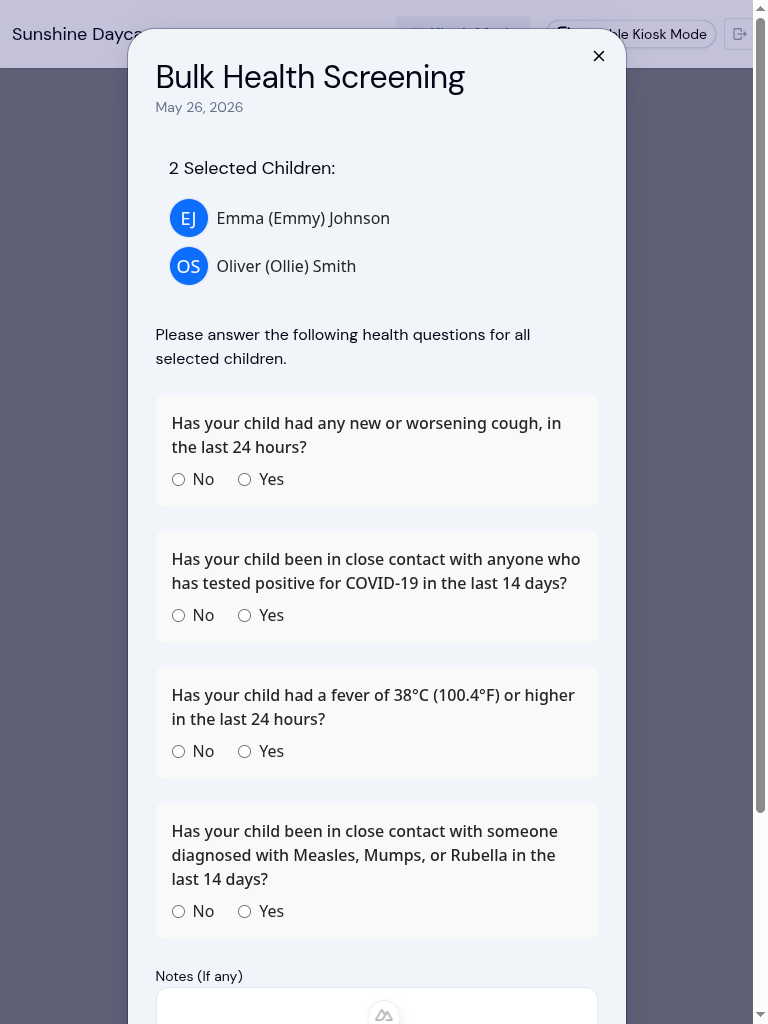
Why daycares ask health questions every morning
What the morning health questions at your daycare are screening for, what happens if you answer yes, and where your...