Paper vs digital incident reports
Two centers, two systems.
In one, a pad of two-part incident forms sits on the office shelf. When something happens, the teacher writes the report on the pad at the end of the shift, tears off the top copy for the parent, and files the carbon in the child's folder.
In the other, the teacher opens the room tablet, taps Report Incident, picks the child, types the report, and signs at the bottom. The director sees it appear on the pending-approval list in their office a moment later.
Both can produce a good record. Both can produce a bad one. The difference is in three places directors usually feel: the time it takes to write a report, the accuracy of what ends up on the page, and how easy the records are to pull when an inspector asks. This guide compares the two on those three axes, then names what digital does not solve.
How long it takes to write
A handwritten incident report on a typical paper form is somewhere between five and fifteen minutes once the teacher actually sits down with it. The form itself is not slow. The slow parts are the rewrites for legibility, the back-and-forth to look up the parent's phone number or the time the supervisor was notified, and the wait for the room to calm down before anyone can leave to find the office and the form.
In practice, the gap between "incident happened" and "report finished" matters more than the raw minutes. A report written four hours later, after the floor mat is rolled up and the kids are gone, loses the small specifics: which rung of the climber, which foot, how long the crying lasted. The pad of paper does not help with that timing problem. Often it makes it worse, because the teacher is reluctant to leave the room to find the office.
A structured digital form has a different shape. The fields are pre-set, so the teacher fills in observations rather than reconstructing the form's layout each time. Child, time, location, what happened, what was done, parent notification. The reporter signs at the bottom, hits submit, and the record is in the system. There is no second pass for legibility, no rewriting from a scratch note. The form on a room tablet means the teacher writes it where they are, while the details are still there.
The honest comparison: digital saves the friction time around the writing more than the writing time itself. A well-organized teacher with a clean pen can write a paper report as fast as anyone can type a digital one. Most teachers are not in that position at 5:15pm on a Friday.
How accurate the record is
This is the part where the structure helps most, and it has nothing to do with paper handwriting being worse than typing.
A blank page invites narrative. Narrative is where a report can drift into "Liam was not paying attention" instead of "Liam's foot slipped from the third rung". Structured fields force the writer to put facts in the slot labelled facts. The cause field asks what caused it; the assistance field asks what was done; the parent-notification field is a toggle with a timestamp. Each field has a single job. The result is closer to what the next reader — parent, doctor, covering teacher — actually needs.
The structure also catches the omissions paper hides. On paper, leaving a section blank looks neat. In a digital form, blanks in required fields are flagged at submit time, so the teacher is asked about them while they are still at the form. The "actions taken" field does not get skipped because it had to be filled in to submit.
Accuracy beats speed every time on an incident report. A factual, complete record is what the family, the doctor, and the inspector need from it. For the underlying writing principles, regardless of paper or digital, see our companion guide on writing a clear, factual incident report.
Pulling records when an inspector asks
This is the case where paper struggles most.
When licensing asks for the incident reports for a specific child, or for all incidents in a given month, the paper-based answer is a trip to the filing cabinet, a search through the child's folder or the chronological binder, and a hope that nothing is misfiled. For an inspector sampling six children across three months, the same search runs six times.
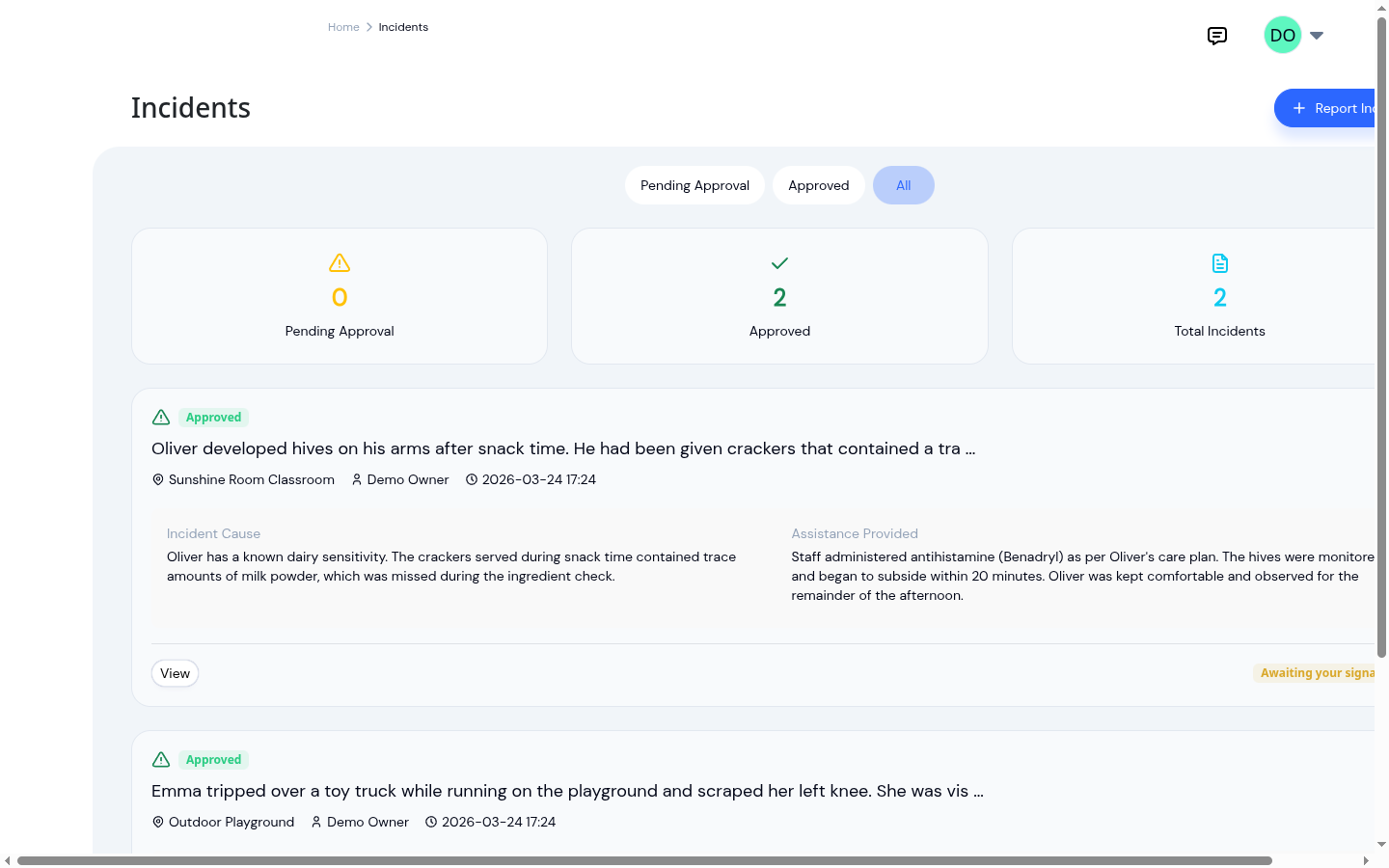
Digital records solve this by being indexed. Incidents are stored per child and per date. The admin list filters between pending approval and approved reports, which is useful for a director's daily review and also for showing an inspector the closed report set rather than the work in progress. Pulling the file for one child or one date range is the same action, run with different inputs.
There is a narrower point that matters during an actual visit. Paper reports also have the problem that two copies of the same form can exist with different content if someone touched up the office copy after the parent took theirs home. A single digital record, signed by the reporter and the approving director, does not have that branch. The same report is what the parent saw, what the inspector sees, and what is in the child's record.
A clean, organized paper system can hold up under an audit. It does, every day, in centers that have not moved off paper. The point is that the work of staying organized is constant on paper and roughly zero on a properly designed digital system.
What digital does not fix
A few things to be honest about.
Digital reports do not write themselves. A teacher who would write a vague paper report will write a vague digital one. Structured fields help, but the trained habit of writing what was observed is what makes the report useful, not the medium. Training and review are still the work.
Digital reports also depend on the device being available and the staff being comfortable with it. Centers where one tablet serves four rooms, or where staff have not had hands-on time with the form before they need it, will hit those limits before they feel the benefit.
And paper has real strengths. A pad of forms works in a power outage, does not need a login, and can be filled in by any adult in the building without a permission setup. For a small home daycare with three children and infrequent incidents, the overhead of going digital may not pay back. Most multi-room centers feel the difference within a month.
How KidzLog supports this
KidzLog's incident reporting captures each report as a structured form: incident date and time, child, location, description of what happened, the cause, the assistance given, whether emergency services were called, and the reporter's typed signature. Photos and short videos can be attached when they help tell the story.
Two workflow pieces matter most for the comparison this post is about:
- Director approval before the parent sees the report. Submitted reports land on a Pending Approval tab in the admin incidents list. The director reviews, approves, and signs; the approval timestamp and signature stay on the record. This is the same checkpoint a paper system handles by walking the form into the office, but it does not depend on the form physically getting there.
- Parent acknowledgment on the record itself. When the parent signs off on the report in their portal, their signature and the timestamp are stored on the same report, not in a separate sign-off log. The conversation at pickup and the document end up in one place.
Reports are stored per child and per date, with the Pending Approval, Approved, and All filter on the admin list available for daily review or for showing a closed report set to an inspector. From the report detail page, the printed copy uses the same layout, so a parent who prefers paper or an inspector who wants a hard copy gets the same record that is in the system.
This sits alongside KidzLog's broader child information records. Incident history, like immunizations and emergency contacts, is one part of the child's complete profile rather than a filing system of its own.
The standard
A report is good when the next reader can picture exactly what happened and act on it. Paper can produce that report. Digital can produce that report. The difference is how reliably each medium produces it, and how easily the report is found later when the family, the doctor, or an inspector needs it.
For most multi-room centers, the digital version produces the better record more often, with less friction around it.
Ready to Simplify and Organize your Daycare?
Get started with KidzLog today!
KidzLog Team
Related Articles
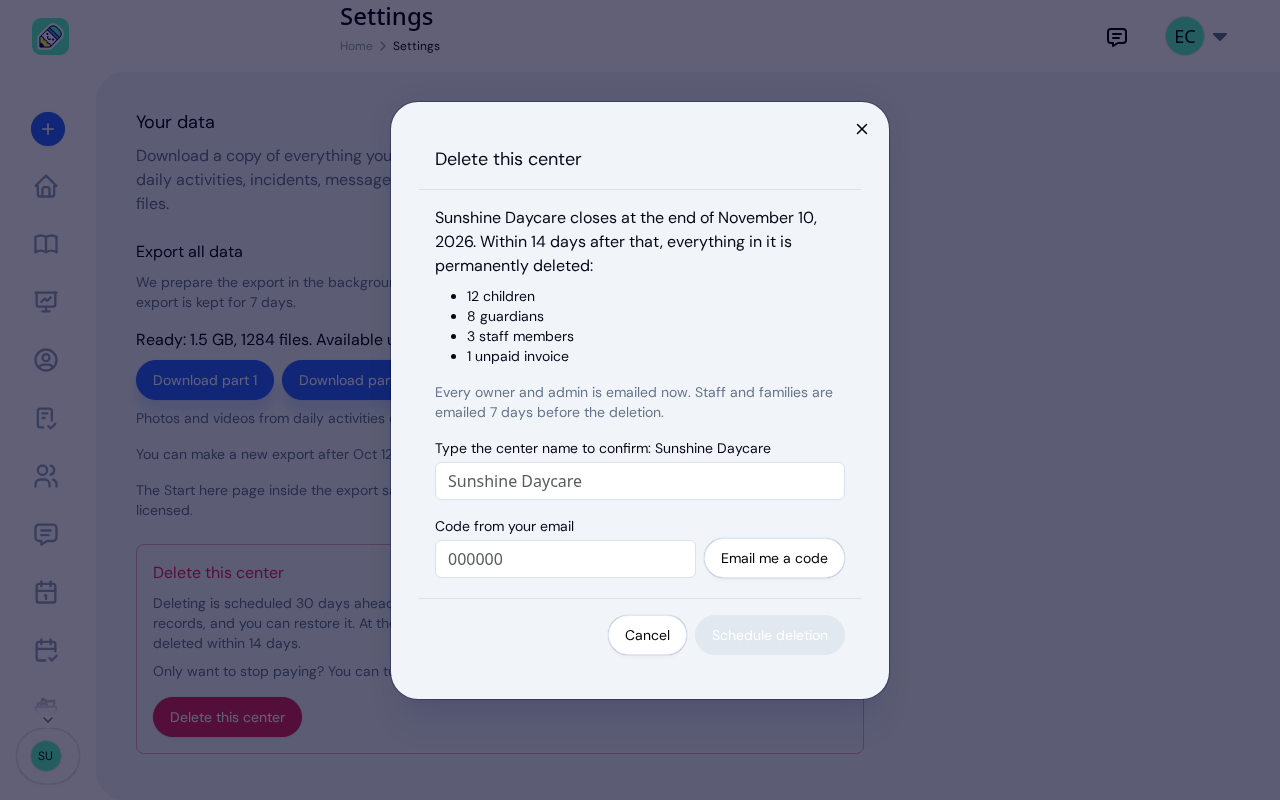
New: Delete Your Center From Settings
Owners can schedule their center's deletion from Settings, keep a full copy of their records, and restore the center...
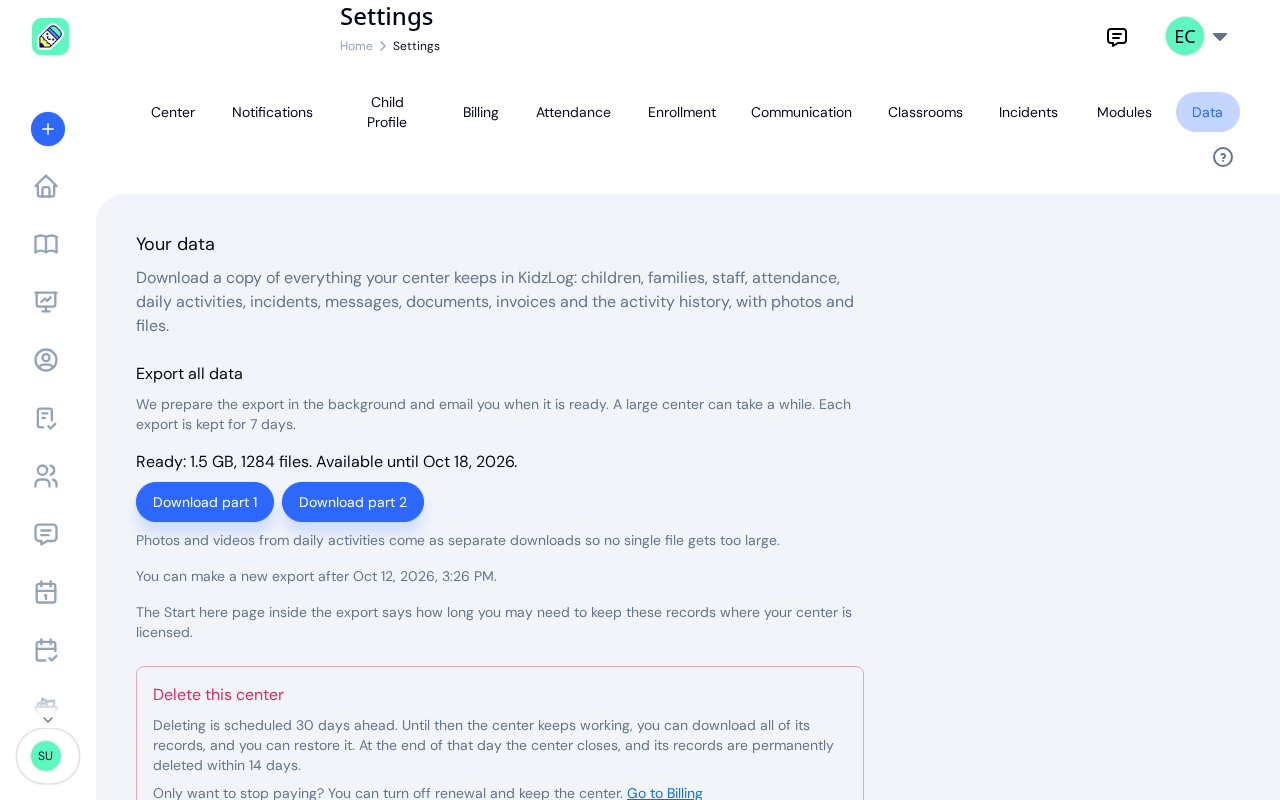
New: Export All of Your Center's Data
Owners can now download everything their center keeps in KidzLog: records as spreadsheets, documents, signatures,...

September Update: Incident Reports and Records
Reopen and correct an approved incident report, choose when parents get the email, send families a note on declined...