Incident reports you can defend, every time
A parent asks to see the report from the afternoon her daughter came home with a scratch. An inspector pulls three children's files and wants every incident from the last quarter. An insurer asks for the documentation behind a claim. Underneath each request sit the same three questions: what actually happened, who recorded it, and whether the report was changed after it was written.
A handwritten form in a binder can answer those questions. It often doesn't. The signature line is blank because the teacher meant to come back to it. A detail is missing because the form was filled in at 5:15pm after the room cleared. And there's no way to show the office copy matches the one the parent took home. None of that means anyone did anything wrong. It just means the record can't settle the question on its own.
A defensible report answers all three without anyone having to vouch for it. Here is what that takes, and where a structured digital report makes it easier to get right.
Complete, while the details are fresh
The hard part of a good report is not the writing. It's writing it before the specifics fade: which rung of the climber, which foot, how long the crying lasted, what time the parent was called.
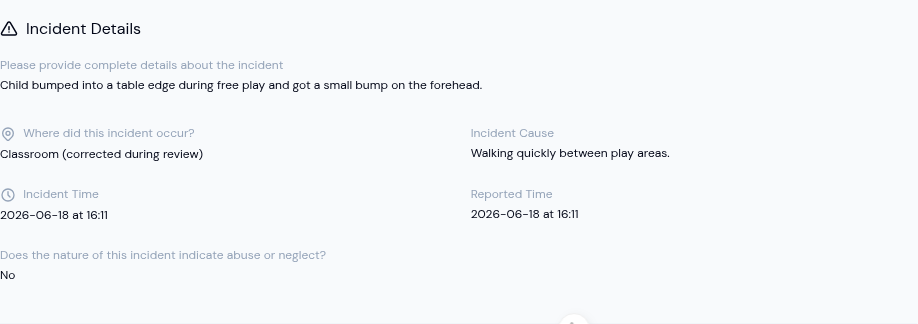
A structured report helps in two ways. The fields are pre-set, so the teacher records observations instead of rebuilding the form each time: what happened, where, the cause, the actions taken, whether emergency services were involved, whether the child went home. And when a section applies, its fields have to be filled in before the report can be submitted. A blank looks tidy on paper; in a structured form it gets caught at submit, while the teacher is still looking at it.
One field carries more weight than the rest. Many jurisdictions require staff to record, on the report itself, whether the nature of an incident points to possible abuse or neglect. It's a yes-or-no judgment that's easy to skip on paper and consequential to miss. Asking it every time, and requiring an answer, means the call is made when the report is written rather than reconstructed later.
Signed, by the people who stand behind it
A signature only protects you if it lands on the document everyone reads. The version that goes into a licensing file, an insurance claim, or a child's record should carry the drawn signatures of the people who wrote and approved it, with the names and the times, laid out like the formal document it is, not a printout of a web page with the signature living somewhere else.
When the reporter and the approving director sign the same record, there's no separate sign-off sheet to match up, and no second copy that might say something different.
Unchanged after the fact, correctable before
Good documentation needs room for an honest correction. It also has to stop being editable at some point, or the signature means nothing.
The workable balance is a short window. While a report is still pending, the teacher who wrote it can fix their own wording, and a director can correct any pending report before approving it. Once it's approved and signed, it locks. Every change up to that point is recorded, so there's a history of who edited what and when. That's the combination an inspector or insurer is really after: open to correction up front, tamper-evident afterward.
Keeping the right details private
Not everything staff need to note belongs in the parent's copy. A separate internal note, visible to your team and never sent to families, gives staff somewhere to record context without it leaving the center. And because one child's incident often involves another, the report reminds staff not to name other children in the parts a parent will see. It's a small guardrail that keeps one family's record out of another family's hands.
How KidzLog supports this
KidzLog's incident reporting captures each report as a structured form and adds the pieces that let the record stand on its own. The abuse-or-neglect question is built in and required. The relevant fields and the reporter's signature are required before submit. Submitted reports land on a Pending Approval tab for the director to review, correct if needed, approve, and sign; once signed, the report locks and every earlier edit stays in the audit trail. The exported report is a clean, printable PDF with the drawn signatures, names, and timestamps on the page. The internal-notes field stays inside the center.
For the writing habits that make any report useful, on paper or screen, see our guide on writing a clear, factual incident report, the case for moving from paper to digital, and what to tell parents after an incident.
The standard
A report is defensible when the next person to read it, a parent, a doctor, an inspector, can see exactly what happened, who recorded it, and that it hasn't changed since. Paper can clear that bar. It just takes constant discipline to keep it there. A structured, signed, locked digital record clears it by default, which is one less thing to think about on the afternoon you actually need it.
Ready to Simplify and Organize your Daycare?
Get started with KidzLog today!
KidzLog Team
Related Articles
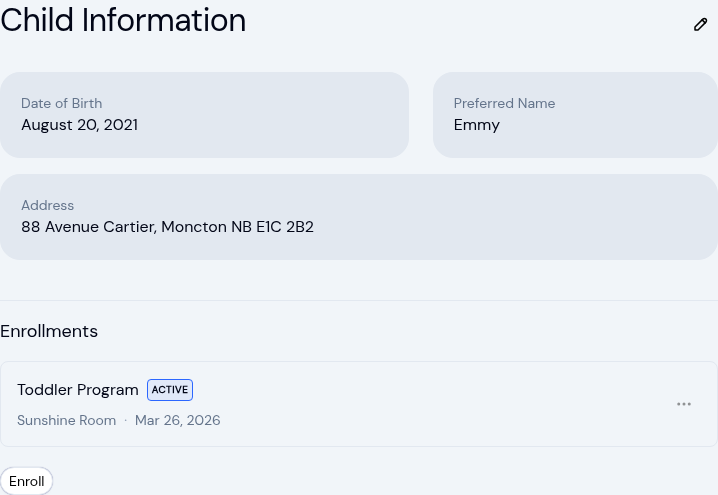
New: A Child's Address and Health Care Provider
The child record now holds the child's own address and their health care provider. Both show on the profile, in Health...
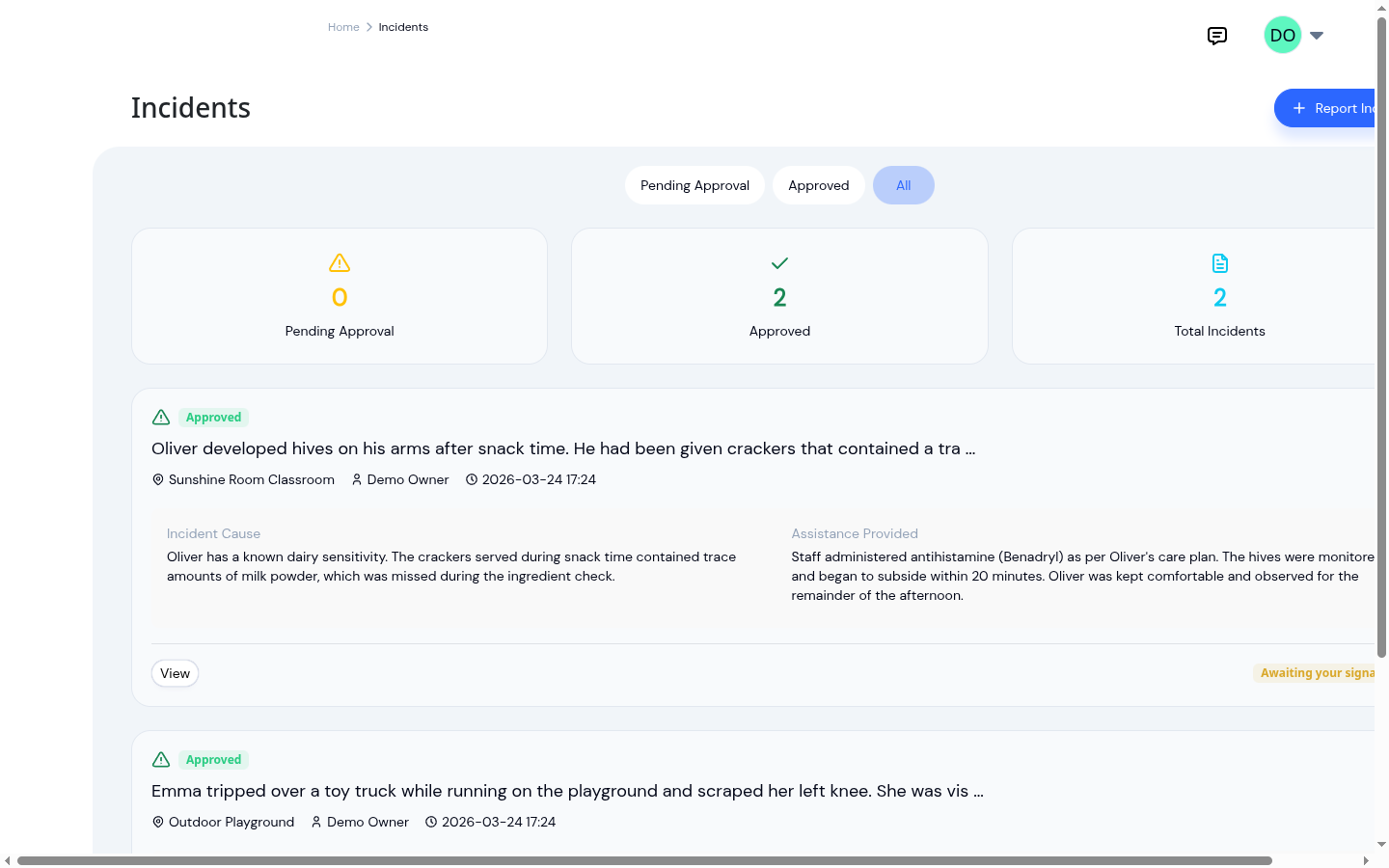
Sorting your incident log by type and severity
A scraped knee and a reportable reaction look identical in most logs. Sorting by type and severity makes a flat record...
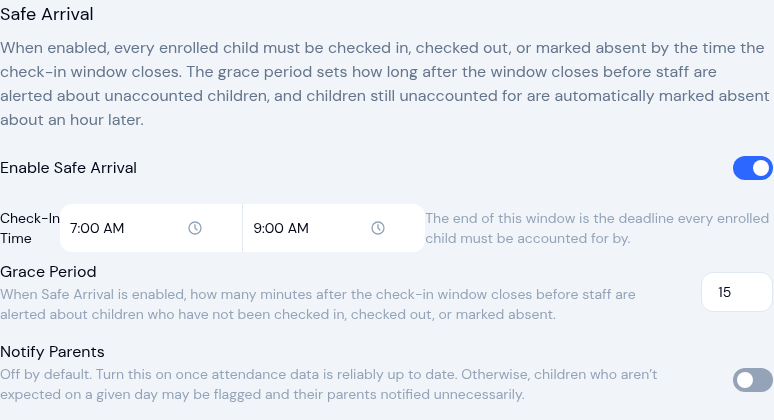
Safe arrival: accounting for every child
A practical guide to daily child-accounting: setting a drop-off deadline, comparing expected versus present, and what...