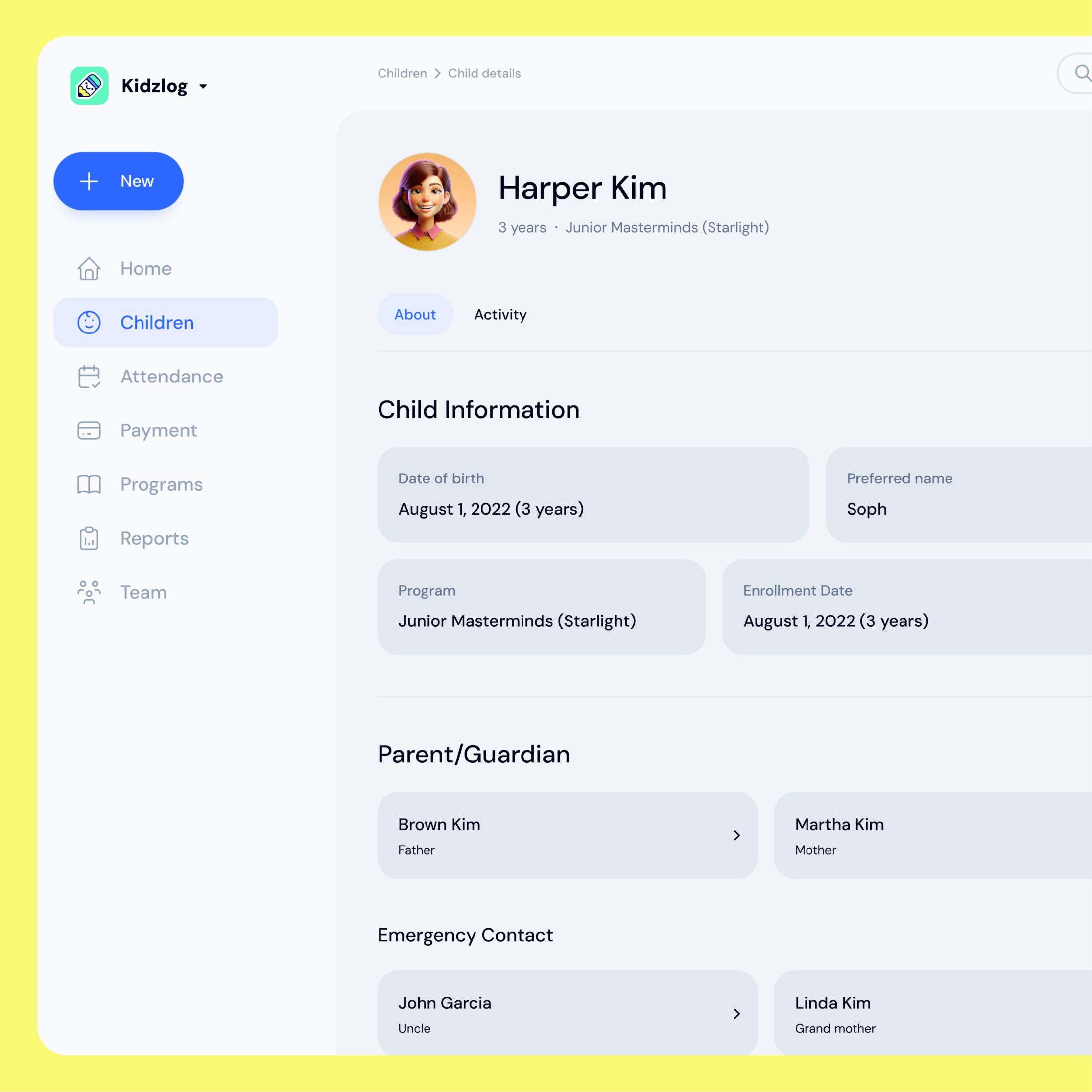
You found a childcare platform you like better. The demo went well, the pricing makes sense, and your staff is on board. Then comes the part nobody enjoys: getting all your children into the new system.
For most platforms, this is where momentum stalls. You book a migration call. You export your roster from your old software, one classroom at a time. You email the spreadsheet to an onboarding specialist. Then you wait for someone on their side to load it and tell you it is done. Switching shouldn't require a meeting.
KidzLog takes a different approach. You can import your entire child roster yourself, from a CSV file, in the time it takes to drink a coffee. No sales call, no waiting on a queue, no back and forth.
Why migration is usually the hard part
Moving children into a new system is risky in ways that scheduling or messaging features are not. A typo in a date of birth, a classroom name that doesn't match, a child who already exists. Any of these can quietly create bad data that you only notice weeks later when a report looks wrong.
That risk is exactly why incumbents route migration through their own team. It keeps mistakes off the customer, but it also puts a human bottleneck between you and a working account. If you switch mid-year, or you run a smaller center without a dedicated administrator, that bottleneck is real friction.
The goal should be to remove the bottleneck without removing the safety. That means showing you precisely what will happen before anything is saved.
How the import works
The flow has three steps, and the middle one is the important one.
Step one: upload your CSV. Download the template so your columns line up, fill it with your children, and drop the file in. The template covers the essentials: first name, last name, middle and preferred names, date of birth, classroom, and program. If you already exported a roster from another platform, you can usually reshape it to match in a few minutes.
Step two: preview before you commit. This is the step that makes importing safe. Before a single record is written, KidzLog parses your file and shows you exactly what it found: how many children will be added, how many already exist and will be skipped, and which rows have problems like a missing name or an unreadable date. Nothing is saved yet. You are looking at a dry run.
The preview also catches a subtle migration trap. If your file references a program or classroom that doesn't exist in your center yet, KidzLog does not silently create it. A mistyped "Toddlrs" should never spawn a half-configured program you have to clean up later. Instead, the missing programs and classrooms are listed with checkboxes. You decide which ones to create, on purpose, with one click each. Anything you don't confirm blocks the import until you sort it out.
Step three: import. Once the preview looks right and you've confirmed any new programs or classrooms, you commit. Valid children are created, duplicates are skipped, and you land on a summary showing what happened.
When some rows don't pass
Real spreadsheets are messy, and a good import expects that. If a handful of rows fail validation, the rest still import. You don't lose 199 good records because one date was typed wrong.
For the rows that did fail, you can download an errors-only CSV. It contains just the problem rows, with the original columns intact and an extra column explaining what went wrong. Fix those few rows in your spreadsheet, upload again, and you're done. No hunting through a wall of error messages to figure out which line they meant.
What this means for switching
If you've been putting off a move because the migration looked painful, this changes the math. A center with a couple hundred children can be up and running in an afternoon, not a scheduled onboarding week. You stay in control of your own data, you see every change before it happens, and you fix mistakes on your own timeline.
Once your roster is in, the rest of KidzLog is waiting for it. Children flow straight into attendance and check-in, daily activity logging, and parent communication. The child information management tools keep every profile, emergency contact, and allergy in one place from day one.
Switching software is never zero effort. But it shouldn't require a phone call to bring your own children into your own account. Upload, preview, confirm, done.
Ready to Simplify and Organize your Daycare?
Get started with KidzLog today!
KidzLog Team
Related Articles
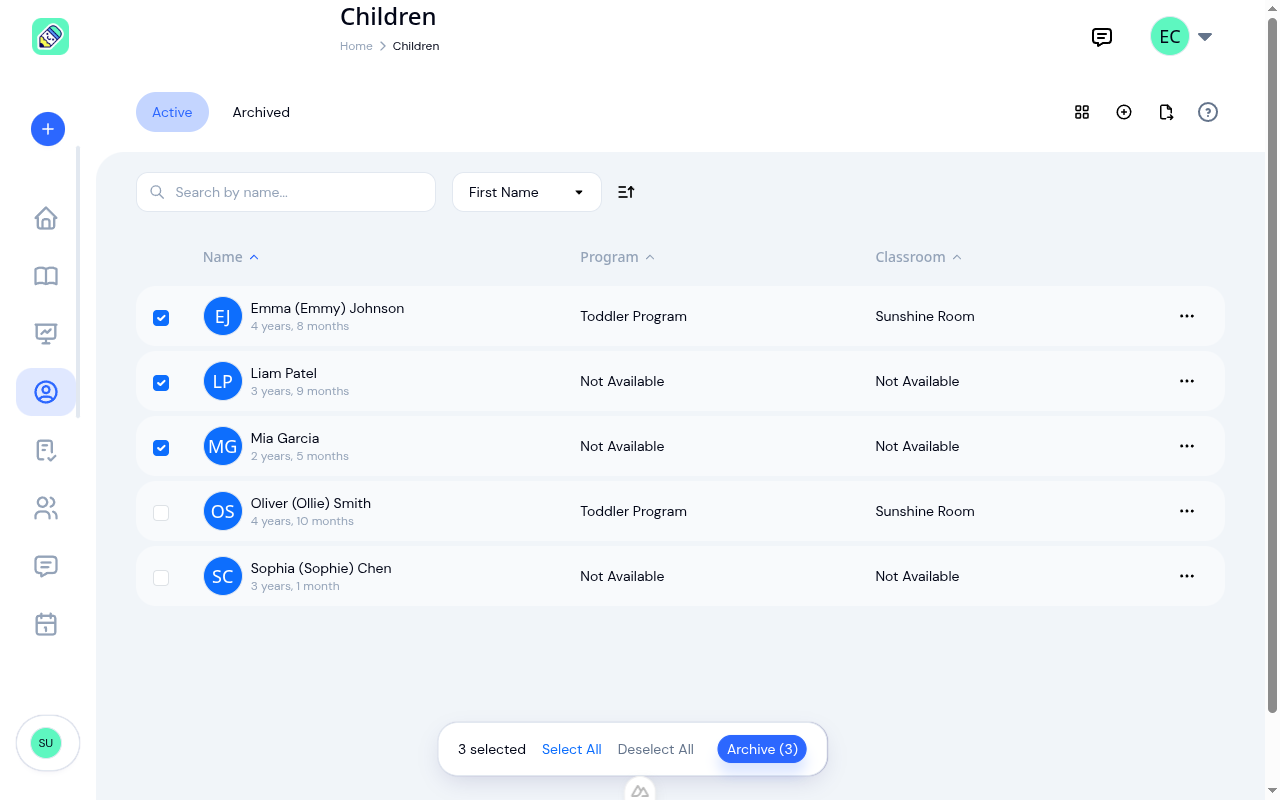
Archive a Whole Class at Once
Graduating cohorts, summer transitions, returning groups: bulk archive and unarchive let you update dozens of children...
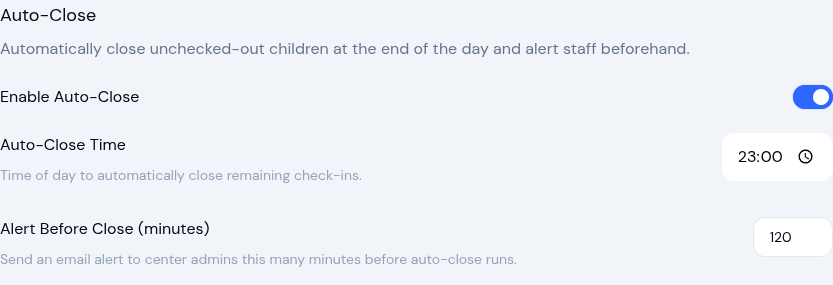
Automate the Busy Work: Stale Check-In Auto-Close & Enrollment Auto-Complete
Two new automation settings help childcare centers save time — automatically close forgotten check-outs and complete...
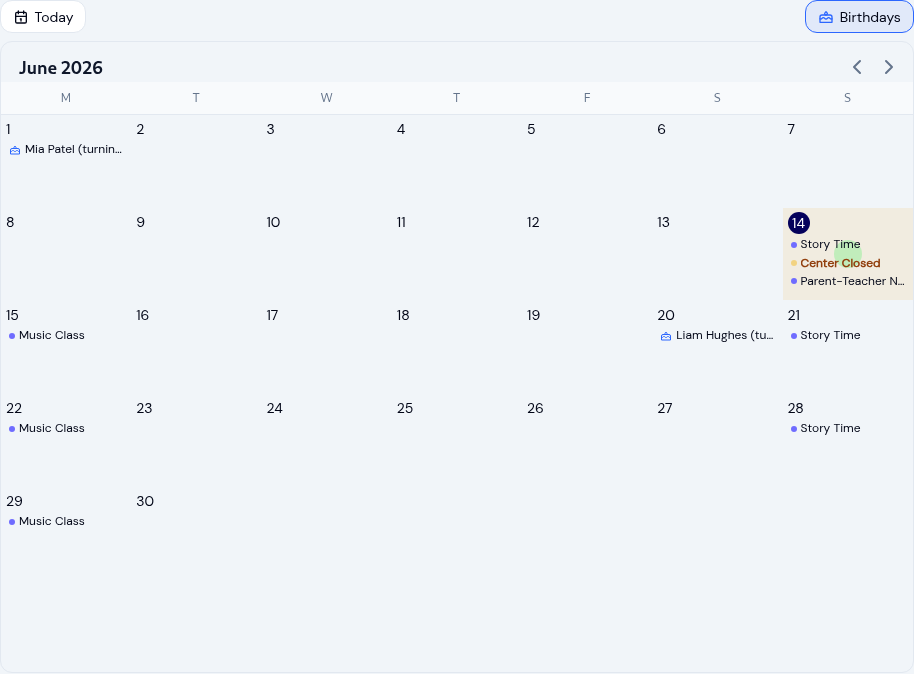
Running your childcare center calendar so nothing gets missed
Keep every family and teacher on the same page with a childcare calendar: scoped events, recurring schedules, closure...