QR Code Check-In
Check In From Your Own Phone.
Parents scan a printed QR code at the entrance and check in or out from their own phone. No shared tablet, no app to install, no line at the door.
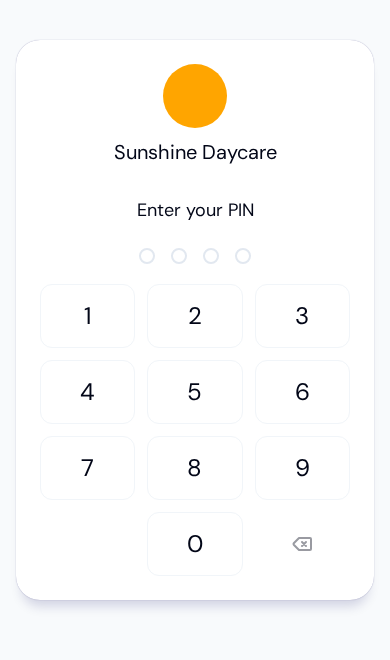
Kiosk Mode, on Every Parent's Phone.
Print one QR code and post it at the door. Parents scan it, enter their PIN, and check their children in or out in seconds. The same fast self check-in as the tablet kiosk, without the shared device.
Try KidzLog Free Today.No App to Install
Parents scan the QR code and the check-in screen opens in their phone browser. Nothing to download.
No Shared Device
Everyone uses their own phone, so there is no tablet to wipe down and no line building at the door.
PIN-Secured
Each parent enters their own 4-digit PIN before selecting children. Quick to type, secure by design.
Signed & Timestamped
Optional drawn signatures are captured with timestamp, IP, and device for licensing and custody records.
No App, No Line, No Shared Device
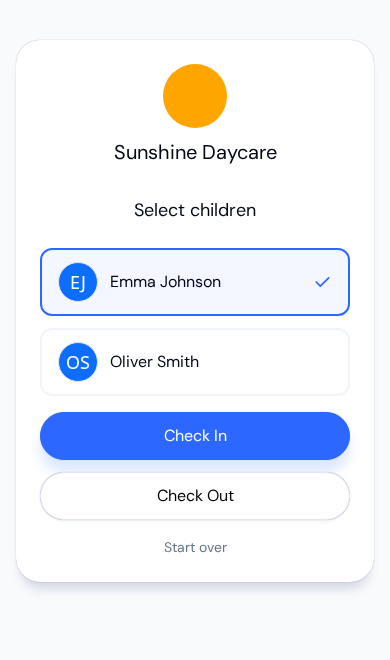
Scan the QR code, enter a 4-digit PIN, pick your children, answer any health prompts, sign if required, and you're done. It all happens in the phone browser the parent already has in their hand.
Scan, PIN, Done
A parent points their camera at the printed QR code posted by the entrance and the check-in screen opens in their browser. They enter their unique 4-digit PIN, select the child or children they're dropping off or picking up, and confirm. Each check-in is recorded with an exact timestamp and appears instantly in your attendance records. No tablet to clean, no queue forming behind a single device, no app store download.
Optional Health Screening & Digital Signatures
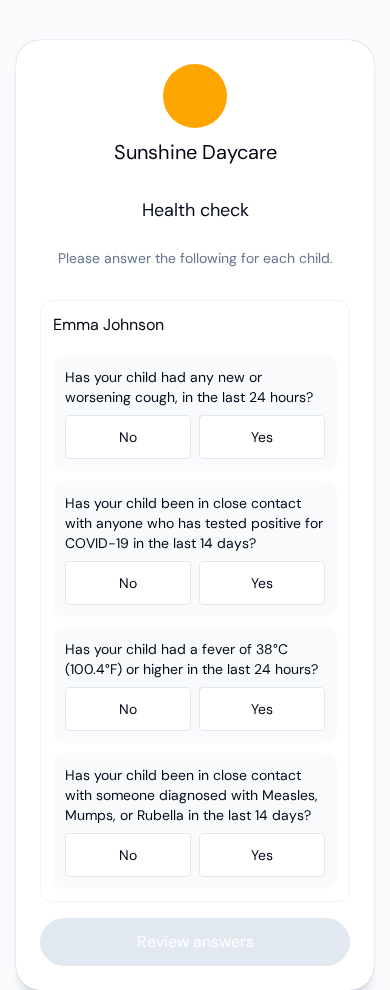
Turn on daily health screening and parents confirm their child's health status as part of the check-in. Enable digital signatures and parents draw a signature on their phone at check-in or check-out. Each signature is stored as a legally defensible signed artifact, capturing the timestamp, IP address, device, and signer identity, so you have clear records for licensing and custody requirements. You decide whether signatures are disabled, optional, or required.
Works Alongside Your Tablet Kiosk
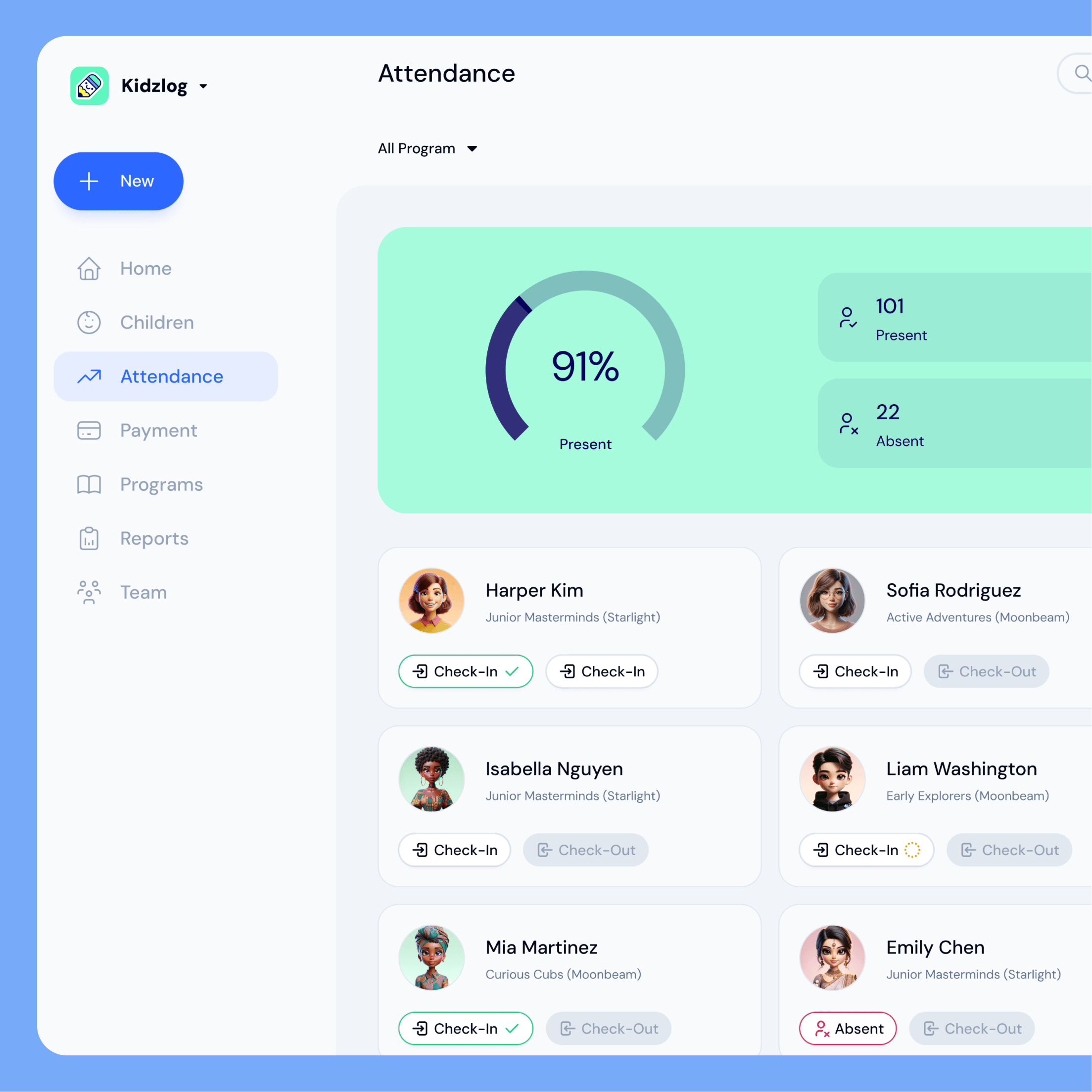
QR check-in and the tablet kiosk are two doors into the same system. Some families prefer the wall-mounted tablet, others prefer their own phone, and both feed the exact same attendance records and reports. Switch one on, the other, or both. However a parent checks in, your live attendance count and exported records stay accurate and complete.
Explore Related Features
QR check-in is part of a complete attendance toolkit.
What our customers say

We save at least 60 sheets of paper every week.
We used to check students in on a clipboard — staff made hundreds of checkmarks every day to track where everyone was. Now we just glance at the counter on our iPad, and any change one person makes is instantly visible to everyone.
Frequently Asked Questions
Here are some of the most frequently asked questions about KidzLog
Do parents need to install an app to use QR check-in?
How is QR check-in different from the tablet kiosk?
What are digital signatures used for?
Can I require a health screening at check-in?
Is QR check-in secure?
Experience the difference with KidzLog
No demos, no credit cards, no commitments. Just sign up and explore the difference KidzLog can make for your childcare center.