Technology and Parent Engagement
Parent engagement isn't just about occasional updates—it's about building lasting partnerships that support child development and strengthen your childcare center's community. Modern parents increasingly expect digital communication from their child's care provider, yet many childcare centers struggle to implement technology effectively while maintaining personal connections.
For childcare centers across North America looking to strengthen family relationships and streamline communication, this comprehensive guide provides proven strategies, implementation frameworks, and privacy-compliant solutions that work for both US and Canadian providers.
Modern parents juggle demanding schedules while wanting to stay deeply connected to their child's daily experiences. Technology bridges this gap when implemented thoughtfully, creating opportunities for meaningful engagement that fits into busy family lives while supporting your center's operational efficiency.
Understanding the Parent Engagement Landscape
Current Industry Context
The childcare industry has experienced unprecedented transformation in parent expectations. Post-2020, families have become accustomed to digital communication across all aspects of their lives, including education and care services. Industry research confirms that 68% of childcare leaders cite communication as a key factor in staff retention, while the U.S. childcare market is expected to reach $109.88 billion by 2033, driven in part by technological improvements in service delivery.
Key 2025 Trends Shaping Parent Engagement:
- Real-time Communication Expectations: Parents want immediate updates about their child's day, including meals, activities, and developmental milestones
- Visual Documentation Demand: Parents increasingly prefer photo and video updates combined with written reports for comprehensive understanding
- Flexible Communication Channels: Families expect multiple ways to connect, from apps to email to virtual meetings
- Privacy and Security Awareness: Heightened concern about data protection requires COPPA-compliant and Canadian privacy law-adherent solutions
- Work-Life Integration: Parents need communication tools that work with their professional schedules and time zones
Geographic Considerations for North American Providers
United States Requirements:
- COPPA (Children's Online Privacy Protection Act) compliance for digital platforms
- State-specific childcare communication regulations
- FERPA considerations for educational records
- ADA Title II compliance with WCAG 2.1 Level AA standard (deadlines: April 24, 2026 for populations 50,000+; April 26, 2027 for smaller jurisdictions)
Canadian Requirements:
- Personal Information Protection and Electronic Documents Act (PIPEDA) compliance
- Provincial privacy legislation variations (Alberta PIPA, British Columbia PIPA, etc.)
- French-language communication requirements in Quebec
- Provincial accessibility requirements including Ontario AODA and Manitoba Accessibility for Manitobans Act
- Digital accessibility standards under the Accessible Canada Act
Technology Platform Categories for Parent Engagement
Comprehensive Childcare Management Systems
Primary Features:
- Real-time attendance tracking and notifications
- Daily activity reports with photos and developmental observations
- Secure messaging between families and staff
- Digital portfolios showcasing child progress
- Billing and payment integration
- Calendar management for events and closures
Implementation Considerations:
- Staff Training Requirements: 15-20 hours initial training, ongoing support
- Parent Onboarding: Structured introduction process with technical support
- Cost Structure: Pricing ranges from $0.99-8.00 per child, with platform-based pricing ranging $44-329 monthly depending on features and center size
- Privacy Compliance: Look for platforms with built-in COPPA and PIPEDA compliance
KidzLog Integration Benefits: KidzLog's parent engagement features include real-time attendance notifications, photo sharing with automatic privacy controls, and integrated billing communication. The platform's compliance-first design ensures both US and Canadian regulatory requirements are met automatically.
Specialized Communication Apps
Core Functionality:
- Instant messaging with translation capabilities
- Photo and video sharing with privacy controls
- Group announcements and individual messages
- Push notifications for urgent communications
- Offline message queuing for reliable delivery
Selection Criteria:
- User Interface Simplicity: Both staff and parents should master basic functions within 10 minutes
- Multi-language Support: Essential for diverse communities
- Bandwidth Efficiency: Works reliably on various internet connections
- Storage Capacity: Adequate space for daily photo documentation
Virtual Meeting and Event Platforms
Strategic Applications:
- Parent-teacher conferences with screen sharing capabilities
- Virtual center tours for prospective families
- Live-streamed special events and performances
- Parent education workshops and training sessions
- Emergency communication broadcasts
Technical Requirements:
- Device Compatibility: iOS, Android, and desktop access
- Bandwidth Management: Adaptive quality for varying connection speeds
- Recording Capabilities: For families who cannot attend live sessions
- Security Features: Waiting rooms, participant controls, and encryption
Implementation Strategy Framework
Phase 1: Assessment and Planning (Weeks 1-3)
Current State Evaluation
Staff Technology Readiness Assessment:
- Survey existing comfort levels with digital tools
- Identify technology champions among team members
- Assess current hardware and internet infrastructure
- Document existing communication methods and their effectiveness
Parent Communication Audit:
- Review current engagement levels and satisfaction scores
- Identify communication pain points through family surveys
- Analyze demographic data for technology preferences
- Map out language and accessibility needs
Regulatory Compliance Review:
- Verify current privacy policy adequacy
- Assess data storage and sharing practices
- Review staff training on confidentiality requirements
- Ensure alignment with licensing requirements
Technology Selection Process
Platform Evaluation Criteria:
- Compliance Standards: Automatic COPPA/PIPEDA adherence
- User Experience: Intuitive interface for all skill levels
- Integration Capabilities: Works with existing center operations
- Cost-Benefit Analysis: Clear ROI within 6-12 months
- Support Quality: Responsive technical assistance and training
- Scalability: Growth accommodation without platform changes
Vendor Evaluation Process:
- Request compliance documentation and certifications
- Conduct trial periods with small groups of families
- Test customer support responsiveness and quality
- Verify data portability and backup procedures
- Confirm pricing transparency and contract flexibility
Phase 2: Infrastructure Preparation (Weeks 4-6)
Technical Setup
Hardware Requirements:
- Tablets or smartphones for each classroom (budget: $200-400 per device)
- Reliable Wi-Fi coverage throughout facility
- Backup internet connection for critical communications
- Charging stations and device protection cases
Software Configuration:
- Platform setup with center branding and information
- User account creation for all staff members
- Privacy settings configuration for compliance
- Integration testing with existing systems
Security Implementation:
- Staff device security training and protocols
- Password management system implementation
- Regular software update scheduling
- Data backup and recovery procedure establishment
Phase 3: Staff Training and Development (Weeks 7-9)
Comprehensive Training Program
Technical Skills Development:
Week 1: Platform Basics
- Account setup and navigation training
- Daily check-in and activity posting procedures
- Photo capture and sharing protocols
- Basic troubleshooting techniques
Week 2: Advanced Features
- Messaging and communication best practices
- Digital portfolio creation and management
- Parent conference scheduling and management
- Emergency communication procedures
Week 3: Professional Communication
- Writing effective digital updates and observations
- Maintaining professional boundaries in digital communications
- Cultural sensitivity in technology-mediated interactions
- Privacy and confidentiality in digital environments
Ongoing Professional Development:
- Monthly platform feature updates and training
- Quarterly parent engagement strategy reviews
- Annual privacy and compliance refresher training
- Peer mentoring and best practice sharing sessions
Phase 4: Parent Onboarding (Weeks 10-12)
Structured Introduction Process
Pre-Launch Communication:
- Detailed explanation of new communication system benefits
- Privacy policy updates and consent collection
- Technical requirements and device recommendations
- Support resources and contact information
Onboarding Session Options:
- In-Person Group Sessions: 45-minute hands-on training workshops
- Individual Appointments: 20-minute one-on-one setup assistance
- Virtual Training: Online sessions for remote or busy families
- Multi-language Support: Sessions conducted in community languages
Support Materials:
- Step-by-step setup guides with screenshots
- Video tutorials for common tasks
- Frequently asked questions document
- Technical support contact information
- Troubleshooting quick reference cards
Privacy and Security Compliance Framework
COPPA Compliance for US Providers
2025 COPPA Amendments (Effective June 23, 2025, Compliance by April 22, 2026):
- Enhanced opt-in consent requirements with stricter verification
- Expanded definition of personal information including biometric data
- Data retention limits and automatic deletion requirements
- Strengthened parental control mechanisms
- Updated safe harbor provisions for educational platforms
Core COPPA Requirements:
- Parental consent for all data collection from children under 13
- Clear privacy notices describing data collection and use
- Parental access to their child's information
- Secure data storage and transmission protocols
- Regular privacy policy updates and notifications
Implementation Checklist:
- Obtain explicit parental consent before platform use
- Provide clear, understandable privacy notices
- Implement data minimization practices
- Establish secure data deletion procedures
- Train staff on COPPA requirements and violations
Canadian Privacy Law Compliance
Quebec Law 25 Implementation (2025 Requirements):
- Enhanced consent mechanisms for personal information processing
- Mandatory privacy impact assessments for certain activities
- Data breach notification requirements within 72 hours
- Right to data portability and deletion
- Privacy officer designation for larger organizations
Federal PIPEDA Reform Developments:
- Ongoing modernization efforts addressing AI governance
- Enhanced individual rights and corporate accountability
- Algorithmic transparency requirements under consideration
- Cross-border data transfer restrictions
Core PIPEDA Requirements:
- Consent for collection, use, and disclosure of personal information
- Clear identification of purposes for information collection
- Limitation of collection to necessary information only
- Safeguards appropriate to sensitivity of information
- Individual access to their personal information
Provincial Variations:
- Alberta: Personal Information Protection Act (PIPA) requirements
- British Columbia: Personal Information Protection Act considerations
- Quebec: Act Respecting the Protection of Personal Information in the Private Sector
- Other Provinces: PIPEDA default application with local additions
Implementation Strategy:
- Develop province-specific consent forms and privacy notices
- Establish data residency requirements for Canadian information
- Implement breach notification procedures
- Provide French-language materials for Quebec providers
- Regular compliance audits and policy updates
Data Security Best Practices
Technical Safeguards:
- End-to-end encryption for all communications
- Multi-factor authentication for staff accounts
- Regular security updates and patches
- Secure cloud storage with geographical restrictions
- Automatic logout procedures for inactive sessions
Administrative Safeguards:
- Regular staff security training and updates
- Access controls based on job responsibilities
- Incident response procedures and documentation
- Vendor security assessment and monitoring
- Annual security audits and vulnerability assessments
Measuring Technology Engagement Success
Quantitative Metrics
Usage Analytics:
- Daily active users (staff and parents)
- Message open and response rates
- Photo and video engagement levels
- Feature utilization across platform
- Time spent in application per session
Operational Efficiency Measures:
- Reduction in phone calls and emails
- Decreased time spent on manual communication tasks
- Improved accuracy of attendance and activity reporting
- Faster resolution of parent questions and concerns
- Increased staff productivity in documentation
Financial Impact Assessment:
- Cost per family for communication technology
- Staff time savings converted to hourly wage equivalents
- Reduction in paper and printing costs
- Decreased administrative overhead
- Return on investment calculation over 12-24 months
Qualitative Assessment Framework
Parent Satisfaction Indicators:
Monthly Pulse Surveys (3-5 questions):
- "How satisfied are you with the timeliness of communication about your child?"
- "Do you feel more connected to your child's daily experiences?"
- "How would you rate the quality of photo and video updates?"
- "Is the communication platform easy to use?"
- "Would you recommend this center to other families based on communication quality?"
Quarterly Comprehensive Surveys (15-20 questions):
- Detailed feedback on specific platform features
- Suggestions for improvement and additional features
- Comparison to previous communication methods
- Assessment of privacy and security confidence
- Overall impact on family engagement and satisfaction
Staff Experience Evaluation:
Weekly Check-ins:
- Platform usability and efficiency
- Technical issues and resolution success
- Parent engagement quality and responsiveness
- Time management impact on daily routines
- Professional development needs and interests
Monthly Team Reviews:
- Best practices sharing and collaboration
- Challenge identification and solution development
- Feature utilization optimization
- Professional communication skills development
- Technology integration with educational philosophy
Success Benchmarks by Timeline
30-Day Targets:
- 80% parent platform adoption and regular use
- 90% staff comfort with basic platform features
- 50% reduction in phone call inquiries
- Positive initial feedback from 75% of participating families
90-Day Objectives:
- 95% parent engagement with daily updates
- Advanced feature utilization by 60% of users
- Measurable improvement in parent satisfaction scores
- Staff reporting improved job satisfaction related to communication
12-Month Goals:
- Demonstrated ROI through operational efficiency gains
- Integration of technology with center's educational philosophy
- Recognition as a technology leader among local childcare providers
- Expanded use of platform for community building and events
Advanced Parent Engagement Strategies
Digital Portfolio Development
Comprehensive Documentation Approach:
Traditional childcare documentation often consists of basic daily reports and occasional photos. Technology-enhanced portfolios create rich, developmental stories that help parents understand their child's growth journey.
Portfolio Components:
- Daily Learning Moments: Short video clips showing skill development
- Milestone Celebrations: Photo series documenting achievements
- Creative Work Archives: Digital collection of art, writing, and projects
- Social Interaction Documentation: Group play and friendship development
- Challenge and Growth Stories: How children overcome difficulties
Implementation Process:
- Setup Digital Storage Structure: Organize by child, date, and developmental area
- Train Staff on Meaningful Moment Capture: Focus on learning, not just activities
- Develop Parent Access Protocols: Secure sharing with appropriate family members
- Create Regular Review Cycles: Monthly portfolio reviews with families
- Integrate with Formal Assessments: Connect daily documentation to developmental evaluations
Virtual Family Engagement Events
Event Categories and Implementation:
Educational Workshops:
- Child development topics with expert presenters
- Home learning activity demonstrations
- Nutrition and health information sessions
- Technology and screen time guidance
- Preparing for school transitions
Cultural Celebrations:
- Virtual cultural sharing events highlighting family traditions
- Holiday celebrations with live streaming and interaction
- Community guest speakers and performers
- International food sharing and recipe exchanges
- Multi-language storytelling sessions
Interactive Learning Sessions:
- Parent-child activity workshops conducted virtually
- Science experiments families can do together
- Art and craft sessions with take-home materials
- Music and movement activities for home participation
- Reading and literacy skill-building workshops
Crisis Communication Protocols
Emergency Communication Framework:
Effective crisis communication requires multiple channels and clear protocols that work when families need information most urgently.
Multi-Channel Emergency System:
- Immediate Alerts: Push notifications for urgent situations
- Detailed Updates: Email with comprehensive information
- Voice Communication: Automated calling system for critical updates
- Website Updates: Central information hub with latest developments
- Social Media: Broad community updates when appropriate
Crisis Communication Templates:
Immediate Safety Alert: "URGENT: Center Name - All children safe. Brief situation description. Pickup procedures: specific instructions. More information coming within 30 minutes."
Follow-up Detailed Update: "Center Name Update: Detailed situation explanation. Current status: safety measures, actions taken. Parent actions needed: specific instructions. Next update scheduled: time. Questions? Call emergency number."
Staff Training for Crisis Communication:
- Rapid assessment and initial response procedures
- Message drafting and approval workflows
- Multi-platform posting and monitoring
- Parent inquiry management and response
- Documentation requirements for regulatory reporting
Technology Integration with Educational Philosophy
Balancing Digital and Hands-On Learning
While technology enhances communication and documentation, maintaining the primacy of hands-on, experiential learning remains essential in quality childcare programs.
Integration Principles:
Technology as Documentation Tool:
- Capture learning moments without interrupting play
- Use technology to extend learning beyond the classroom
- Create digital memories of hands-on experiences
- Support reflection and metacognition through review
Preserving Human Connection:
- Face-to-face conversation remains primary communication
- Technology supplements, not replaces, in-person parent meetings
- Staff presence and attention focused on children, not devices
- Digital communication enhances understanding of real-world experiences
Developmental Appropriateness:
- Technology use focuses on adult communication and documentation
- Children's direct interaction with devices remains limited and purposeful
- Digital tools support traditional learning materials and methods
- Screen time for communication purposes separate from children's media consumption
Supporting Diverse Learning Styles Through Technology
Visual Learners:
- Photo documentation of step-by-step processes
- Video demonstrations of activities and skills
- Digital visual schedules and routine supports
- Graphic organizers for project planning and reflection
Auditory Learners:
- Voice message updates about daily experiences
- Recorded songs, stories, and learning activities
- Audio documentation of children's language development
- Podcast-style parent education content
Kinesthetic Learners:
- Video documentation of movement and physical skill development
- Interactive digital activities for home extension
- Documentation of sensory and manipulative experiences
- Movement-based learning activity suggestions for families
Professional Development and Staff Support
Building Technology Confidence
Successful technology implementation requires ongoing professional development that builds both technical skills and confidence in using digital tools effectively.
Skill Development Progression:
Foundation Level (Months 1-3):
- Basic platform navigation and daily use features
- Photo taking and sharing with privacy considerations
- Simple message composition and professional communication
- Troubleshooting common technical issues
- Understanding privacy and safety protocols
Intermediate Level (Months 4-8):
- Advanced documentation techniques and portfolio development
- Parent engagement strategies through digital platforms
- Integration of technology with curriculum planning
- Data interpretation for individualized programming
- Leading parent training and support sessions
Advanced Level (Months 9-12+):
- Platform customization and optimization
- Training and mentoring other staff members
- Technology integration innovation and best practice development
- Parent engagement strategy development and implementation
- Evaluation and assessment of technology effectiveness
Overcoming Implementation Challenges
Common Staff Concerns and Solutions:
"Technology takes time away from children":
- Solution: Implement efficient documentation workflows that capture learning without disrupting play
- Training Focus: Quick photo capture techniques and batch processing methods
- Time Management: Designated documentation periods and streamlined processes
"Parents expect instant responses":
- Solution: Establish clear communication expectations and response timeframes
- Policy Development: Written guidelines about communication windows and emergency procedures
- Staff Support: Boundary-setting training and stress management techniques
"I'm not comfortable with technology":
- Solution: Peer mentoring programs and gradual skill building
- Individualized Support: One-on-one training sessions and ongoing check-ins
- Confidence Building: Success celebration and positive reinforcement strategies
"Privacy and safety concerns":
- Solution: Comprehensive training on compliance requirements and best practices
- Clear Protocols: Step-by-step procedures for secure communication and documentation
- Regular Updates: Ongoing education about evolving privacy requirements and security measures
Future Trends in Parent Engagement Technology
Emerging Technologies
Artificial Intelligence Integration:
- Automated daily report generation based on activity tracking
- Personalized parent communication suggestions
- Predictive analytics for child development support
- Language translation for multilingual families
- Pattern recognition for developmental milestone tracking
Wearable Technology Applications:
- Activity and health monitoring for safety and development insights
- Sleep pattern tracking for individualized care planning
- Emergency location services for outdoor activities
- Health metric sharing with parent permission
- Integration with medical and therapeutic support services
Virtual and Augmented Reality:
- Immersive virtual center tours for remote families
- Augmented reality activity instructions and learning supports
- Virtual reality parent education and training experiences
- 3D documentation of children's creative projects
- Cultural exploration and global connection opportunities
Preparing for Technology Evolution
Infrastructure Considerations:
- Scalable internet bandwidth for increased data demands
- Cloud storage expansion for growing digital portfolios
- Device refresh cycles and technology upgrade planning
- Staff training for emerging platforms and tools
- Budget allocation for innovation and experimentation
Policy and Compliance Evolution:
- Monitoring changes in privacy and data protection regulations
- Adapting consent processes for new technology capabilities
- Staff training updates for evolving compliance requirements
- Parent education about new privacy rights and protections
- Industry standard development and best practice sharing
Community and Partnership Development:
- Collaboration with other childcare centers for technology sharing
- Partnership with technology vendors for pilot programs
- University and research institution collaboration opportunities
- Parent technology advisory committees and feedback loops
- Professional association engagement and leadership
Sustainability and Long-Term Success
Financial Sustainability:
- Technology budget integration with operational planning
- Cost-benefit analysis and return on investment tracking
- Grant and funding opportunities for technology enhancement
- Family fee structure consideration for technology services
- Operational efficiency gains to offset technology costs
Staff Development and Retention:
- Technology skills as professional development opportunities
- Career advancement pathways including technology leadership
- Recognition and celebration of innovation and excellence
- Collaboration with post-secondary institutions for continuing education
- Industry leadership opportunities through technology expertise
Family Partnership Evolution:
- Parent advisory committees for technology direction and feedback
- Family technology leadership and peer support programs
- Community building through shared digital experiences
- Intergenerational learning opportunities through technology
- Cultural preservation and sharing through digital platforms
Key Implementation Takeaways
Successful parent engagement technology implementation requires careful planning, comprehensive training, and ongoing evaluation. These prioritized actions will help your childcare center build meaningful family partnerships through thoughtful technology integration:
Start Small and Scale Strategically
- Begin with one core platform that handles multiple communication needs rather than juggling several single-purpose apps
- Pilot with willing families before center-wide implementation to identify challenges and refine processes
- Focus on staff comfort with basic features before introducing advanced capabilities
- Establish clear communication expectations about response times and platform usage from day one
Prioritize Compliance and Privacy
- Verify platform compliance with both COPPA (US) and Canadian privacy laws before implementation
- Develop clear privacy policies that parents can easily understand and regularly review
- Train all staff thoroughly on privacy requirements and secure communication practices
- Regularly audit data practices to ensure ongoing compliance with evolving regulations
Invest in Comprehensive Training
- Provide hands-on training for both staff and families with multiple learning format options
- Create ongoing support systems including peer mentoring and regular skill-building sessions
- Develop troubleshooting resources that address common technical issues and user questions
- Celebrate technology successes to build confidence and encourage continued engagement
Focus on Meaningful Connection
- Use technology to enhance, not replace, personal relationships between families and staff. Digital tools like apps and messaging platforms work best when they complement face-to-face interaction
- Share authentic learning moments that help parents understand their child's daily experiences and development through your center's communication features
- Maintain balance between digital efficiency and the human warmth that defines quality childcare
- Regularly evaluate impact on both operational efficiency and relationship quality
Plan for Sustainable Growth
- Budget for ongoing technology costs including platform fees, training, and equipment replacement
- Develop technology leadership within your staff team to reduce dependence on external support
- Stay informed about industry trends and evaluate new opportunities for family engagement enhancement
- Build community partnerships that support technology innovation and professional development
Measure Success Holistically
- Track both quantitative metrics (usage rates, response times, efficiency gains) and qualitative indicators (satisfaction, relationship quality)
- Gather regular feedback from both families and staff to identify improvement opportunities
- Document return on investment through operational efficiency gains and enhanced family satisfaction
- Share successes with the broader childcare community to advance industry-wide parent engagement practices
Ready to streamline your childcare center operations? Try KidzLog today and see how easy managing your daycare can be!
Ready to Simplify and Organize your Daycare?
Get started with KidzLog today!
KidzLog Team
Related Articles
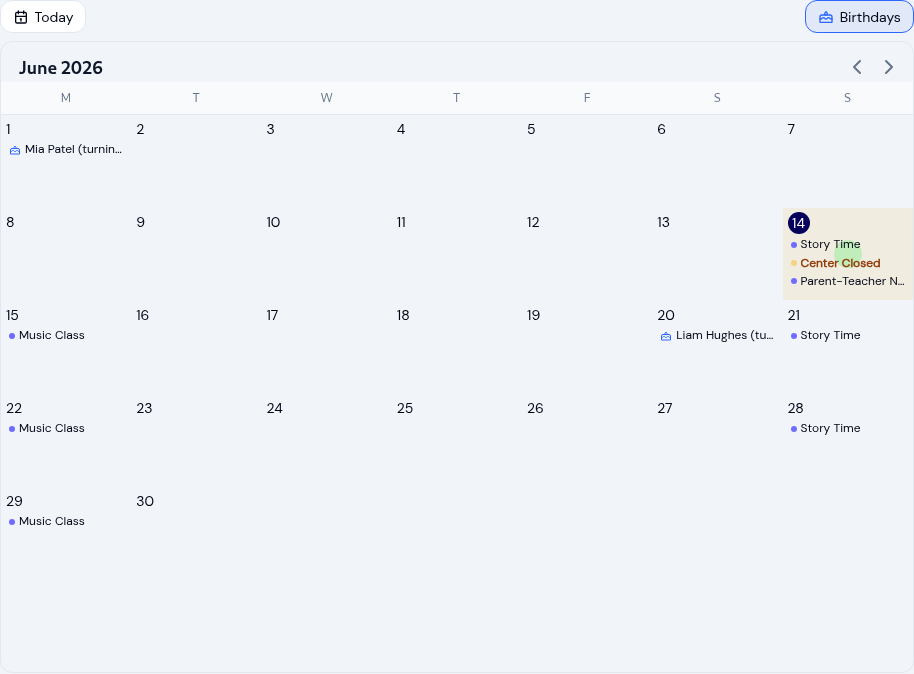
Running your childcare center calendar
Keep every family and teacher on the same page with a childcare calendar: scoped events, recurring schedules, closure...
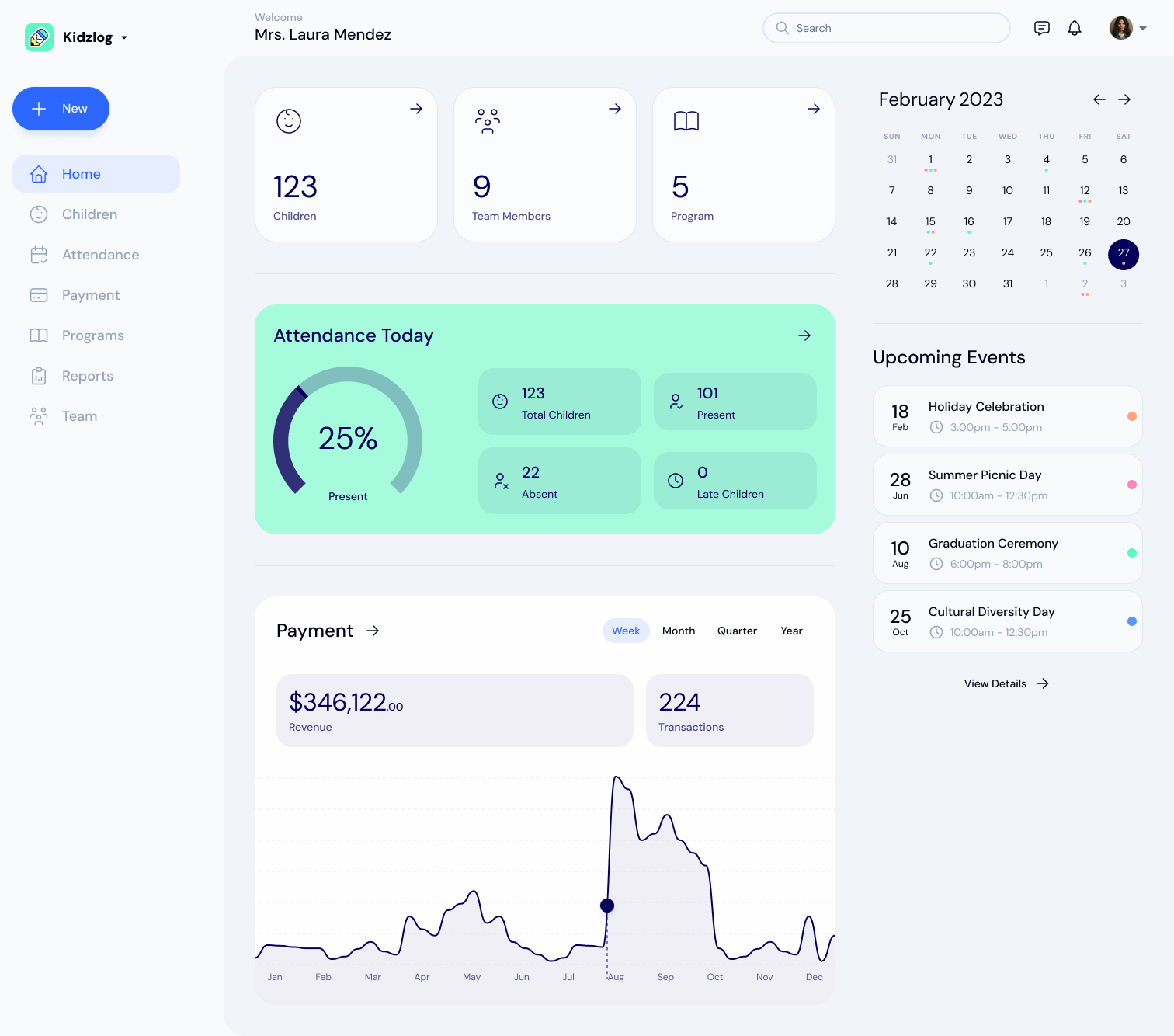
KidzLog vs Procare for Small Centers
An honest comparison of KidzLog and Procare for small and mid-size centers: pricing, what is included, and how...
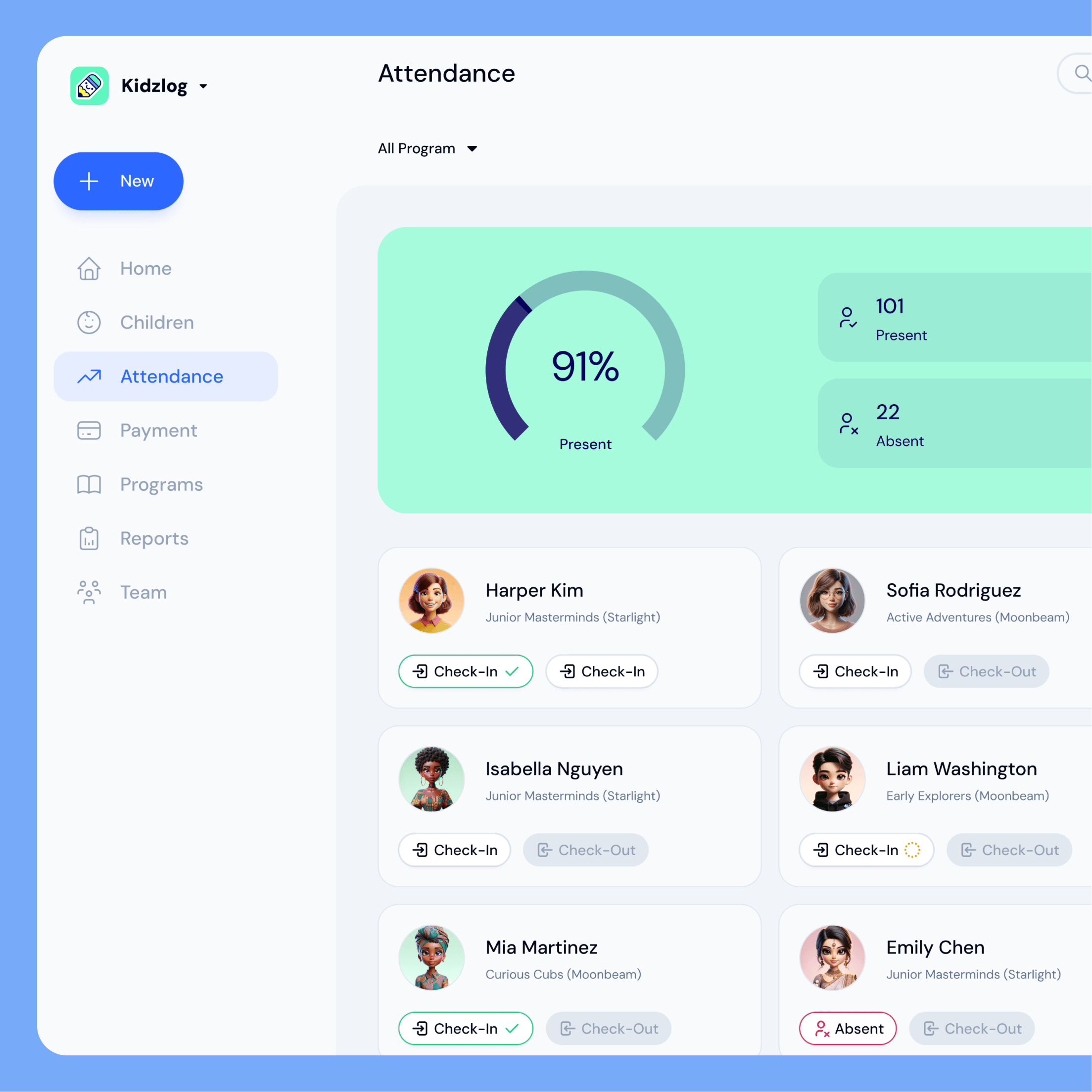
KidzLog vs Brightwheel for Small Centers
An honest comparison of KidzLog and Brightwheel for small and mid-size centers: pricing math, setup time, and how...