How to Implement Childcare Management Software
Implementing childcare management software isn't just about choosing a digital solution—it's about transforming how your center operates, communicates, and grows. Today, successful childcare centers recognize that technology implementation requires strategic planning, comprehensive training, and careful change management to achieve meaningful results.
With 68-82% of U.S. childcare centers now using digital tools, according to recent industry surveys, the question isn't whether to implement technology, but how to do it effectively. For childcare centers across the United States and Canada looking to streamline operations, improve parent communication, and enhance child safety, this comprehensive guide provides a step-by-step roadmap to successful software implementation.
Whether you're a small family daycare or a multi-location childcare organization, implementing the right management software can reduce administrative tasks by up to 40%, improve parent satisfaction scores, and create more time for what matters most: caring for children. For an overview of available solutions, see our guide on top technology tools to streamline your childcare operations. This guide addresses the unique considerations for both US and Canadian childcare providers, including regulatory compliance requirements and operational best practices.
Understanding the Current Childcare Technology Landscape
Current Industry Context
The childcare management software market has evolved significantly, reaching $234 million in 2024 and growing at 6.3-6.63% CAGR. Cloud-based solutions have become the standard for centers of all sizes. Modern platforms integrate attendance tracking, parent communication, billing, child development documentation, and regulatory compliance into unified systems that work across desktop and mobile devices.
The childcare industry faces significant staffing challenges, with 68% of childcare organizations reporting hiring and retention challenges. These workforce issues are compounded by the expiration of ARPA funding that previously supported improved staff compensation, making operational efficiency through technology more critical than ever.
Key trends shaping current implementations include:
- Mobile-first design: Parents expect real-time updates and seamless communication through smartphone apps
- Integrated payment processing: Streamlined billing with multiple payment options and automated reminders
- Enhanced security protocols: Advanced data protection meeting PIPEDA (Canada) and state privacy requirements (US)
- AI-powered insights: Automated reporting and predictive analytics for enrollment and operational planning
- Multilingual support: Accommodating diverse families across North American communities
Common Implementation Challenges
Before diving into the implementation process, it's crucial to understand why some software rollouts fail:
- Insufficient staff training: 70-84% of change management initiatives fail, often due to inadequate user preparation
- Poor data migration: Lost or corrupted historical records damage trust and compliance
- Resistance to change: Staff and families may resist new processes without proper communication
- Unrealistic timelines: Rushing implementation leads to errors and incomplete adoption
- Inadequate technical support: Limited vendor support during critical transition periods
Phase 1: Pre-Implementation Assessment and Readiness
Conducting a Comprehensive Needs Assessment
Before selecting any software, conduct a thorough evaluation of your center's current operations and future goals.
Operational Assessment Checklist:
- Enrollment and waiting list management: How do you currently track inquiries, applications, and enrollment status?
- Attendance tracking: What methods do you use for sign-in/out, and how accurate are your records?
- Parent communication: How frequently do you communicate with families, and through what channels?
- Billing and payments: What payment methods do you accept, and how do you handle late fees or payment plans?
- Staff scheduling: How do you manage staff schedules, substitutions, and payroll calculations?
- Child development tracking: How do you document learning activities, milestones, and assessments?
- Regulatory compliance: What reports do you need for licensing, funding, or accreditation requirements?
Technology Infrastructure Evaluation:
- Internet connectivity: Assess bandwidth capacity for cloud-based software and mobile app usage
- Device availability: Inventory existing tablets, computers, and smartphones for staff use
- Wi-Fi coverage: Ensure reliable connectivity throughout all classrooms and common areas
- Data backup systems: Evaluate current data protection and recovery capabilities
- Security measures: Review existing cybersecurity protocols and staff training needs
Stakeholder Buy-In Strategies
Successful implementation requires support from all stakeholders, including owners, directors, teachers, support staff, and families.
Building Leadership Support:
Start with a clear business case that demonstrates return on investment through:
- Time savings calculations: Quantify hours currently spent on administrative tasks
- Cost reduction opportunities: Identify areas where software can reduce operational expenses
- Revenue growth potential: Show how improved efficiency can support enrollment growth
- Risk mitigation benefits: Highlight compliance and safety improvements
Engaging Teaching Staff:
Teachers are often the most resistant to technology changes, fearing additional workload or complexity. Address concerns through:
- Early involvement: Include teachers in software evaluation and selection processes
- Benefit focus: Emphasize how software will reduce paperwork and improve parent communication
- Gradual introduction: Allow hands-on exploration during paid training time
- Peer advocacy: Identify early adopters who can become internal champions
Preparing Families:
Parent buy-in is crucial for features like digital attendance and communication apps:
- Transparency: Explain how software will improve their childcare experience
- Privacy assurance: Address data security and privacy concerns proactively
- Training support: Offer multiple training sessions and ongoing technical assistance
- Feedback channels: Create opportunities for families to share concerns and suggestions
Phase 2: Software Selection Criteria and Evaluation
Essential Feature Requirements
Core Functionality (Must-Have):
- Attendance management: Digital check-in/out with photo verification and real-time updates
- Parent communication: Two-way messaging, photo sharing, and daily activity reports
- Billing and payments: Automated invoicing, online payment processing, and late fee management
- Child information management: Health records, emergency contacts, and developmental documentation
- Staff scheduling: Schedule creation, substitution management, and payroll integration
- Reporting capabilities: Attendance reports, financial summaries, and regulatory compliance documentation
Advanced Features (Nice-to-Have):
- Learning activity tracking: Curriculum planning and individual child progress monitoring
- Inventory management: Supplies tracking and automated reordering alerts
- Transportation coordination: Bus route management and arrival/departure notifications
- Marketing tools: Lead tracking, enrollment pipeline management, and automated follow-up
- Integration capabilities: Connections with accounting software, payroll systems, and educational platforms
Vendor Evaluation Process
Technical Evaluation Criteria:
- System reliability: Uptime guarantees and disaster recovery capabilities
- Data security: Encryption standards, backup procedures, and compliance certifications
- User interface design: Intuitive navigation and mobile responsiveness
- Customization options: Ability to adapt software to your center's specific needs
- Scalability: Capacity to grow with your center's expansion plans
Business Evaluation Factors:
- Pricing structure: Monthly subscription costs, setup fees, and additional feature charges
- Implementation support: Training provided, data migration assistance, and go-live support
- Ongoing customer service: Response times, support channels, and user community resources
- Vendor stability: Company history, financial health, and customer retention rates
- Geographic compliance: Understanding of US and Canadian regulatory requirements
Creating a Vendor Comparison Matrix
Develop a scoring system to objectively evaluate different software options:
Sample Evaluation Criteria (Weighted Scoring):
- Core functionality (30%): How well does the software meet essential requirements?
- Ease of use (25%): How intuitive is the interface for staff and parents?
- Customer support (20%): What level of ongoing assistance is provided?
- Cost-effectiveness (15%): Does the pricing align with expected benefits?
- Implementation support (10%): How comprehensive is the setup and training process?
Request demonstrations from top candidates and involve key staff members in the evaluation process. Provide realistic scenarios based on your center's daily operations to test how well each system handles your specific needs.
Phase 3: Implementation Planning and Timeline
Creating a Realistic Implementation Schedule
Pre-Implementation Phase (4-6 weeks):
- Week 1-2: Contract finalization and initial vendor meetings
- Week 3-4: Staff communication and initial training schedule development
- Week 5-6: Data collection and migration preparation
Implementation Phase (typically 10-24 weeks depending on center size):
- Weeks 1-4: System setup and configuration
- Weeks 5-8: Data migration and testing
- Weeks 9-16: Staff training and pilot testing
- Weeks 17-24: Parent onboarding and full system launch
Post-Implementation Phase (4-6 weeks):
- Week 1-2: Daily monitoring and immediate issue resolution
- Week 3-4: Process refinement and additional training
- Week 5-6: Performance evaluation and optimization
Resource Allocation and Budget Planning
Initial Implementation Costs:
- Software setup fees: $500-$2,500 depending on center size and complexity
- Data migration services: $300-$1,500 for historical record transfer
- Staff training time: 40-60 hours of paid training across all employees
- Hardware upgrades: $200-$800 for tablets, improved Wi-Fi, or additional devices
- Documentation and signage: $100-$300 for parent information and instructional materials
Ongoing Monthly Expenses:
- Software subscription: ranges from $1.49 to over $329 per month, varying by features included and center size
- Payment processing fees: 2.9%-3.5% of transaction value for credit card payments
- Additional training: $200-$500 annually for new staff onboarding
- Technical support: Often included in subscription, premium support may cost extra
Risk Management and Contingency Planning
Common Implementation Risks:
- Data loss during migration: Maintain complete backups and test migration processes thoroughly
- Staff resistance: Provide extra training time and incentives for early adoption
- Parent confusion: Develop clear communication materials and offer multiple training opportunities
- Technical difficulties: Ensure vendor support is readily available during launch period
- Timeline delays: Build buffer time into schedules and communicate realistic expectations
Contingency Strategies:
- Maintain parallel systems during transition periods
- Designate internal "super users" for peer support
- Establish direct vendor contact for urgent technical issues
- Create rollback procedures if major problems arise
- Document lessons learned for future system updates
Phase 4: Data Migration Best Practices
Preparing Your Existing Data
Data Audit and Cleanup:
Before migration, conduct a comprehensive review of existing records:
- Child enrollment records: Verify accuracy of personal information, emergency contacts, and medical data
- Financial records: Reconcile outstanding balances, payment histories, and billing arrangements
- Staff information: Update employee records, certifications, and contact information
- Historical attendance: Organize attendance records for compliance and reporting requirements
Data Format Standardization:
Most software requires specific data formats for successful migration:
- Name formatting: Ensure consistent capitalization and special character handling
- Date formats: Standardize date entries (MM/DD/YYYY vs DD/MM/YYYY considerations for Canadian centers)
- Phone numbers: Use consistent formatting for US and Canadian phone numbers
- Address formats: Verify postal codes and provincial/state abbreviations
Migration Process Management
Testing Migration Procedures:
- Run pilot migrations with sample data sets to identify potential issues
- Verify that all critical information transfers accurately
- Test reporting capabilities with migrated data
- Confirm that relationships between records (parent-child connections) remain intact
Backup and Recovery Protocols:
- Create complete backups of all existing data before beginning migration
- Store backups in multiple locations (cloud and physical) for security
- Document recovery procedures in case migration issues require rollback
- Maintain access to old systems until migration success is confirmed
Timeline Coordination:
- Schedule migration during low-activity periods (weekends or evenings)
- Allow extra time for troubleshooting and verification
- Plan for limited system access during migration windows
- Communicate blackout periods to staff and families in advance
Phase 5: Comprehensive Staff Training Programs
Training Program Structure
Administrator Training (8-12 hours recommended):
Directors and office staff benefit from comprehensive training on all system features:
- System administration: User management, security settings, and backup procedures
- Reporting and analytics: Generating compliance reports, financial summaries, and operational insights
- Billing management: Setting up fee structures, processing payments, and handling delinquent accounts
- Data management: Maintaining accuracy, updating records, and managing privacy settings
Teacher Training (4-6 hours recommended):
Classroom staff focus on daily-use features that enhance their work:
- Attendance tracking: Digital sign-in/out procedures and mobile app usage
- Parent communication: Sending daily reports, sharing photos, and responding to messages
- Child documentation: Recording activities, milestones, and incident reports
- Basic troubleshooting: Resolving common technical issues independently
Support Staff Training (2-4 hours recommended):
Kitchen, maintenance, and substitute staff benefit from basic system knowledge:
- Attendance procedures: Emergency evacuation lists and child location tracking
- Communication protocols: Who to contact for technical assistance
- Safety features: How to access emergency contact information quickly
Training Delivery Methods
In-Person Sessions:
- Hands-on practice with real scenarios from your center
- Immediate question answering and problem-solving
- Team building and peer learning opportunities
- Customization for specific roles and responsibilities
Online Learning Modules:
- Self-paced learning for review and reference
- Consistent messaging across all staff members
- Accessibility for different learning styles and schedules
- Cost-effective for large staff teams or multiple locations
Ongoing Support Resources:
- Quick reference guides: Laminated cards for common procedures
- Video tutorials: Step-by-step demonstrations for complex processes
- Peer mentoring: Pairing experienced users with newcomers
- Regular refresher sessions: Monthly mini-training for new features or challenging areas
Training Effectiveness Measurement
Competency Assessments:
Create practical tests that mirror real-world usage:
- Scenario-based exercises: Handle typical daily situations using the software
- Speed and accuracy tests: Measure efficiency improvements over time
- Troubleshooting challenges: Test ability to resolve common problems
- Knowledge retention quizzes: Verify understanding of key procedures
Performance Monitoring:
Track usage patterns and identify areas needing additional support:
- Login frequency: Monitor which staff members are actively using the system
- Feature utilization: Identify underused capabilities that could improve efficiency
- Error rates: Track common mistakes and provide targeted retraining
- User feedback: Regular surveys about confidence and satisfaction levels
Phase 6: Parent Onboarding and Communication
Developing Parent Communication Strategy
Announcement Timeline:
- 8 weeks before launch: Initial announcement with overview and benefits
- 4 weeks before launch: Detailed explanation with training opportunities
- 2 weeks before launch: Final instructions and support contact information
- Launch week: Daily check-ins and immediate assistance availability
- 4 weeks after launch: Feedback collection and process improvements
Communication Channels:
- Email newsletters: Detailed explanations with screenshots and instructions
- Posted notices: Visual guides in pickup/drop-off areas
- Parent meetings: Interactive demonstrations and Q&A sessions
- Website updates: Dedicated FAQ section and video tutorials
- One-on-one assistance: Personal help for families needing extra support
Training Program for Families
Group Training Sessions:
Offer multiple session times to accommodate different schedules:
- Evening sessions: After traditional work hours for working parents
- Weekend workshops: Family-friendly times with childcare provided
- Lunch-hour sessions: Quick introductions for busy professionals
- Virtual options: Online demonstrations for families who cannot attend in person
Individual Support Options:
- Phone assistance: Dedicated help line during first month
- In-person help: Staff available during pickup/drop-off times
- Written guides: Step-by-step instructions in multiple languages
- Video tutorials: Short, focused demonstrations of key features
Addressing Privacy and Security Concerns
Data Protection Explanation:
Parents need clear information about how their data is protected:
- Encryption standards: Explain technical safeguards in accessible language
- Access controls: Describe who can see what information and why
- Data sharing policies: Clarify what information is shared with whom
- Retention policies: Explain how long data is kept and when it's deleted
Privacy Controls for Families:
- Photo sharing preferences: Options to control image sharing and usage
- Communication settings: Ability to choose notification preferences
- Information access: Controls over who can pick up children and access accounts
- Opt-out options: Clear procedures for families who prefer traditional communication methods
Phase 7: Change Management Strategies
Managing Resistance to Change
Understanding Common Concerns:
Staff Concerns:
- Fear of job displacement or skill inadequacy
- Worry about increased workload during transition
- Skepticism about technology reliability
- Preference for familiar manual processes
Parent Concerns:
- Privacy and data security worries
- Complexity of new procedures
- Loss of personal interaction with staff
- Technology access or literacy barriers
Proactive Response Strategies:
- Transparent communication: Share honest timelines and expected challenges
- Success stories: Highlight benefits from similar centers' implementations
- Gradual introduction: Phase in features rather than overwhelming users
- Feedback incorporation: Show how user input influences implementation decisions
Creating Change Champions
Internal Advocacy Program:
Identify and develop staff members who can support their peers:
- Early adopter identification: Recognize staff members who embrace new technology
- Peer training opportunities: Allow champions to assist with colleague training
- Recognition programs: Acknowledge staff who help others adapt successfully
- Feedback channels: Use champions to gather and relay peer concerns
Parent Ambassador Network:
Engage enthusiastic families to help others adapt:
- Volunteer opportunities: Invite tech-savvy parents to assist at training sessions
- Testimonial sharing: Encourage satisfied families to share positive experiences
- Peer support networks: Facilitate connections between comfortable and struggling families
- Community building: Use technology adoption as a way to strengthen parent community
Communication During Transition
Regular Update Schedule:
- Weekly staff meetings: Progress reports and issue resolution
- Monthly parent newsletters: Milestones achieved and upcoming changes
- Quarterly surveys: Formal feedback collection and response planning
- Annual reviews: Comprehensive evaluation and future planning
Issue Resolution Protocols:
- Clear escalation paths: Who to contact for different types of problems
- Response time commitments: Realistic expectations for problem resolution
- Documentation procedures: Recording issues to prevent recurrence
- Learning integration: Using problems as training opportunities
Phase 8: Common Implementation Challenges and Solutions
Technical Challenge Resolution
System Integration Issues:
Challenge: Existing payroll or accounting systems don't integrate smoothly Solution:
- Work with vendors to develop custom integration solutions
- Consider interim manual processes while integration is developed
- Evaluate whether switching additional systems would improve overall efficiency
- Document workaround procedures for staff consistency
Challenge: Mobile app performance issues or connectivity problems Solution:
- Upgrade Wi-Fi infrastructure before implementation
- Provide alternative devices for staff experiencing problems
- Develop offline procedures for critical functions
- Establish vendor support protocols for technical emergencies
User Adoption Challenges
Staff Resistance and Slow Adoption:
Challenge: Experienced staff resist changing familiar procedures Solution:
- Extend training timelines for hesitant staff members
- Pair resistant staff with enthusiastic early adopters
- Provide one-on-one mentoring and support
- Create incentive programs for successful adoption
- Share success metrics and positive feedback regularly
Challenge: High error rates during initial usage period Solution:
- Implement double-checking procedures during transition
- Provide additional practice time with sample data
- Create quick reference materials for complex procedures
- Establish peer support networks for immediate assistance
Communication and Process Issues
Parent Confusion and Low Engagement:
Challenge: Families struggle with new communication methods Solution:
- Offer multiple training formats (in-person, online, written guides)
- Provide materials in multiple languages for diverse communities
- Maintain traditional communication options during transition
- Create parent buddy system for peer support
- Establish dedicated help hours during busy pickup/drop-off times
Challenge: Inconsistent procedures across different staff shifts Solution:
- Develop detailed written procedures for all common tasks
- Conduct shift-specific training sessions
- Implement supervisor check-ins during first month
- Create accountability systems for procedure compliance
- Regular refresher training for all staff members
Phase 9: Success Metrics and Performance Monitoring
Key Performance Indicators (KPIs)
Operational Efficiency Metrics:
- Time savings measurement: Compare administrative task completion times before and after implementation
- Attendance accuracy: Monitor improvement in sign-in/out precision and compliance
- Communication response rates: Track parent engagement with digital communication tools
- Billing efficiency: Measure reduction in payment processing time and collection periods
- Report generation speed: Compare time required for compliance and operational reporting
User Satisfaction Indicators:
- Staff adoption rates: Monitor percentage of staff actively using different software features
- Parent engagement levels: Track participation in digital communication and payment systems
- Error reduction: Measure decrease in data entry mistakes and procedural errors
- Training effectiveness: Assess competency levels and ongoing support needs
- System reliability: Monitor uptime, response speeds, and technical issue frequency
Data Collection and Analysis
Quantitative Measurement Tools:
- Usage analytics: Built-in software reporting on feature utilization and user activity
- Time tracking studies: Before-and-after comparisons of routine task completion
- Financial impact analysis: Cost savings from reduced administrative time and improved efficiency
- Compliance improvements: Reduced violations or improved inspection scores
- Customer satisfaction surveys: Structured feedback collection from staff and families
Qualitative Assessment Methods:
- Focus groups: Regular discussions with staff and parents about experience and suggestions
- Individual interviews: One-on-one conversations with key stakeholders
- Observation studies: Watching daily workflows to identify improvement opportunities
- Case studies: Detailed analysis of specific implementation successes or challenges
- Feedback integration: Systematic review and response to user suggestions
Continuous Improvement Processes
Regular Review Cycles:
- Weekly monitoring: Quick check-ins on immediate issues and urgent needs
- Monthly assessments: Comprehensive review of usage patterns and satisfaction levels
- Quarterly evaluations: Formal analysis of performance metrics and goal achievement
- Annual planning: Strategic review and planning for system enhancements or expansions
Optimization Strategies:
- Feature utilization expansion: Training on underused capabilities that could improve operations
- Workflow refinement: Adjusting procedures based on usage patterns and feedback
- Integration opportunities: Connecting additional systems or services for greater efficiency
- Scalability planning: Preparing for enrollment growth or additional location implementation
Phase 10: Post-Implementation Optimization
Advanced Feature Implementation
Phase Two Feature Rollout:
Once basic functionality is stable, introduce advanced capabilities:
- Learning assessment tools: Digital portfolios and developmental milestone tracking
- Advanced reporting: Custom dashboards and predictive analytics
- Marketing automation: Lead nurturing and enrollment pipeline management
- Staff scheduling optimization: Automated scheduling based on ratios and qualifications
- Inventory management: Supply tracking and automated reordering systems
Integration Expansion:
- Financial system connections: Direct integration with accounting and payroll software
- Educational platform links: Connections to curriculum planning and assessment tools
- Communication enhancements: Integration with email marketing and website contact forms
- Security system integration: Connecting access controls and surveillance systems
- Health management tools: Integration with health screening and medication tracking
Long-term Success Strategies
Technology Evolution Planning:
- Software update management: Staying current with vendor improvements and new features
- Hardware refresh cycles: Planning for device updates and technology improvements
- Training program evolution: Adapting training materials and methods as software evolves
- User feedback integration: Continuous incorporation of staff and parent suggestions
- Industry trend monitoring: Staying informed about emerging childcare technology solutions
Return on Investment Maximization:
- Efficiency optimization: Continuously refining processes to maximize time savings
- Cost reduction identification: Finding additional areas where technology can reduce expenses
- Revenue enhancement: Using technology to support enrollment growth and retention
- Quality improvement: Leveraging data and communication tools to enhance care quality
- Competitive advantage: Using technology capabilities to differentiate your center in the market
Technology Trends and Future Preparation
Emerging Technologies in Childcare Management
Artificial Intelligence Integration:
- Predictive enrollment analytics: AI-powered forecasting for capacity planning and marketing
- Automated compliance monitoring: Smart systems that flag potential regulatory issues
- Personalized communication: AI-assisted messaging that adapts to individual family preferences
- Learning pattern analysis: Technology that identifies optimal learning approaches for individual children
- Operational optimization: AI recommendations for staffing, scheduling, and resource allocation
Enhanced Mobile Capabilities:
- Augmented reality features: Virtual center tours for prospective families
- Wearable device integration: Activity tracking and safety monitoring for children
- Voice-activated interfaces: Hands-free communication and data entry for busy staff
- Offline functionality: Robust mobile features that work without internet connectivity
- Biometric security: Advanced safety features for child pickup and access control
Preparing for Future Developments
Infrastructure Readiness:
- 5G network preparation: Ensuring internet infrastructure can support advanced mobile features
- Cloud computing optimization: Maximizing benefits of cloud-based solutions and data analytics
- Cybersecurity advancement: Staying ahead of evolving security threats and privacy requirements
- Device management: Planning for increased mobile device usage and management needs
- Data analytics capability: Building staff skills for interpreting and acting on technology-generated insights
Staff Development for Technology Evolution:
- Digital literacy programs: Ongoing training to keep staff comfortable with evolving technology
- Change management skills: Building organizational capacity for continuous technology adaptation
- Data interpretation training: Teaching staff to use analytics for decision-making and improvement
- Innovation mindset: Encouraging openness to new technologies and process improvements
- Cross-training initiatives: Ensuring multiple staff members can handle critical technology functions
Troubleshooting Common Implementation Issues
Technical Problem Resolution
Login and Access Issues:
Problem: Staff or parents cannot access the system Troubleshooting Steps:
- Verify username and password accuracy
- Check internet connectivity and browser compatibility
- Clear browser cache and cookies
- Try accessing from different devices or networks
- Contact vendor support with specific error messages
- Implement temporary alternative procedures while resolving
Problem: Mobile app crashes or freezes frequently Troubleshooting Steps:
- Update app to latest version
- Restart mobile device completely
- Check available storage space and memory
- Uninstall and reinstall app if necessary
- Test on different devices to isolate hardware issues
- Report persistent problems to vendor with device specifications
Data and Process Issues
Attendance Tracking Problems:
Problem: Sign-in/out times are inaccurate or missing Resolution Strategy:
- Implement double-checking procedures during transition period
- Provide additional training on proper sign-in/out procedures
- Create backup manual procedures for technical failures
- Establish clear protocols for correcting attendance errors
- Monitor patterns to identify training needs or system issues
Problem: Parent communication messages are not being delivered Resolution Strategy:
- Verify parent contact information and app installation
- Check spam filters and notification settings
- Test message delivery across different devices and email providers
- Provide alternative communication methods during technical issues
- Document delivery problems for vendor investigation
User Experience Improvements
Simplifying Complex Procedures:
- Create step-by-step visual guides for complicated processes
- Develop quick reference cards for common tasks
- Implement buddy systems for peer support
- Offer additional training sessions for struggling users
- Gather specific feedback about confusing features or processes
Enhancing User Adoption:
- Celebrate successful usage milestones and improvements
- Share positive feedback and success stories
- Provide ongoing encouragement and support
- Create friendly competition around feature usage
- Recognize staff members who help others learn effectively
Implementation Success Case Studies
Small Family Daycare Implementation
Background: 25-child family daycare in suburban Ontario implementing first management software
Challenges:
- Limited technical experience among staff
- Budget constraints for training and setup
- Parent concerns about privacy and complexity
- Need to maintain personal touch while adding efficiency
Solutions:
- Extended implementation timeline with gradual feature introduction
- Partnered with local technical support for hands-on assistance
- Created simple, visual training materials in multiple languages
- Maintained traditional communication options alongside digital tools
Results:
- 60% reduction in administrative tasks within 3 months
- Improved parent satisfaction with real-time communication
- Enhanced compliance with provincial reporting requirements
- Successful preparation for enrollment expansion
Multi-Location Center Implementation
Background: 4-location childcare organization in California implementing centralized management system
Challenges:
- Coordinating training across multiple sites and time zones
- Standardizing procedures while maintaining site-specific flexibility
- Managing data migration from different existing systems
- Ensuring consistent quality across all locations
Solutions:
- Appointed site champions for local support and training
- Developed standardized procedures with approved local adaptations
- Staggered implementation across locations to apply lessons learned
- Created centralized support system with local backup procedures
Results:
- Unified reporting and management across all locations
- Improved operational consistency and quality control
- Enhanced ability to share resources and best practices
- Streamlined administrative oversight and compliance monitoring
Regulatory Compliance and Legal Considerations
United States Compliance Requirements
Federal Requirements:
- FERPA compliance: Protecting educational records and family privacy
- COPPA regulations: Children's online privacy protection for technology use
- ADA compliance: Ensuring accessibility for families with disabilities
- Health information privacy: HIPAA considerations for medical and health records
State-Specific Considerations:
- Licensing requirements: Meeting state-specific childcare operational standards
- Reporting obligations: Automated compliance with state monitoring and inspection requirements
- Staff qualification tracking: Maintaining current certification and training records
- Background check management: Secure storage and regular verification of staff clearances
Canadian Compliance Requirements
Federal Requirements:
- PIPEDA compliance: Personal Information Protection and Electronic Documents Act
- Privacy Act obligations: Government privacy requirements for funded programs
- Employment standards: Federal labor law compliance for staff management
- Tax reporting: CRA requirements for payroll and business income reporting
Provincial Variations:
- Quebec specific requirements: Bill 96 language provisions (implemented June 1, 2025 for organizations with 25+ employees) and unique privacy laws
- Licensing standards: Provincial childcare operation requirements and inspection protocols
- Health and safety regulations: Provincial workplace safety and child protection standards
- Funding program compliance: Requirements for subsidized childcare program participation and CCDF 2025-2027 plan submissions (deadline was July 1, 2024)
Data Security and Privacy Best Practices
Technical Safeguards:
- Encryption standards: Ensuring all data transmission and storage meets current security standards
- Access controls: Implementing role-based permissions and regular access reviews
- Backup procedures: Secure, regular data backups with tested recovery procedures
- Incident response: Clear protocols for responding to security breaches or data concerns
Operational Protections:
- Staff training: Regular education about privacy responsibilities and security procedures
- Parent consent: Clear, comprehensive consent processes for data collection and usage
- Vendor assessment: Regular evaluation of software provider security practices and compliance
- Policy development: Written privacy and security policies that meet legal requirements
Key Implementation Takeaways
Immediate Action Steps
Start Small and Build Gradually:
- Begin with core features (attendance, basic communication) before adding advanced capabilities
- Allow 3-6 months for full adoption of basic features before introducing additional complexity
- Focus on mastering essential functions before exploring optional enhancements
- Celebrate small victories to build confidence and momentum
Invest in Comprehensive Training:
- Allocate sufficient time and budget for initial and ongoing staff development
- Provide multiple learning formats to accommodate different learning styles and schedules
- Create internal expertise through super-user development and peer mentoring
- Plan for new staff onboarding and regular refresher training sessions
Prioritize Change Management and Communication:
- Communicate early, often, and transparently about implementation plans and progress
- Address concerns proactively with honest information and realistic timelines
- Involve stakeholders in decision-making processes to build ownership and support
- Maintain traditional backup procedures during transition periods to reduce anxiety
Plan for Ongoing Optimization:
- Establish regular review cycles to assess performance and identify improvement opportunities
- Stay engaged with vendor support and user communities for best practices and updates
- Budget for ongoing training, technical support, and system enhancements
- Document lessons learned to improve future technology implementations
Long-term Success Factors
Technology Integration with Childcare Philosophy:
- Ensure technology enhances rather than replaces personal relationships and hands-on care
- Use efficiency gains to create more time for meaningful interactions with children and families
- Leverage data and communication tools to improve care quality and family engagement
- Maintain balance between digital convenience and authentic human connection
Continuous Improvement Mindset:
- Regularly assess how technology is supporting your center's mission and goals
- Stay informed about industry trends and emerging technologies that could benefit operations. Our guide on choosing childcare management software covers selection criteria in detail
- Encourage staff and family feedback and suggestions for system improvements
- View technology implementation as an ongoing journey rather than a one-time project
Building Organizational Capacity:
- Develop internal technical expertise to reduce dependence on external support
- Create documentation and procedures that support consistent usage across all staff
- Build change management skills that will support future technology adoptions
- Foster a culture of learning and adaptation that embraces beneficial innovations
Measuring True Success
Successful childcare management software implementation isn't just about completing the technical setup—it's about creating lasting improvements in how your center operates and serves families. True success indicators include:
- Enhanced child safety: More accurate attendance tracking and emergency preparedness
- Improved family satisfaction: Better communication and engagement with their child's daily experience
- Increased staff efficiency: More time for direct child care and meaningful educational activities
- Stronger compliance: Automated reporting and documentation that supports regulatory requirements
- Sustainable operations: Technology that grows with your center and supports long-term success
Implementation challenges are normal and expected, but with careful planning, comprehensive training, and ongoing support, childcare management software can transform your center's operations while preserving the personal care and attention that families value most.
Ready to streamline your childcare center operations with proven implementation strategies? Try KidzLog today and see how our comprehensive management platform, backed by expert implementation support, can transform your daycare operations while maintaining the personal touch families love.
Ready to Simplify and Organize your Daycare?
Get started with KidzLog today!
KidzLog Team
Related Articles
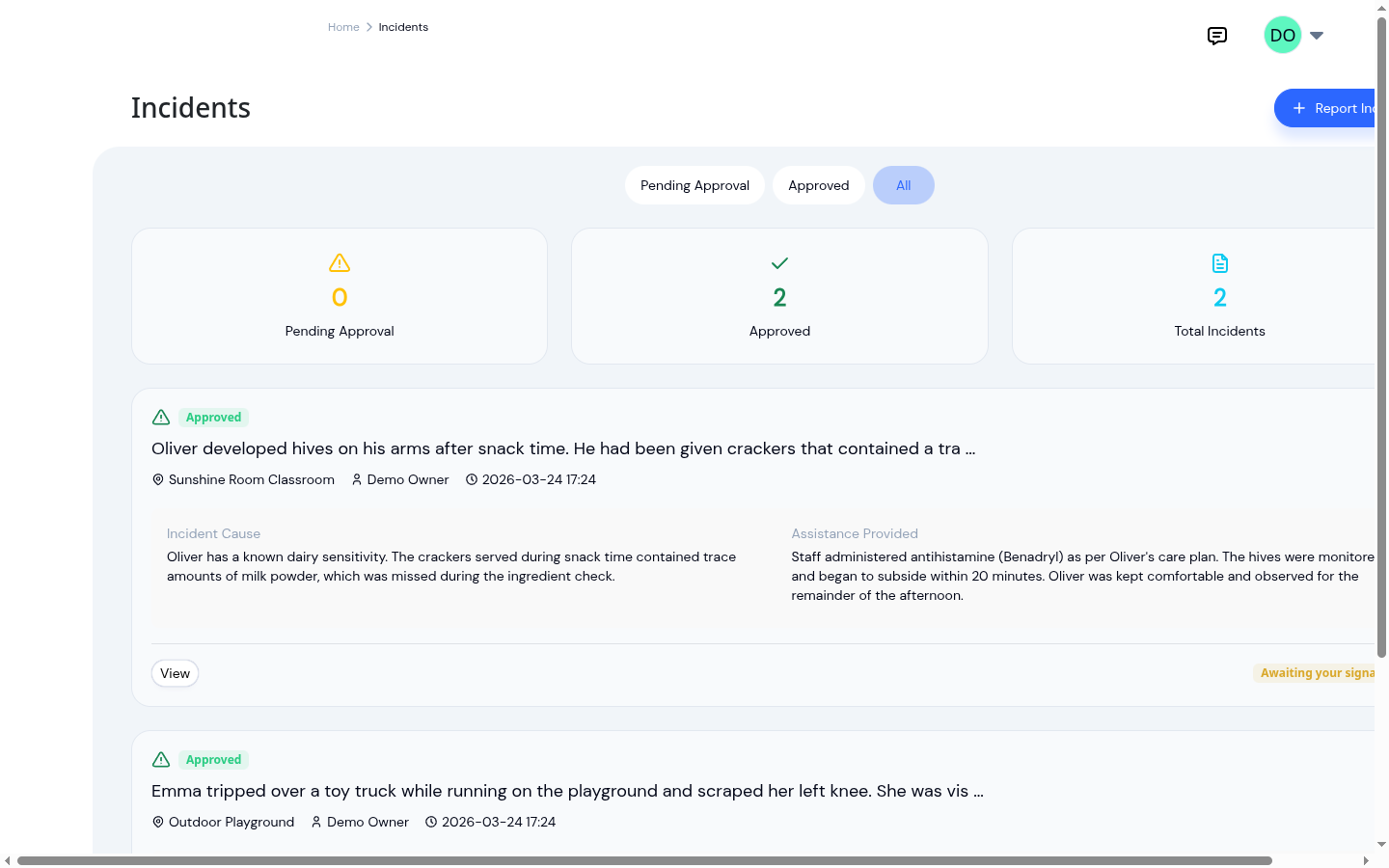
Paper vs digital incident reports
Paper vs digital incident reports compared on time spent writing them, accuracy of the record, and how easily they can...
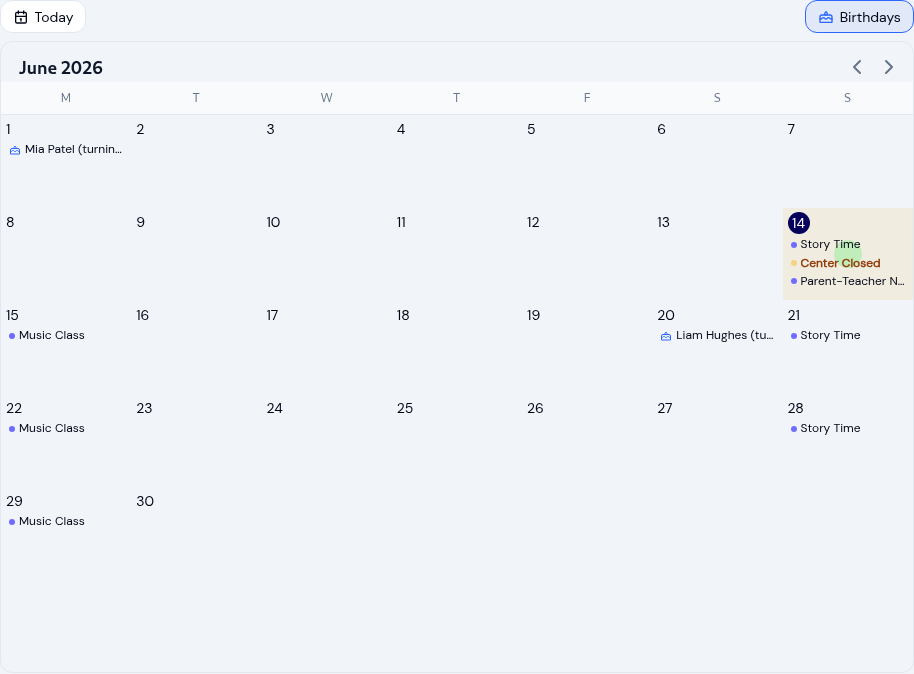
Running your childcare center calendar
Keep every family and teacher on the same page with a childcare calendar: scoped events, recurring schedules, closure...
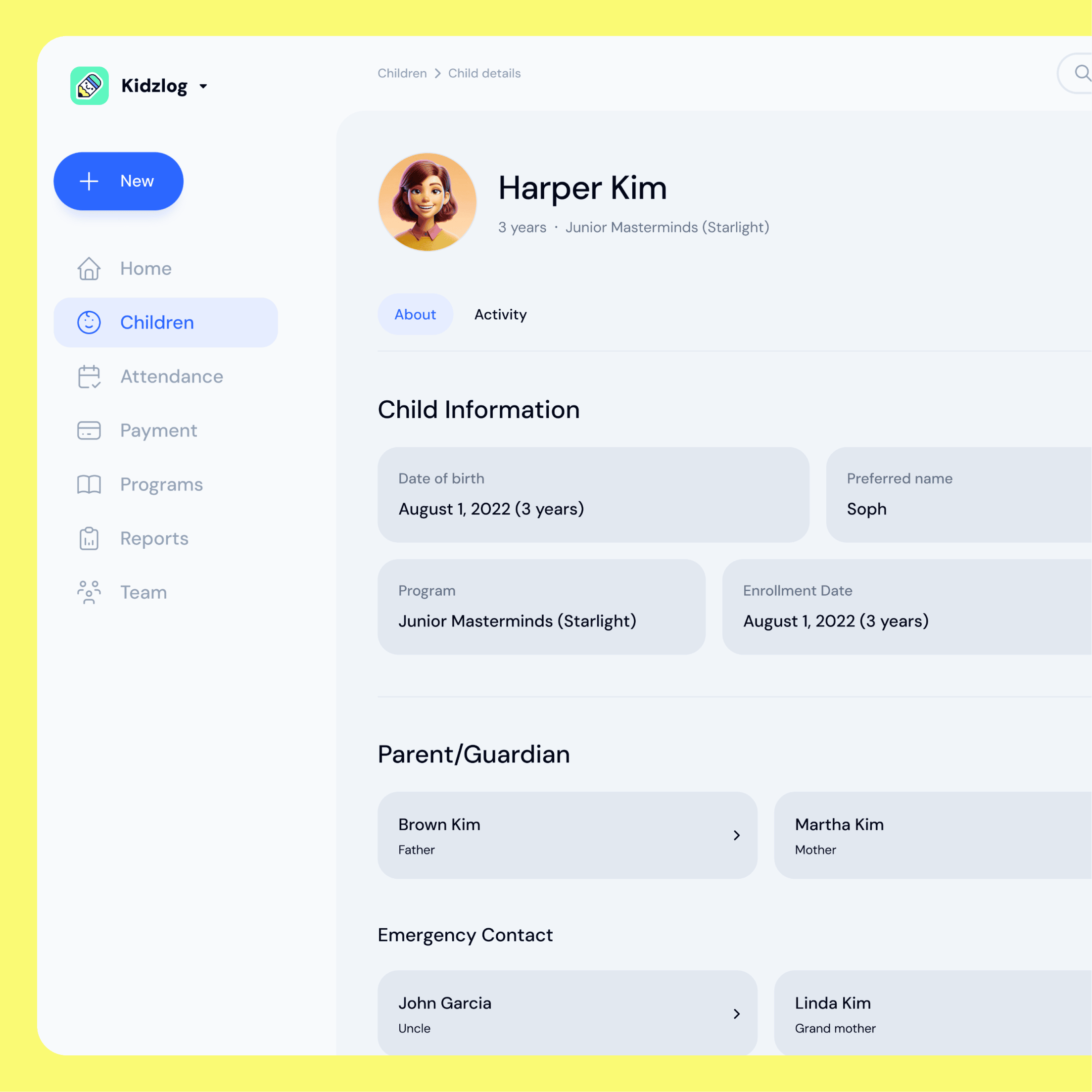
Switching daycare software: import your roster
Moving to a new childcare platform usually means a sales call and a wait. KidzLog lets you import your whole roster...