
Childcare Management Software for Daycare Providers
If you run a daycare, preschool, or home childcare program, you’ve probably heard the term "childcare management software" but may not be sure what it actually covers, whether you need it, or how it differs from the spreadsheets and paper systems you already use.
This guide explains what childcare management software is, what the core features look like in practice, and how to tell if your center has outgrown its current approach.
What Childcare Management Software Actually Does
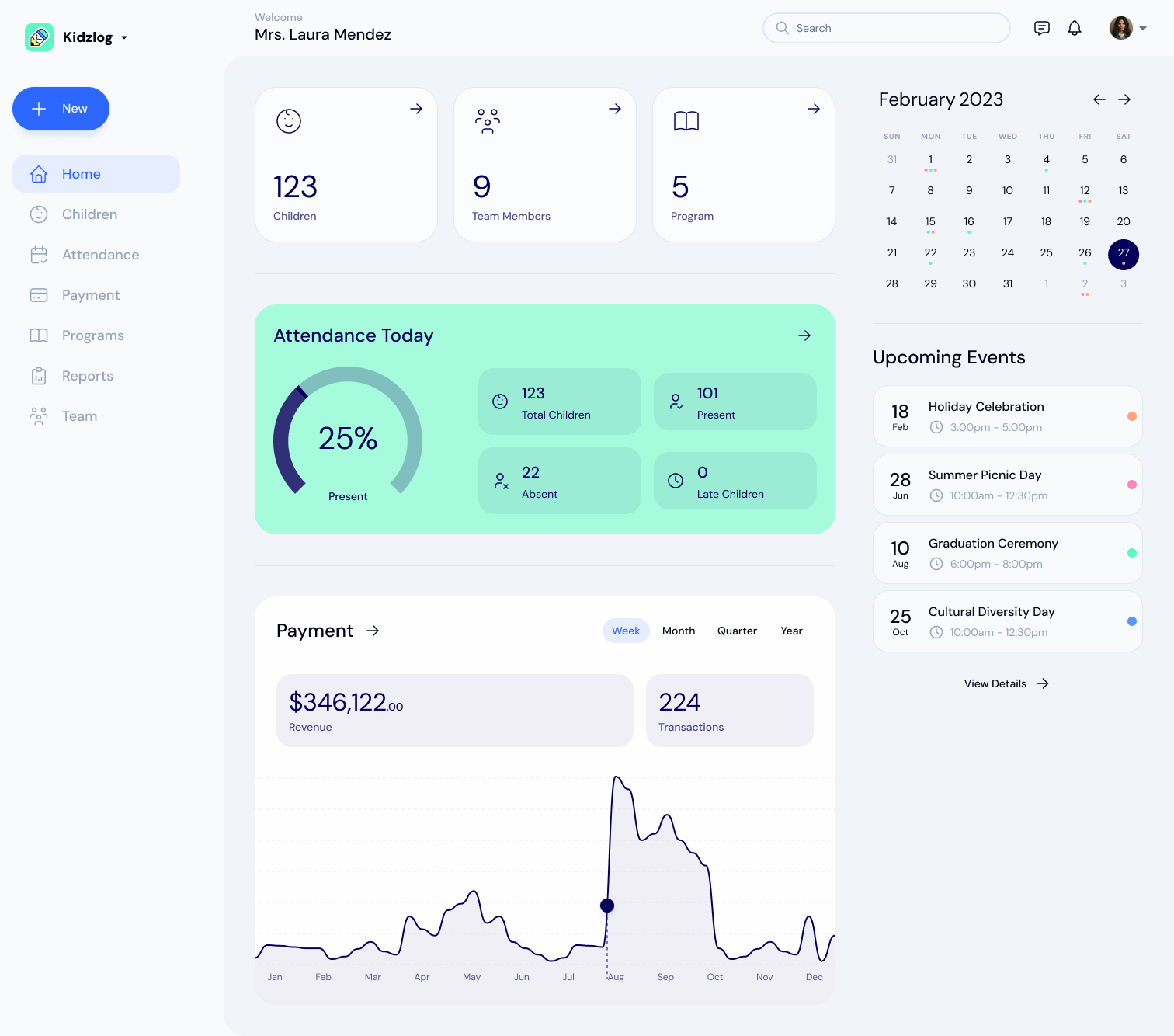
Childcare management software is a platform that handles the administrative side of running a center: attendance, parent communication, child records, billing, and enrollment. Instead of managing these across paper forms, spreadsheets, email, and separate apps, everything lives in one system.
The category has grown because childcare operations have a unique combination of requirements that generic business tools handle poorly. You need real-time attendance for licensing compliance, parent-facing communication that works on mobile, child-specific medical and allergy records with instant access, and billing tied to attendance patterns. No generic CRM or project management tool covers all of that.
For a broader look at the technology landscape, see our guide on top technology tools to streamline your childcare operations.
Core Features to Expect
Not every platform includes every feature, but these are the capabilities that define the category:
Attendance Tracking
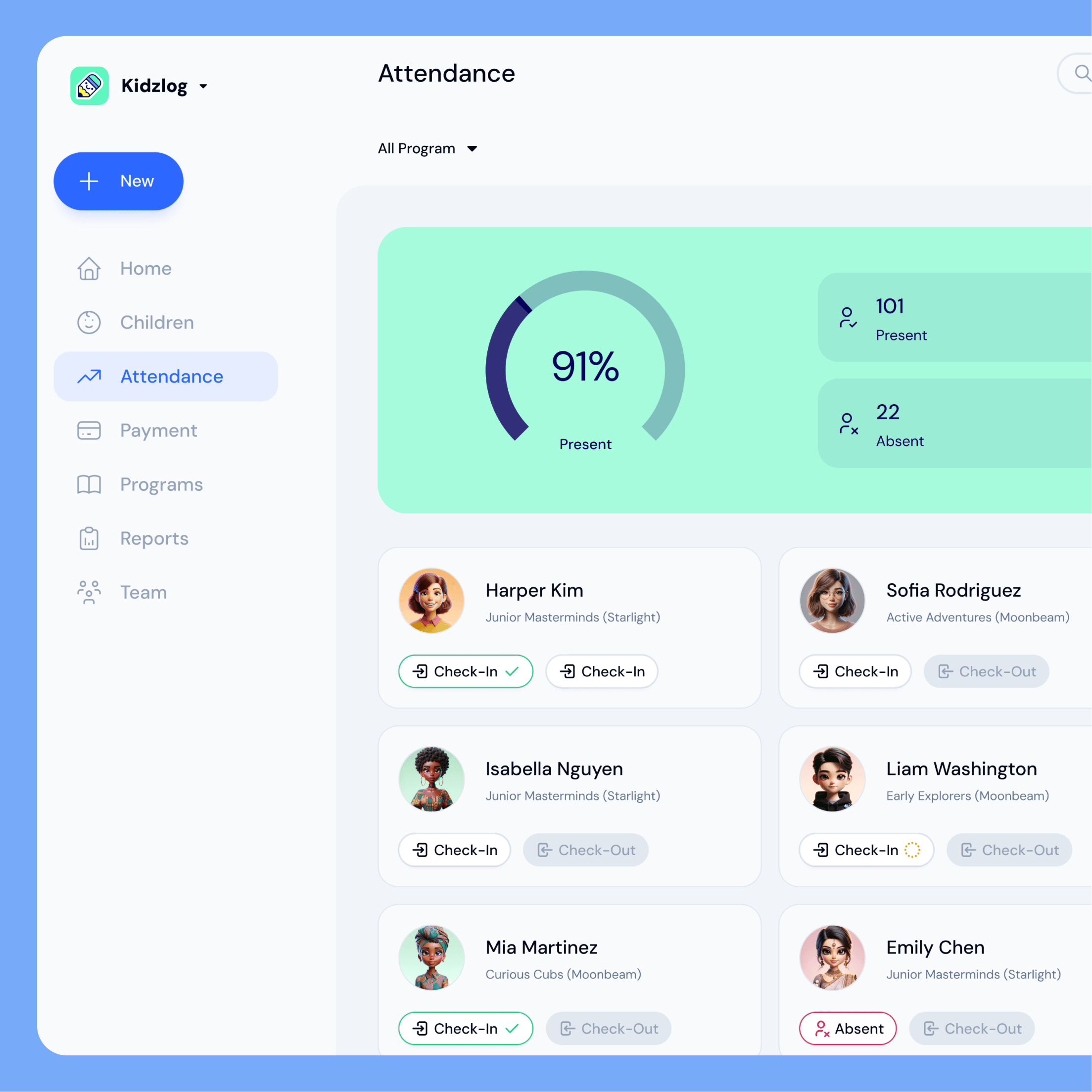
The most fundamental feature. Digital attendance tracking replaces paper sign-in sheets with timestamped records that update in real time. Staff record check-ins and check-outs on a tablet, phone, or computer. The system stores every record automatically, which matters for licensing audits and ratio compliance.
The practical difference from paper: when a licensing inspector asks for three months of attendance records, you pull them up in seconds instead of digging through filing cabinets. For a deeper look at how digital attendance works, see our guide on daycare attendance software explained.
Parent Communication
Most platforms include built-in messaging so staff can send updates, photos, and announcements to parents without using personal phone numbers or email. This typically includes one-on-one conversations, group announcements, and daily activity reports.
The shift from email and text messages matters for two reasons: all communication lives in one audit-friendly place, and staff don’t need to share personal contact information with families.
Child Information Management
Every child has medical records, allergy information, emergency contacts, authorized pickup lists, and enrollment documents. Childcare software centralizes these records so any authorized staff member can access them instantly.
This is a safety feature as much as an organizational one. When a child has an allergic reaction, you need their medical information in seconds, not after searching through a paper file.
Billing and Invoicing
Centers that handle billing manually spend hours each month generating invoices, tracking payments, and following up on overdue balances. Childcare management software automates invoice generation based on enrollment schedules and tracks payment status in one dashboard.
Enrollment Management
Enrollment features handle the process of moving families from inquiry to active enrollment: waitlist management, program assignment, classroom placement, and the paperwork that goes with each step.
Signs Your Center Has Outgrown Paper and Spreadsheets
Not every center needs software. A small home daycare with six children and strong personal relationships with every family can manage fine with paper systems. But there are clear signals that your current approach is creating risk or wasting time:
- Attendance records take more than a few minutes to pull for an audit. If a licensing inspector’s request sends you to a filing cabinet for an hour, your records system is a liability.
- Staff use personal phones for parent communication. This creates privacy issues, makes communication hard to track, and means important messages disappear when a staff member leaves.
- Billing errors are recurring. If you’re manually calculating invoices and regularly catching mistakes, automation pays for itself quickly.
- You can’t answer "who’s here right now?" in under 10 seconds. Real-time attendance visibility is a compliance requirement in most jurisdictions, and it’s a safety baseline.
- Enrollment paperwork is scattered. If waitlist status, program assignments, and family documents live in different places, enrollment becomes error-prone as you grow.
If three or more of these apply, you’re likely spending more time compensating for your tools than the software would cost.
What to Look for When Evaluating Options
The market has dozens of options, and they vary significantly in scope, pricing, and quality. A few things to focus on:
- Mobile access matters. Staff and parents both need to use the system on their phones. If the platform only works well on desktop, adoption will be low.
- Ease of setup. Some platforms require weeks of onboarding. Others let you start using core features within a day. Ask about implementation timelines.
- Pricing transparency. Look for per-child or per-center pricing that’s published on the website. If you need a sales call just to learn the price, the platform is likely designed for larger enterprises.
- Data portability. Ask whether you can export your data if you switch providers. This is easy to overlook and painful to discover later.
For a detailed evaluation framework, see our guide on how to choose childcare management software.
The Bottom Line
Childcare management software replaces the patchwork of paper forms, spreadsheets, personal texts, and manual invoicing that most centers start with. It’s not about adding technology for its own sake. It’s about spending less time on administration and more time on the children and families you serve.
The centers that benefit most are those in the 15-to-100 child range, where the volume of daily tasks has outgrown manual processes but the budget doesn’t support dedicated administrative staff.
If that sounds like your center, KidzLog covers the features above in one platform: see the childcare management software itself, or check the pricing, which is published rather than gated behind a sales call.
Ready to Simplify and Organize your Daycare?
Get started with KidzLog today!
KidzLog Team
Related Articles
KidzLog vs Procare for Small Centers
An honest comparison of KidzLog and Procare for small and mid-size centers: pricing, what is included, and how...
KidzLog vs Brightwheel for Small Centers
An honest comparison of KidzLog and Brightwheel for small and mid-size centers: pricing math, setup time, and how...
How Childcare Attendance Tracking Works
How centers track attendance, why it matters for licensing and safety, and how to tell when paper sign-in sheets have...